BTW, I’ve just gone to try out the sample, but the ‘Download the first chapter’ link is broken – it gets an ‘Access Denied’ error. Only temporary, I’m sure…
Bought! I had the same blank screen when clicking Buy Now; I simply repeated the action and it worked the second time. On the road, so I accessed via iOS and downloaded to my iPhone. Thanks @eastgate!
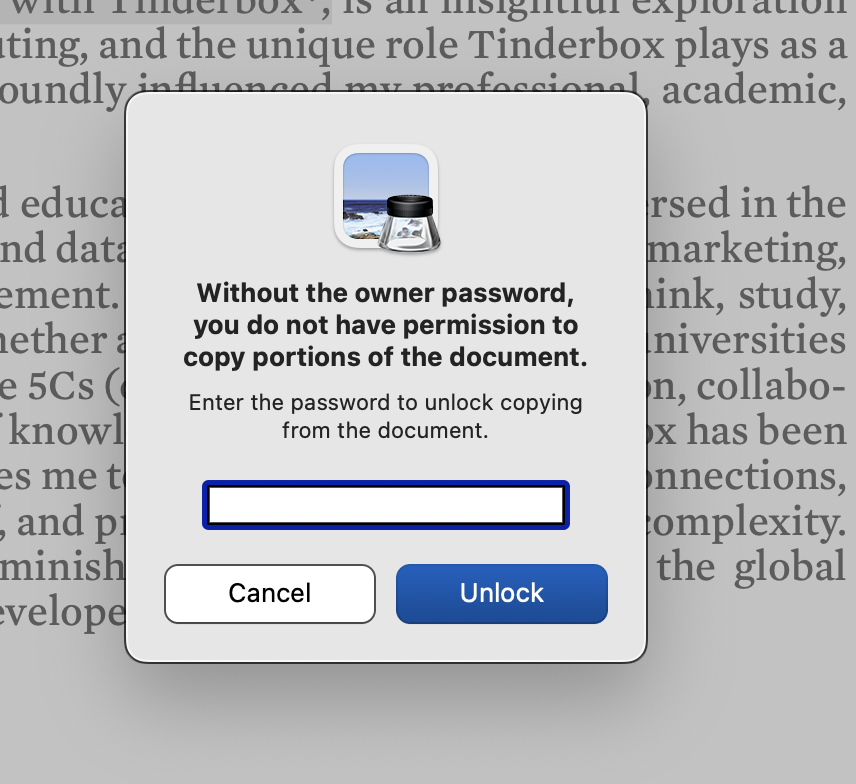
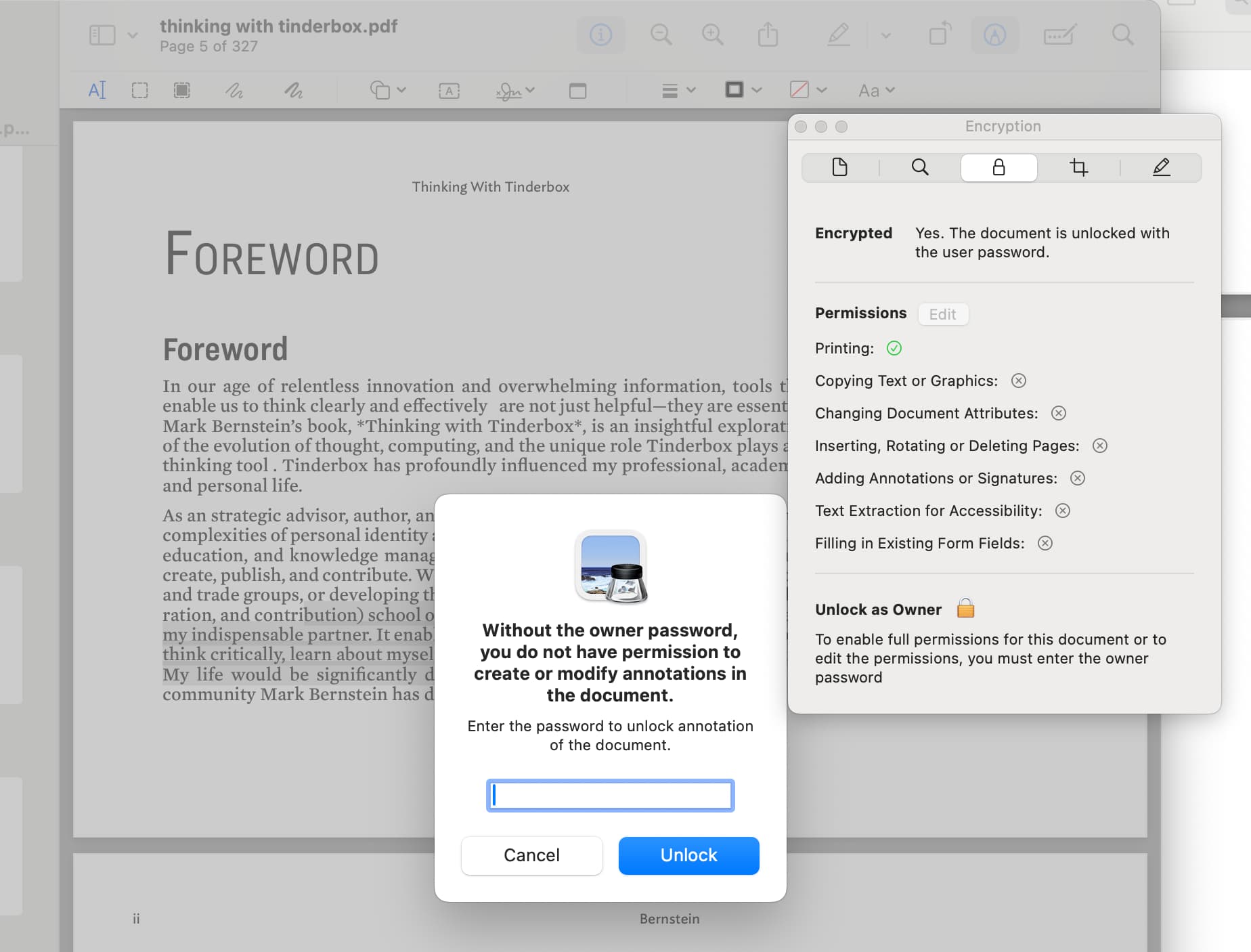
Started to read the book and noticed very quickly that I cannot highlight nor copy parts to my notes. To accomplish this a password from Eastgate seems to be required. Will I get suck a password or am I stuck with the present way the book behaves?
Purchased and downloaded. A couple of hiccups. ApplePay choice did not work. Opens a small pop-up window, which remained blank. Selected “Other payment options” (or words to that effect) and payment proceeded as normal.
Went to download, and a new tab opened in Safari of a blank page. Unclear what just happened. Clicked on the Show Downloads button in the Tool Bar and it showed “Preparing to download” barber poling seemingly without resolution.
I closed the tab and the order page appeared with a security dialog asking to permit downloads from the page. Granted permission and the document immediately downloaded.
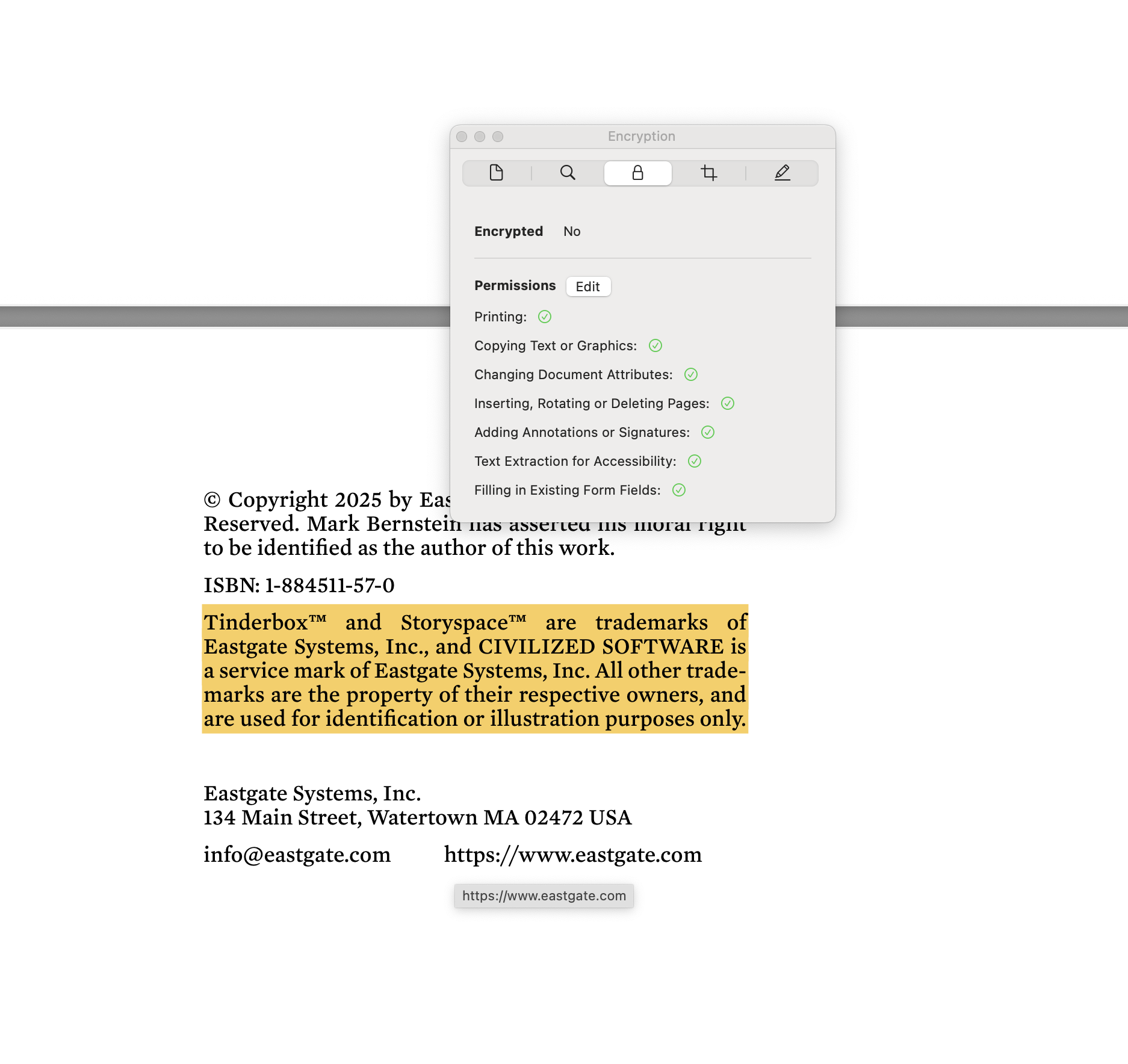
As noted above, the document is locked and copying and highlighting are not permitted without password. I suspect this is a configuration error as copying text by OCR is simple enough.
After I click away from the blank ApplePay box to another payment option, then back the ApplePay option, I was able to complete the ApplePay transaction.
The landscape orientation works better on the screen and also provides space for notes if you like to work from print. (I’ll put together a short run of print copies after Australia.). But I understand the advantages of more conventional layout.
There’s an ePub version, available on request while I figure out how to deliver it with the pdf. bernstein@eastgate.com
OK: I’ve sent you the new version by email. Now we can see whether the problem is with the pdf, or with the version of the pdf you’re receiving from FastSpring.