I’m working on a Tinderbox document about a new project. Part of this is a container of Release Notes, which describe the changes in each release.
Release Notes
     1.3
     1.2
     1.1
     .....
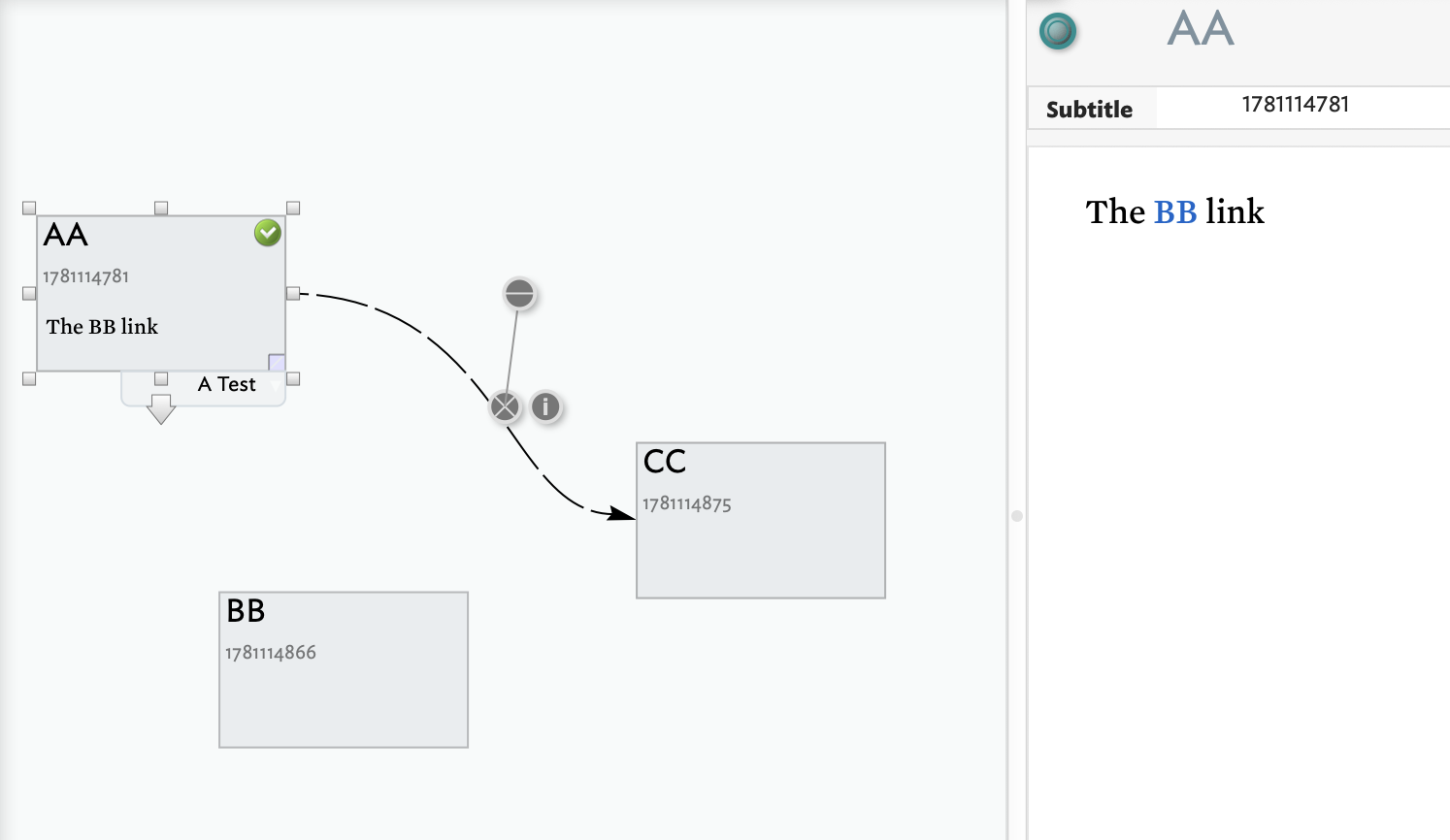
The cover page has lots of links to help readers find out information. I would like a text link on the cover page from “What’s New?” to the most recent release note — to 1.3 in the example above. When I finish version 1.4, the link should should take us to information on that version.
I’m interested in both readers working in Tinderbox and also in HTML export.
how do we know what is the release current version? IOW, First child of ‘Release Notes’ ($CurrentVersion = collect(child,$Name)). We want this stored † somewhere to avoid constant queries of the children of ‘Release Notes’.
if the stored current version (in ‘What’s New’) matches the current version stored in ‘Release Notes’, no action (if($CurrentVersion("What's New")==$CurrentVersion("")){...). Or else:
add a new link to the current release’s note (createLink())
delete the current link to the latest release’s note …
Hmm. We don’t have an operator to delete a link. I wonder if eachLink() allows you to alter the the anchor text and destination ID.
†. We don’t mathematical operations and a version 1.3.1 would break things, so use a String not Number.
To create a URL that internally works in TBX…the code in the template would need to be tweaked to adjust if you’re in the browser in preview.
Other things to consider
The child sort order requrest that the latest note be the first child
The first child will have to be previewed before this will work (this is the same issue I have when try to do slides in TBX, navigation in the template won’t work unless the slide has already been previewed)".
Tested - Using eachLink() can change the target (["destID"]) of a link, basic or text. Yay! But trying to change the anchor text (["anchor"]) of a text link fails, though documentation here suggests the property can be set.