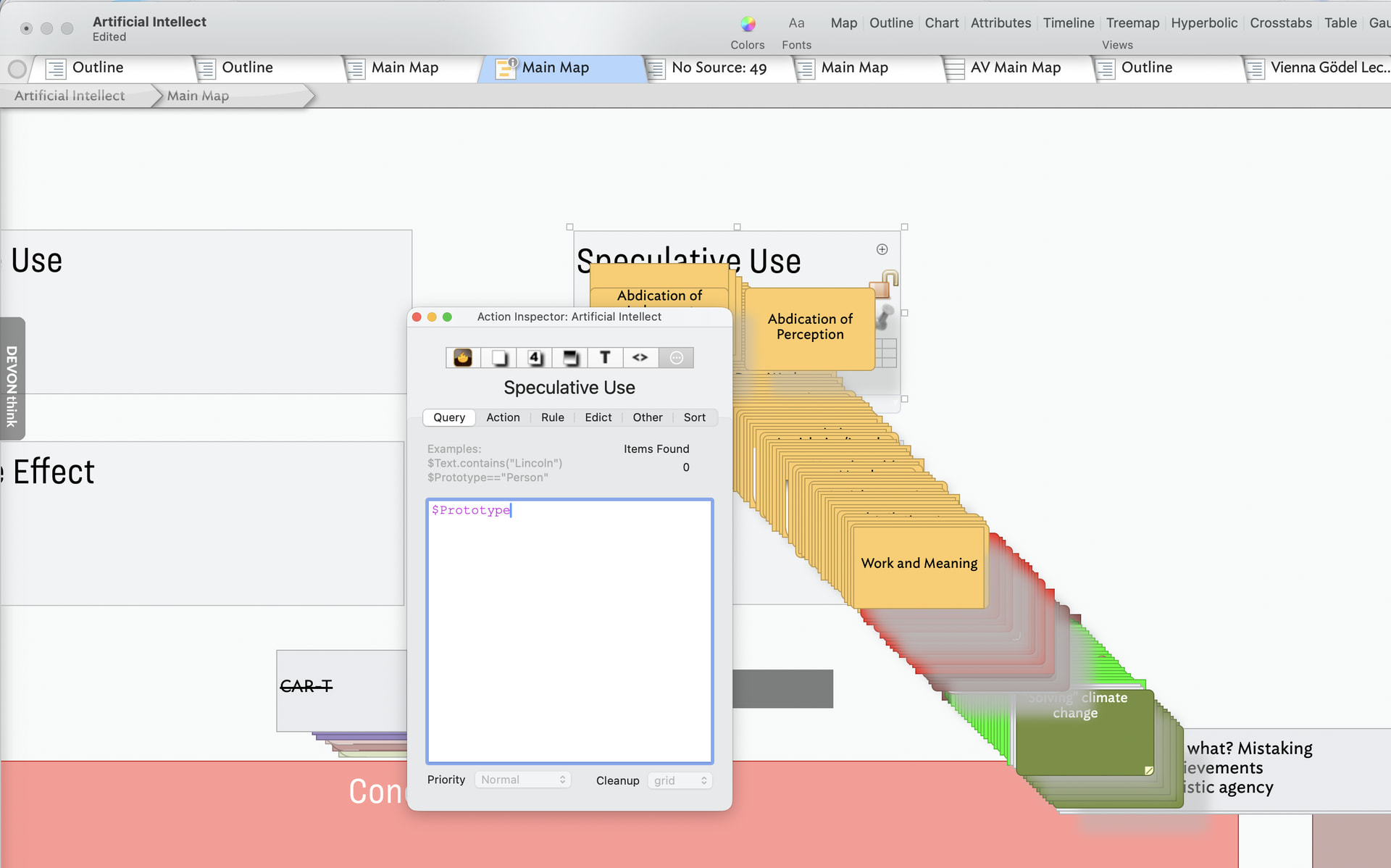
I’ve got a long running map with several smart adornments. This morning I wanted to add a few more and my map has been ‘reorganized’ before I completed the query configuration:
On completing the keyword Prototype ( I have not hit the return key ) the whole map has been pulled in. This mostly sorts itself out once I specify the prototype I am looking for. There is no intersection between any of the prototype queries I have set up.
Some observations:
When I complete the query configuration notes pinned to regular adornments aren’t returned to their proper places.
Notes that have no prototype at all, but a significant location, likewise remain jumbled.
First, it looks like you’re editing a smart adornment, not an agent!
The partly-built query $Prototype will be true for any note that has a prototype. So, yes, it grabs every note. I’ll look into making this less tricky. You likely want to do this task with an agent, rather than a smart adornment.
No and Yes. No, not a deliberate error. Yes, in failing to check for how queries—in agents, smart adornments—work before diving in. Easily done, so no implied censure there. By default queries used by agents and smart adornments are ‘on’ by default so run as soon as a (partial edit) is committed to a query) e.g. the Query Inspector or $AgentQuery code.
If unsure what you are doing with queries, eirthero f these two defensive approaches:
Turn the query off in that agent/smart adornment using the Inspector UI’s Prioritypop-up.
Setting object’s $AgentPriority ro ‘off’ until you are happy with the query.
It probably worth reading up on Smart Adornments to get a bead on how/in what manner they differ from agents.