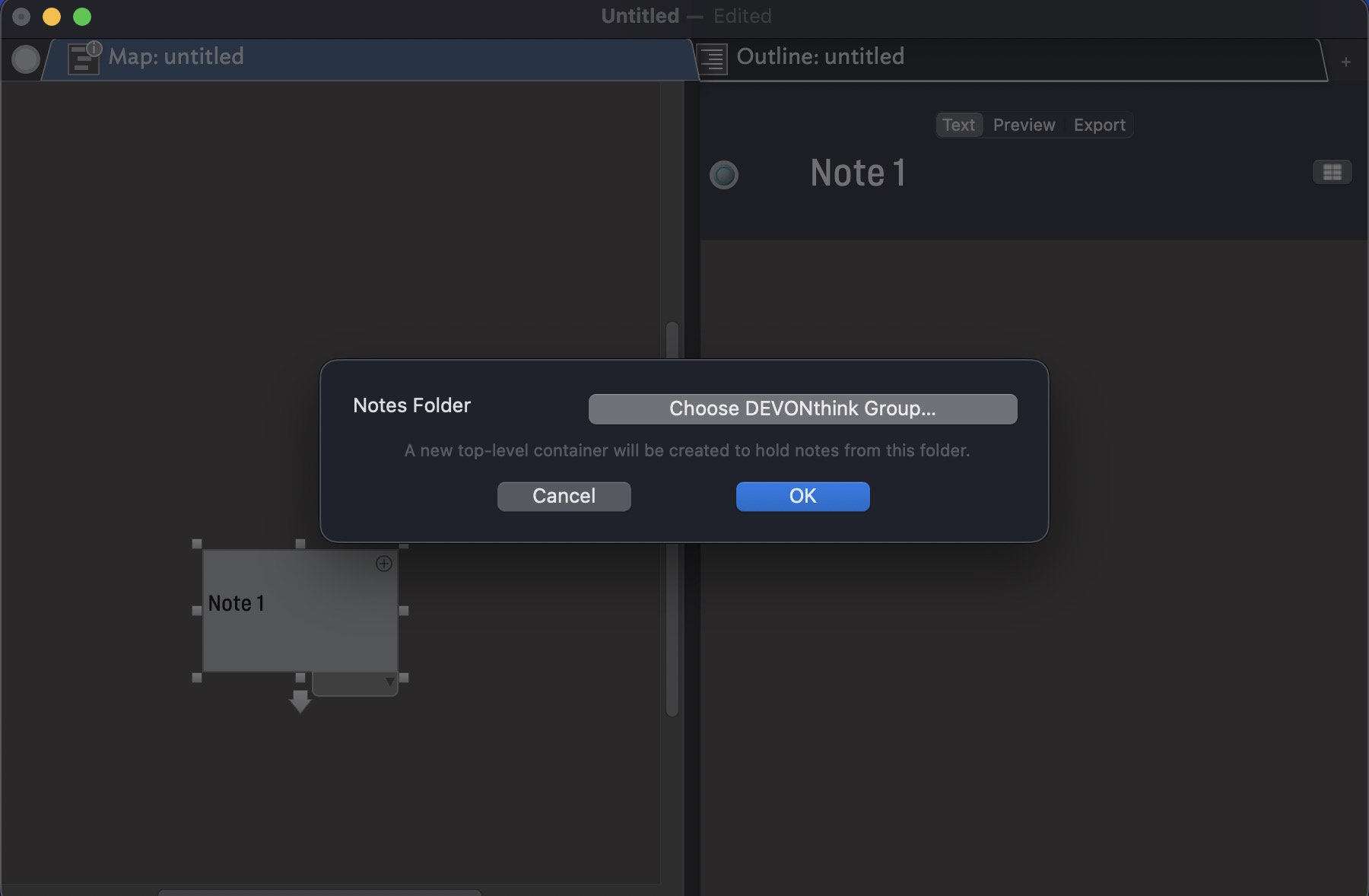
Must be doing something wrong but I´m not able to get this to work. After clicking on File–>Watch and selecting Group from DEVONthink the system hangs and has to be forcibly quit.
macOS 26.2 beta 2, Tinderbox 11.0.1 (b737) and DEVONthink 4.1.1
Must be doing something wrong but I´m not able to get this to work. After clicking on File–>Watch and selecting Group from DEVONthink the system hangs and has to be forcibly quit.
macOS 26.2 beta 2, Tinderbox 11.0.1 (b737) and DEVONthink 4.1.1
How big is the group? I just checked this for a small group; watching a big group might be slow.
Did you get a hang log?
When I quit the app I get a log window, but I don’t know where the log-file is located.
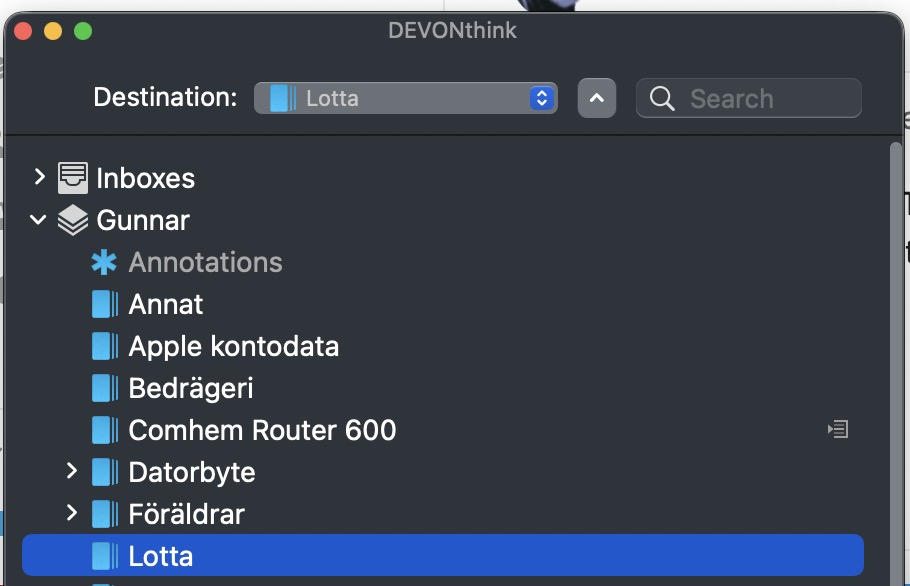
For DEVONthink the hang happens here
together with a spinning color wheel.
If I try with Watch group from Notes I don´t get any selection window and Tinderbox hangs right away.
My Notes only contain a couple of notes. My first attempt with DEVONthink contained 337 notes, a second try only 8 items.
Please send any crash logs to tinderbox@eastgate.com
This is now working correctly for both Notes and DEVONthink.
All my fault, did not follow procedure in aTbRef.
What were you doing or not doing, that caused this problem?
Difficult to pinpoint since I did so many different initial setups. But my best summary would be that I did not set an initial value for the attribute DEVONthinkGroup.
My view is that the following procedure will work;
I have tried different versions of the above and this is my findings:
Regarding 1: If you do not create a container but calls Watch → Group from DEVONthink the system hangs and have to be quit manually. If you do not set an initial value to the DEVONthinkGroup attribute the system does nothing. I think that initializing DEVONthinkGroup with a DEVONthink Item Link before getting the selection pane to do the actual selection is a bit odd.
It is difficult to get firm confirmation on the procedure, it seems to depend on some initial condition, ie different behavior if you start from starting Tinderbox from the OS relating to start a new window from within Tinderbox.
Hope this helps
When you choose Watch ▸ Group from DEVONthink, macOS displays a window asking for permission to control DEVONthink. This is typically straughtforwards but can cause trouble in several ways.
Another window might be on top of this one. (This oughtn’t to be possible, but I’ve seen it happen)
The window opens on a different screen, and you don’t notice it.
Worst of all, not expecting this window, you dismiss it by denying permission. In that case, the system may refuse even to ask in the future, and resetting can be quite difficult and involves mysterious command-line invocations. This is a macOS bug, but I believe Apple is shy of solving it because this is also a line of attack for spyware.
I think your system might have gotten caught in one of these…
Possible. I did go through Settings and compared my iMac and Macbook to one another. One of the windows asking for permission is handled by this setting in Settings → Privacy & Security → Automation.
There may be more.
I will try, tomorrow, to make a more structured attempt to find out conditions for working/non-working conditions.
And, now that I know where to look, I find that Tinderbox will indeed get stuck if it does not have permission to control DEVONthink and macOS declines to ask. Thanks for catching this.
Should I record this aspect of is this something that is fixable (in a new app version)?
[Having done a lot of refactoring, the next full content update of aTbRef (bar small typos) will be the next app point release]
It can’t hurt.
I discussed the pertinent section of 2017 code with Claude. It had a lot to say, including: “You’re right - this is spectacularly bad!  ”
”
As requested, the aTbRef article on DEVONthink watched groups is updated. A warning re permissions directs the user to section at the end that copies the list of possible problems above.
HTH.
A bit more investigation reveals
Creating a Container and then call Watch → Group in DEVONthink causes Tinderbox to hang and it must be quit manually. This creates information in ~/Library/Autosave Information that needs to be deleted.
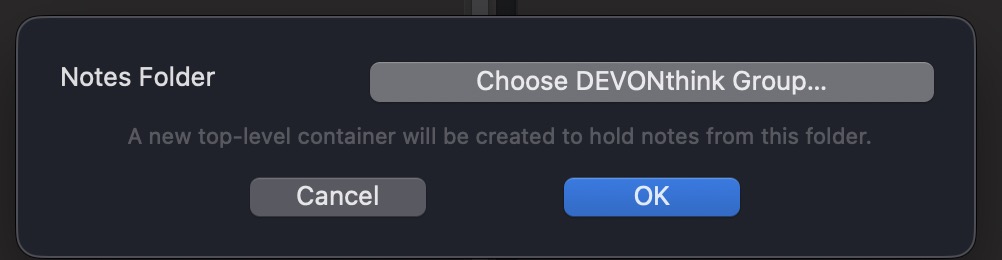
Starting Tinderbox again, creating a Container and setting its DEVONthinkGroup attribute to any other value than empty, eg one space character. Calling the Watch function now creates this pane
Selecting “Choose DEVONthink Group” now creates the DEVONthink selection pane
and the Group-selection can be performed, accepted and the Group will be displayed in the DEVONthink container.I still cannot reproduce this. But I do see how, if things went awry, Tinderbox could deadlock; that won’t be a problem in the next release.
I think this is an initialization problem. On my iMac it is fully repeatable, but I have to make sure that there are no tbx-files in ~/Library/Autosave Information. Then the Tinderbox app has to be terminated (⌘Q). Start Tinderbox again and this should result in a map-view with no content. Create a container, open DEVONthink, select the container and call the Watch- function. This pane is shown
but after a couple of seconds the spinning color wheel arrives and the Tinderbox app goes unresponsive.