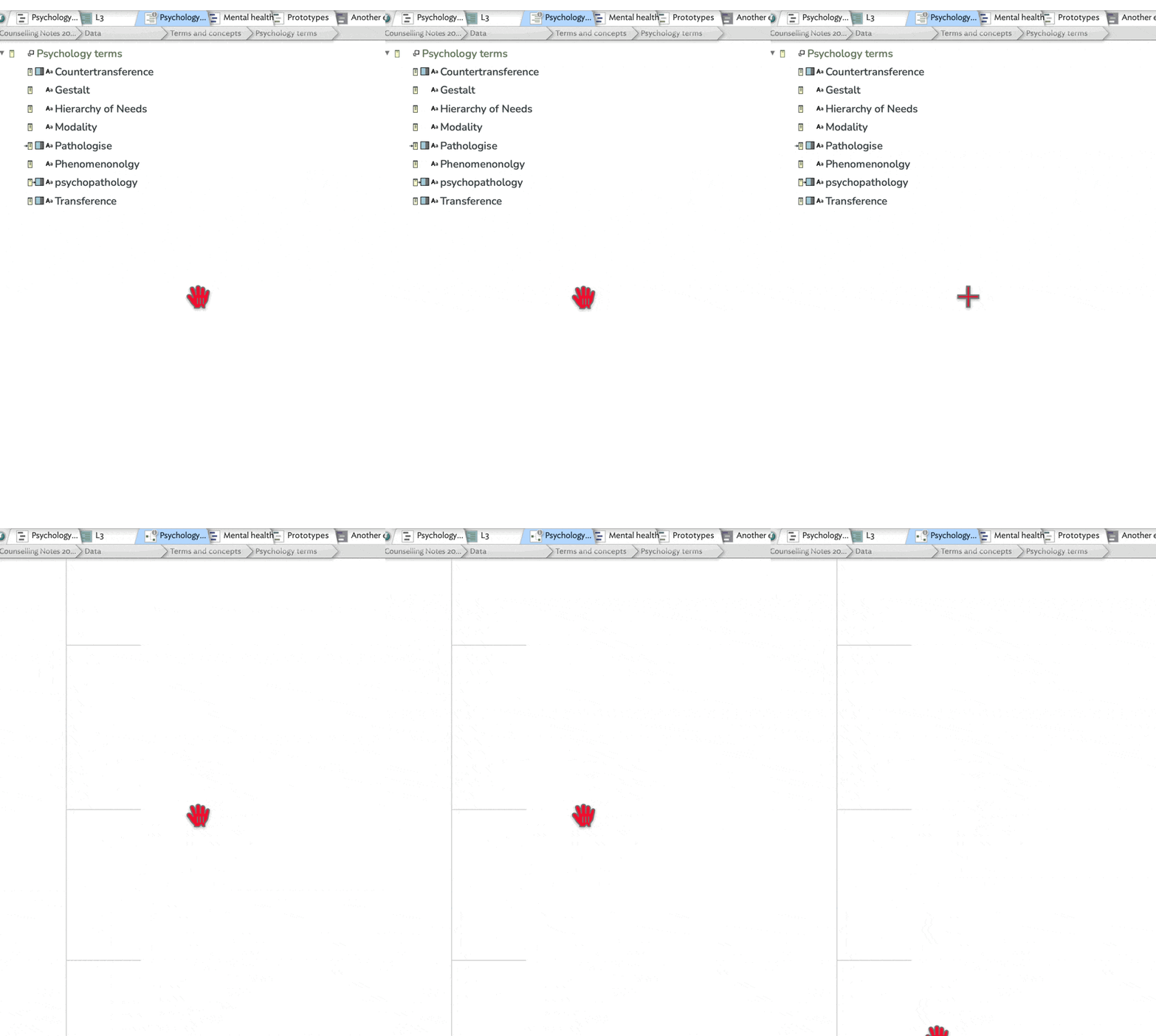
When switching to chart view from another view, notes appear to fly off the screen to the top right, leaving only the structure (lines) on the screen. It is the same across documents, containers, and from different views. I have tried disabling AI in case that might be the cause, but without success.
I’m not a frequent user of chart view so perhaps there’s an obvious explanation for this, or that it’s a feature I’m not aware of. GIF below is of what happens when switching from outline view to chart view. Switching back to outline view restores the notes. Data does not appear to be affected.
It looks, from your image, like Chart view is trying to draw the doc outline fully expanded … which might be big. I’m sure there are uses for Chart†, but my sense it is best for small-scope of use and with short note titles. Also, generally, Outline is more space efficient than Chart.
The test to do in this circumstance is to take a different TBX, ideally not a massive one, and try outline again. This tests whether the effect is on one doc, or one type of doc (thinks: size, note count), or if it affect all doc. If the former, that’s helpful by way of zero-ing in on the cause of the issue.
HTH
†. No snark there, I just can’t think of one at this moment beyond “wanting to see an org chart”. In the past I’ve found the outline view more useful than Chart but that’s only personal preference, and those differ by user.
Yeah I’m not a big user either. The above is actually a very small container, eight notes, none of them containers. I have tried this out on multiple documents, all different sizes and layouts.