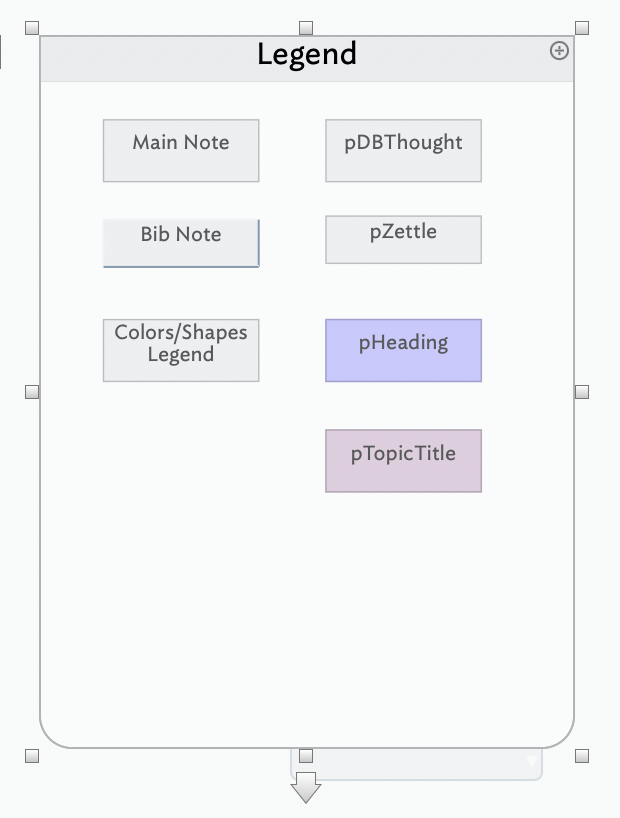
In “Getting Started with Tinderbox”, p 95, the tan coloured container has a lock and a push pin. I am unable to find how to make the lock and push pin appear.
I checked all menus, the inspector and help in the menu bar.
TIA
In “Getting Started with Tinderbox”, p 95, the tan coloured container has a lock and a push pin. I am unable to find how to make the lock and push pin appear.
I checked all menus, the inspector and help in the menu bar.
TIA
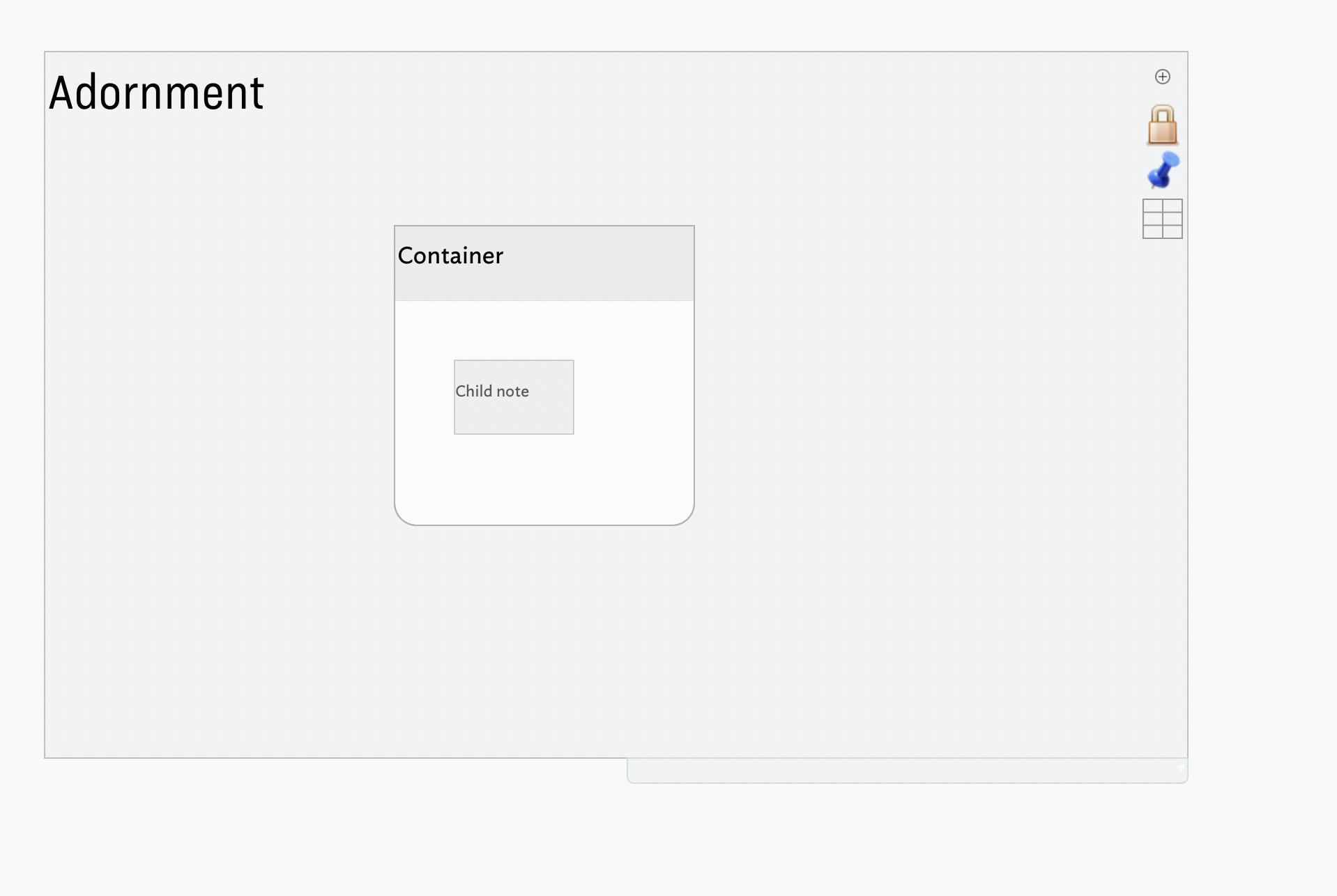
The lock and pushpin are drawn on adornments when the adornment is selected.
A locked adornment cannot be repositioned; dragging it moves the entire map.
When a sticky adornment—with the active pushpin—is moved, notes atop the adornment stick to it and move with it.
‘Legend’ isn’t an adornment – it’s a container (a note which has child notes). You can tell because it has the title at the top and and rounded corners at the bottom. Adornments are only available on maps. (Note > Create adornment)
Here’s an adornment with a container, with the container showing its child note. Select the adornment and the lock and pin become visible for you to select.
HTH
That does not appear to be an adornment. I believe that is a container named LEGEND, which contains “Main Notes”, “Bib Note”, and five additional notes.
Thank you. I see my confusion now.
So in a container there is no way to make the ‘children’ (if I am remembering right) stay put?
You could set $Lock on the child notes. Not sure why you’d want to.