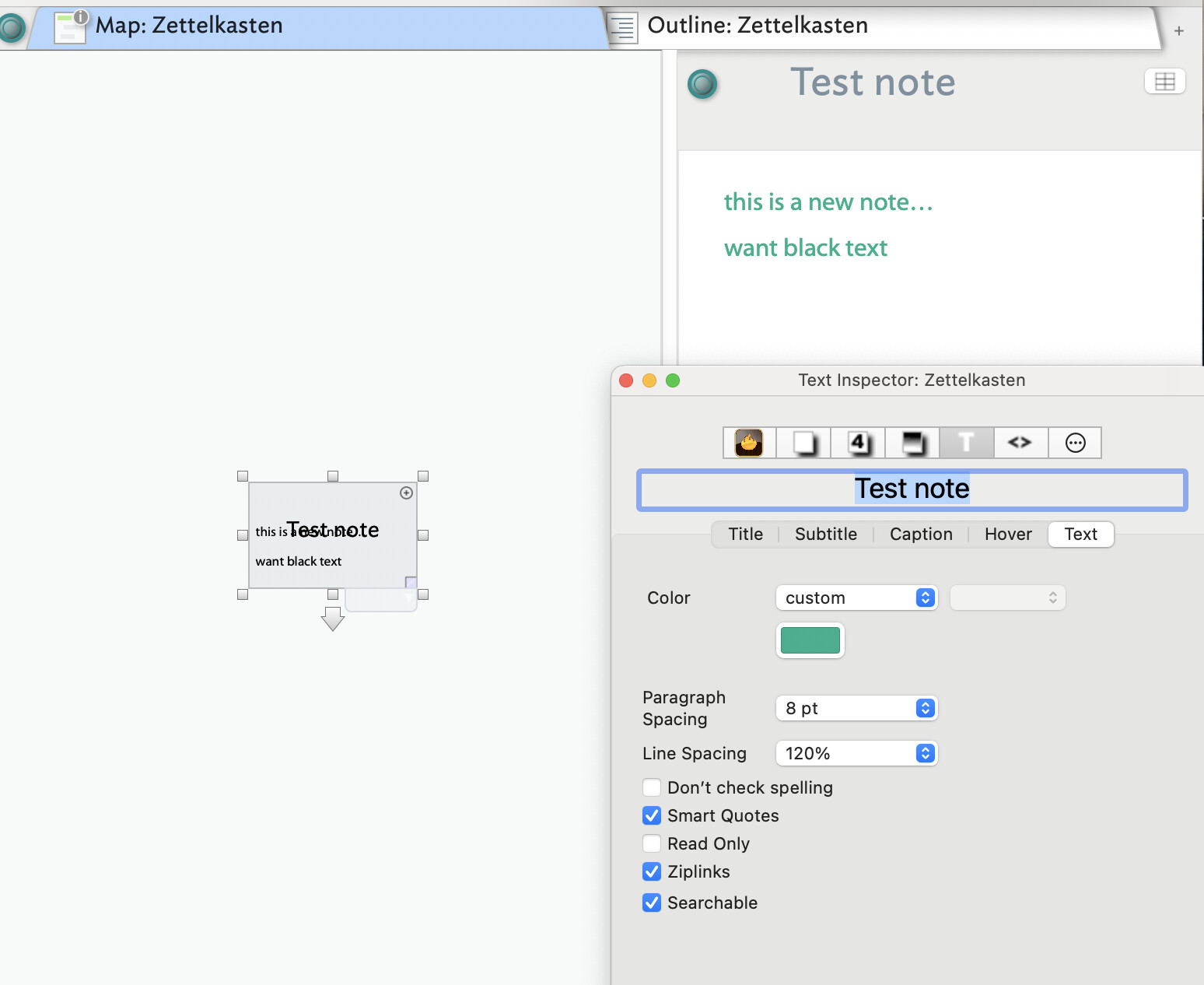
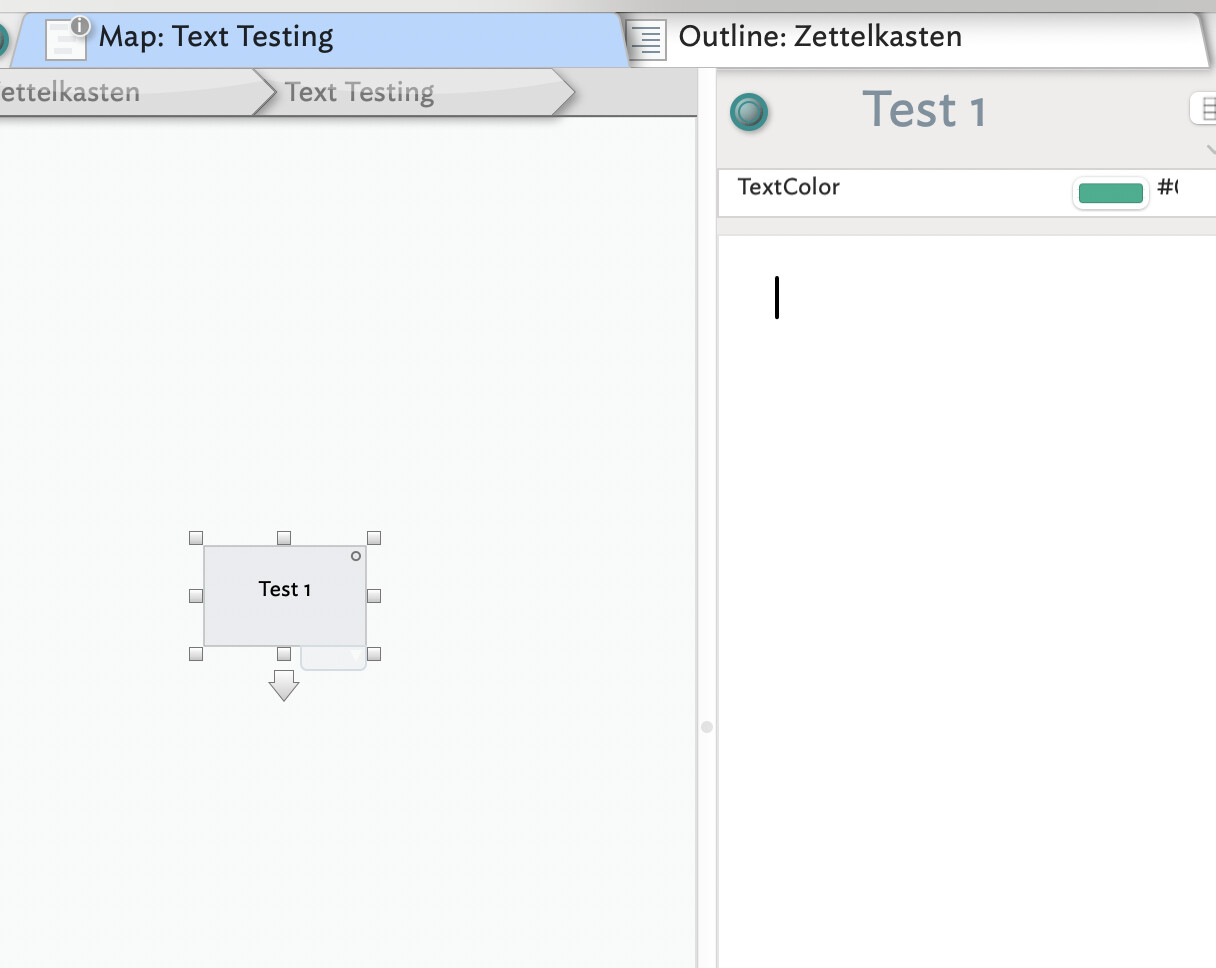
In attempting to do X last night I inadvertently accomplished Y (unwanted). Text is now green; I can go in and change it to black for that note but the next new note I create the text is automatically back to green.
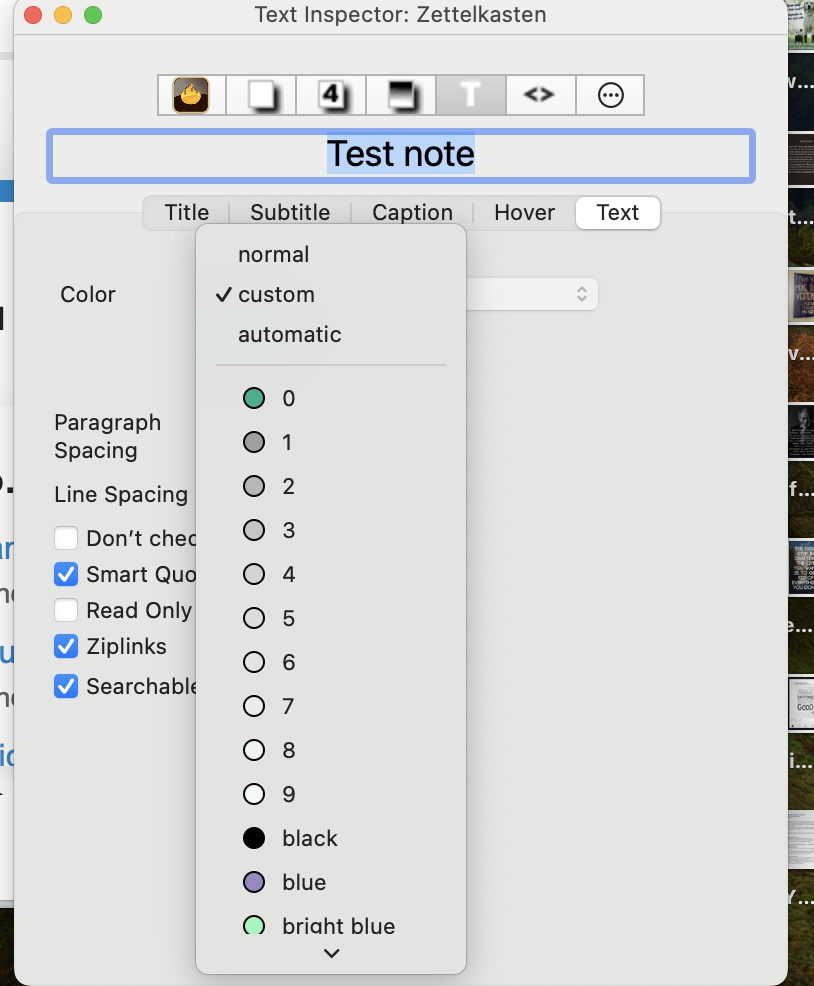
‘Normal’ now automatically switches to ‘custom’: I have lost my ‘normal’ option if that is relevant. The “0” in the color list is also now this green… can’t remember what it was before.
Finer detail. The moment you create $Text, it is styled with whatever style you set. So once you set some text to , for instance green, all text after that is green. The easiest way to reset this is to select all $Text, or the affected part, and use menu Format ▸ Style ▸ Standard Font. This should reset everything.
Hmmm… Format > Style > Standard Font seems to be from the dropdown. This still gives me green text.
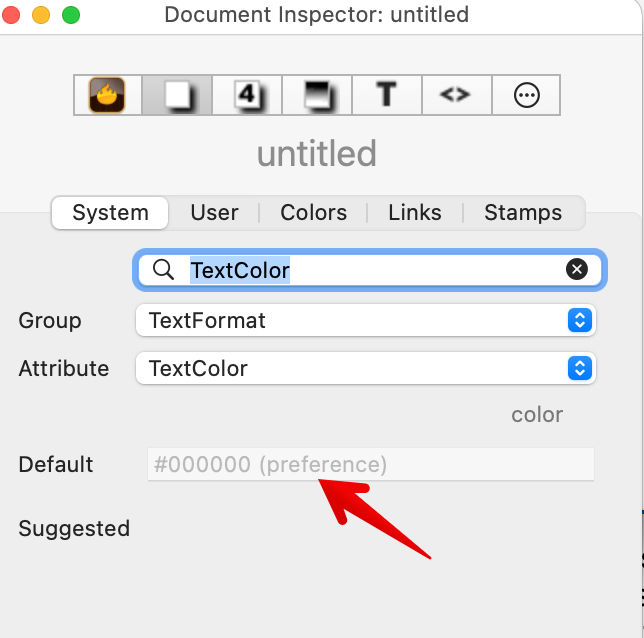
It’s green at the Inspector “level” so, I’m guessing, green is the new standard (?). So in the inspector, I open the color drop down, I choose “black” thinking it will replace the green, but the green keeps coming back (see earlier screen shots).
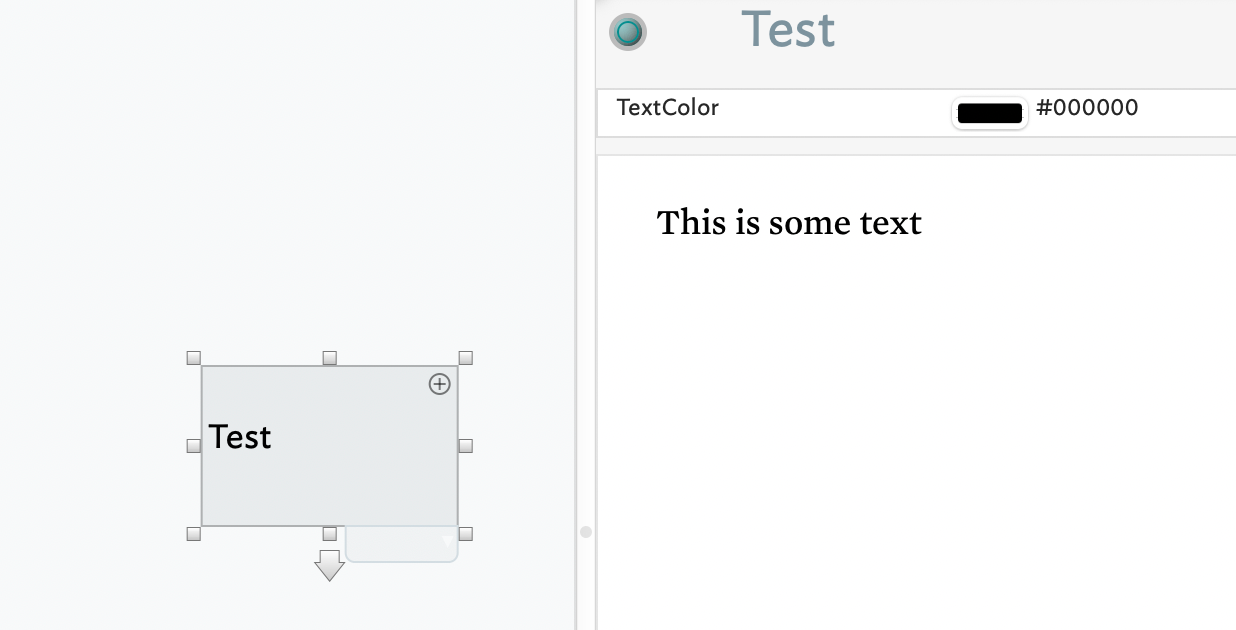
I don’t know why black is reported as #000000. Though both resolve to the same colour, named colours may be changed if a new colour scheme is applied. But the latter isn’t likely a factor here.
So walking back up the inheritance chain:
Select all $Text and Format ▸ Style ▸ Standard Font. This should apply the notes $TextFont, $TextFontSize and $TextColor.
View the note’s $TextColor.
If using a prototype, view the prototype’s $TextColor
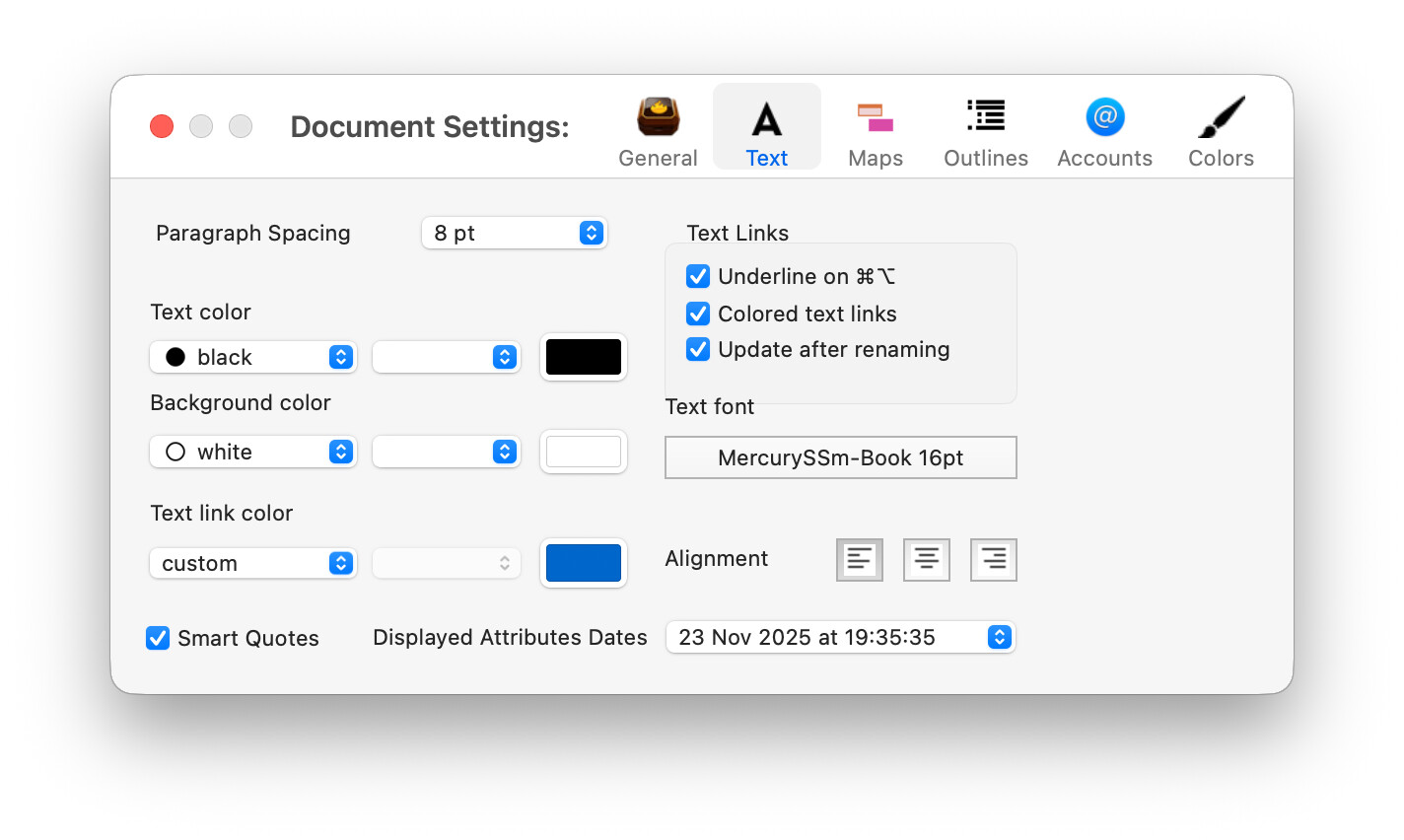
View the document’s $TextColor in the Inspector.
Which of these is green or a hex value (#-prefixed 6-figure number) equating to a green colour.?
It occurs to me that, one other way the observed colour could go wrong is if named colour ‘black’
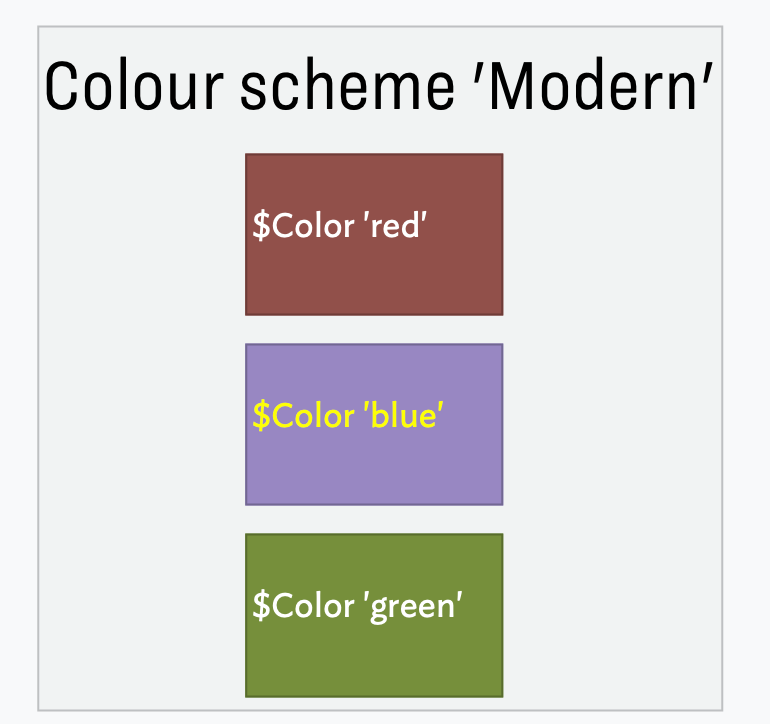
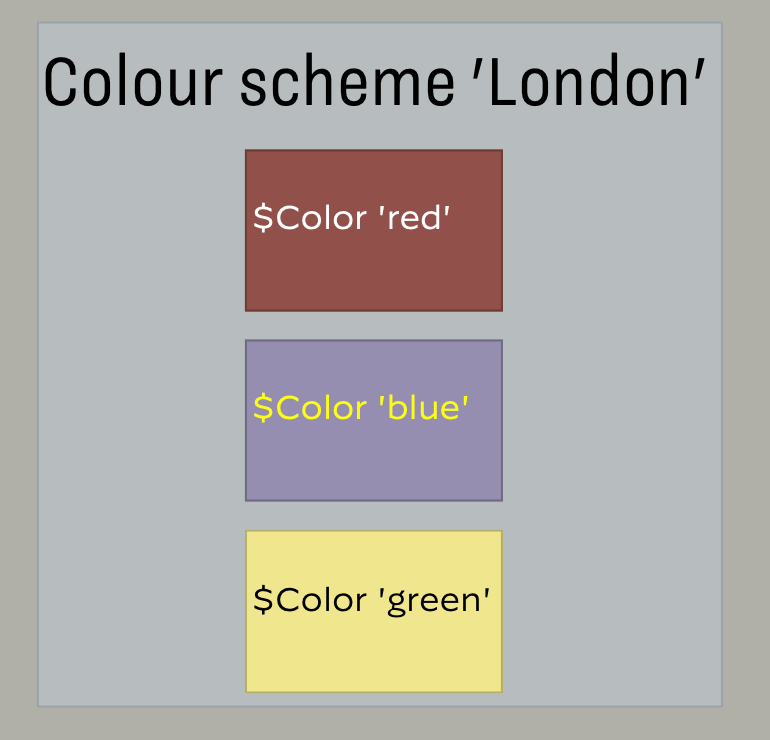
Hmm, it seems I don’t have an aTbRef article on ‘named’ colours but also see Colors tab, and Colour Scheme Files. A bot of a rabbit hole, but each colour scheme (or the current TBX) can define the displayed colour of a ‘named’ colour (see a Chart of Tinderbox's defined colours), where ‘defined’ equates to ‘name’ colour. So, on reflection lots of scope for confusion.
For example, in the same file with the same content, changing the colo(u)r scheme can literally alter colours you experience: