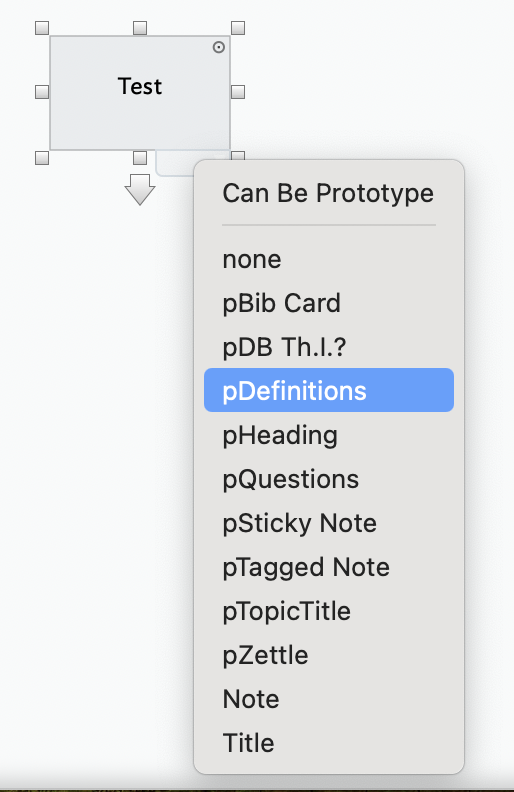
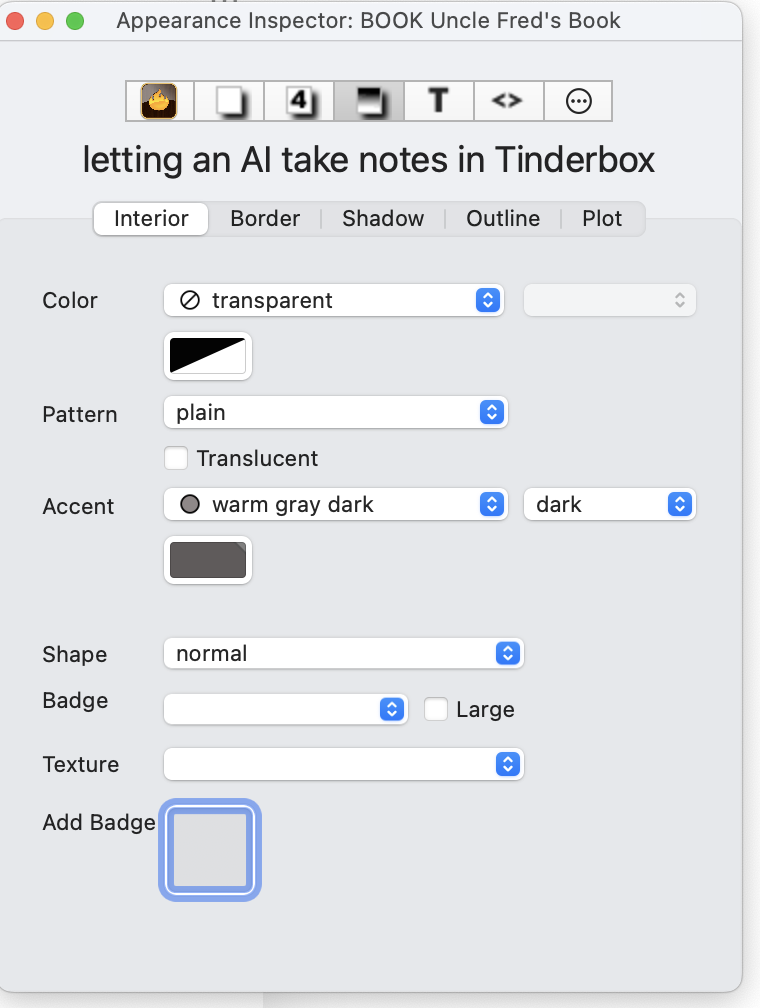
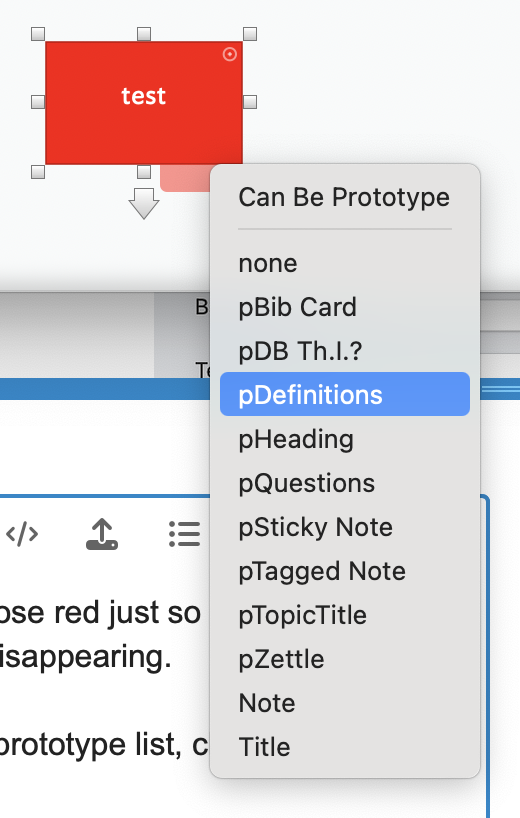
OK…my desired color isn’t there so I chose red just so it was no longer transparent knowing I could later change the color. But the note still keeps disappearing.
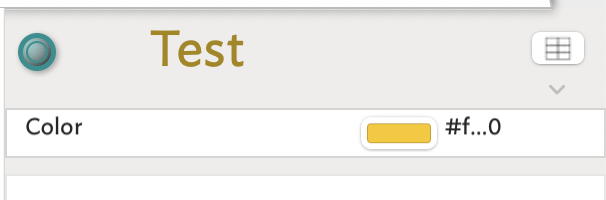
So now I have a red note I want to change to a different colour; I open my prototype dropdown list, choose it’s name (with saved colour), and the red note disappears from my map view while the “note pane” on the RHS of the map indicates my original/desired colour as it did in my original question, last image.
Set the color with the Appearance Inspector. Try a few different colors.
Once you have mastered that, select the Prototype note in Map View. What color is it? Change it to some other colors. Note how instances of that prototype also change color when the prototype changes color.
If the selected note is, after setting a prototype, selected in the right pane but not visible anywhere in the current map, consider the following in addition into the issue above about visibility/transparencies:
action code (rule, edict, etc.) moves the note to a different container, i.e. a different map.
via the prototype, the note now matches a query whose action moves the note to a different container, i.e. a different map.
When I make multiple colours of notes as you ask, and “select the Prototype note in Map View” the note disappears. But I am assuming when you say “select the Prototype note in Map View” you are referring to my existing prototypes, not to “Can be Prototype” at the top of the list.
All of the prototypes are working except for this one. When I create a note and select this prototype from my dropdown menu the note disappears from the map. The red, blue, green colours I used make no difference; as soon as I choose that one prototype the note disappears.
IF I create a note and choose one of my other prototypes for it, all is well. The note is still on my map. I can then go back in, choose the ‘broken’ prototype and voila it applies to that note perfectly. What I can’t do is create a new note and get that prototype to apply out of the gate… which makes no sense (is Greek) to me.
I think something went wrong when I reordered some files in outline view preceding my app freeze event. Perhaps that explains the agent getting a note’s alias into the container but it disappearing from my map view?
Bear in mind that Map view shows the contents of a single container. Let’s say I have container notes ‘X’ and ‘Y’. X contains some notes and a Map view of X shows those notes. Now, in Outline view, I move the notes out of X and into Y. What happens to the map view of X? It is now empty, because the child notes of X are now in Y. so X is empty, as indeed the map of X shows. If you want to see the moved notes in a map view, open a map of container Y.
Summary. An Outline, by default, shows the entire TBX document. A Map, by default, only ever show the contents of a single container.
This is a bit ambiguous in meaning. As an agent can’t be applied to anything—notes and agents are separate things. Although agents are essentially a special type of note, notes and agents are not interchangeable. You cannot turn an existing note into an agent, nor an existing agent into a note.
An agent can have an existing prototype applied to its, as can a note. Either type can also be made into a prototype.
My supposition is you are applying a prototype to an agent. Is this so?
An agent doesn’t in basic form ‘take’ anything anywhere. Rather, it adds an alias to the agent’s container of any notes matching the agent’s query (and removing it if the query is no longer matched.
An agent’s action—the action code run on the aliases in the agent’s container—may act on the alias or the alias’ original note. The latter is normally achieved by setting the $Container of the original, e.g.:
$Container(original) = "Project Z";
// this will move the aliases' original inside container 'Project Z'
Likely nowhere, but rather you are inadvertently using a Map view that look at a container which isn’t the one where the original resides. Recall from earlier that a Map can only even show the contents of a single container.
If you have a small TBX file that shows the problem and which you could post (upload) here, it might be possible to give more detailed help.
Right. This came to me last night. In outline view, organizing/sorting/moving lines as I do in other outlining apps, I changed the indent level of something and ended up moving it “into” something… in effect “disappearing” it.
With these 2 unknowns I have no idea how to find and undo this error. I expect I’ll need to expand all possible levels in outline view and see if I can identity what’s gone amiss.
In outline view Subject A shows 47 notes.
In map view Subject A shows 14 visible notes/agents (an italicized copy of an original, ie unitalicized, note).
In outline view Subject B shows 16 “Test” notes;
In map view Subject B shows zero “Test” notes.
The link between the 2, to help point me to the reason and therefore solution, is beyond me.
If ‘Subject A’ has 47 children then a Map view scoped to the contents of ‘Subject A’ ought to show the same. If those 47 items are actually 47 descendants in total, only the direct children of ‘Subject A’ will show in the Map view. Any child notes with children/descendants of their own will show as containers rather than simple notes.
The latter seems the most likely explanation for what you describe.
Hard to say without seeing the file or a screen grab, but the italicisation of the note label would imply such notes are aliases. If a container is any agent, they contents can only be aliases and those aliases cannot nest. IOW, the agent container will have only children (without deeper descendants) and items can only be aliases.
The most likely solution is that the map view is not looking at the container you believe is being displayed (though this is a guess as we can’t see the document). The outline view is always the most accurate tell-back if in doubt as it show the entire document
Probably not, for as I explained up threads, agents don’t move notes—unless you edit them to add code to move originals/aliases and I don’t see anything to say you’ve done the latter.
In a map view you can tell if a child container is a note or an agent as they display differently.
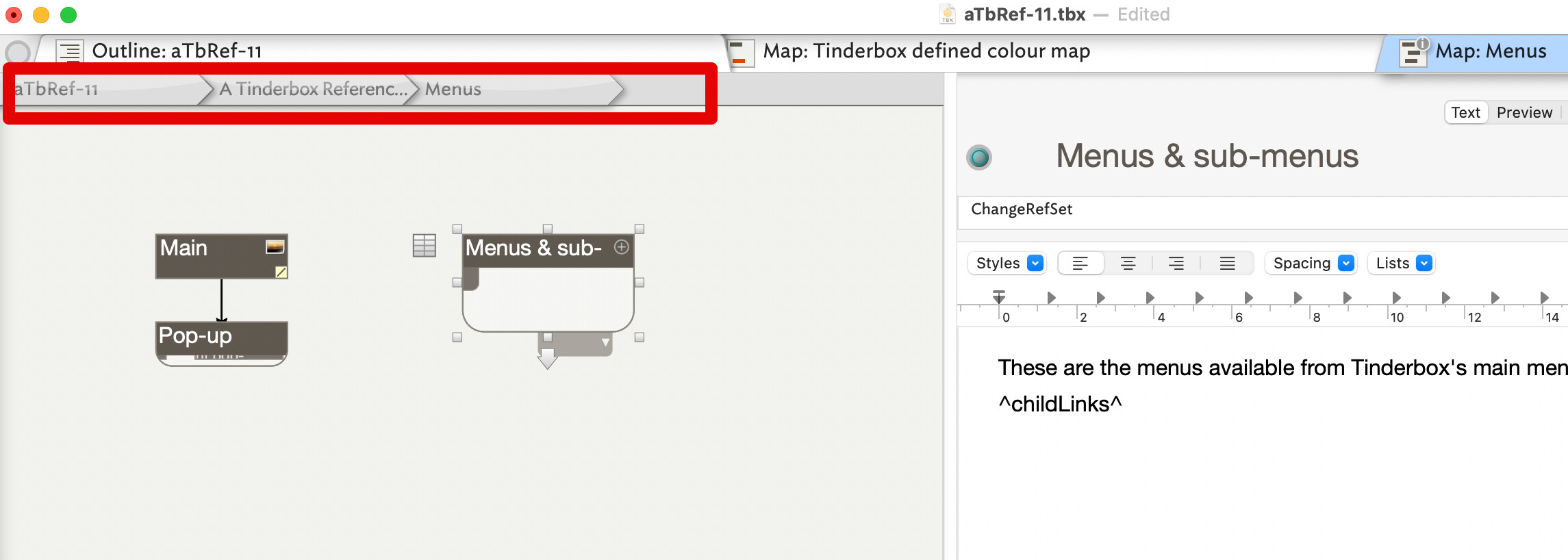
In a map view, you can tell where in the outline the container is looking from the ‘breadcrumb bar’. For example:
Here, the map is showing the contents of the outline container /aTbRef11/A Tinderbox Reference File/Menus. That container contains 3 items: 1 note and 2 container notes—you can tell by the layout of their icons. Of that map content ,one container “Menus & sub-menus” is selected and its information is displayed in the text (right-hand) page.