I often run AppleScripts which updates a bunch of (user) attributes, which I have vmade isible for certain prototypes. When the script changes their values, the Tinderbox attribute interface doesn’t update until I manually interact with it. Could it be possible to have Tinderbox refresh any displayed attribute panel after completing running any scripts? (I could see this becoming a flickery nightmare if it were to update after individual attribute changes)
Mostly, it would serve to reassure me that the script had actually run and succeeded.
In fairness, not all scripting of the app is the same so constant UI updating for user A might render user B’s experience sub-par. Where it may appear that Tinderbox is forgetful re updating may in fact be careful balance ‘behind the curtain’. Of course this gives scope for us all to feel outraged, but as noted in replies above there are on-demand calls refresh (in AppleScript) and update() (in action code) to signal we know we want the app to skip it’s work queue and update the UI now. Another on-demand refresh is simple you click the active tab. The tabs pane’s will re-draw (refresh) to current info. If the tab has a lot of code, after a tab click the tab label caption may turn red for a moment: fear not, this is just the app signalling it’s busy thinking, the label text colour is restored once he refresh completes.
If, in action code you’d like visual/aural tell-back of completion (i.e. after some massive scripting job expected to take a while), consider show(), or .speak() for a spoken message, or play() for a sound. The changed() operator lets you code signal the app that a change has occurred of which you want the app (UI) to take notice.
Thanks for the comprehensive breakdown and explanation of options, Mark.
Where is may appear Tinderbox is forgetful re updating may in fact be careful balance behind the curtain
I suspected as much which, is why I thought only a refresh on script exit made sense. Nice to see options for triggering a main view refresh as well, mercifully I’m keeping my head in a fixed outline for now.
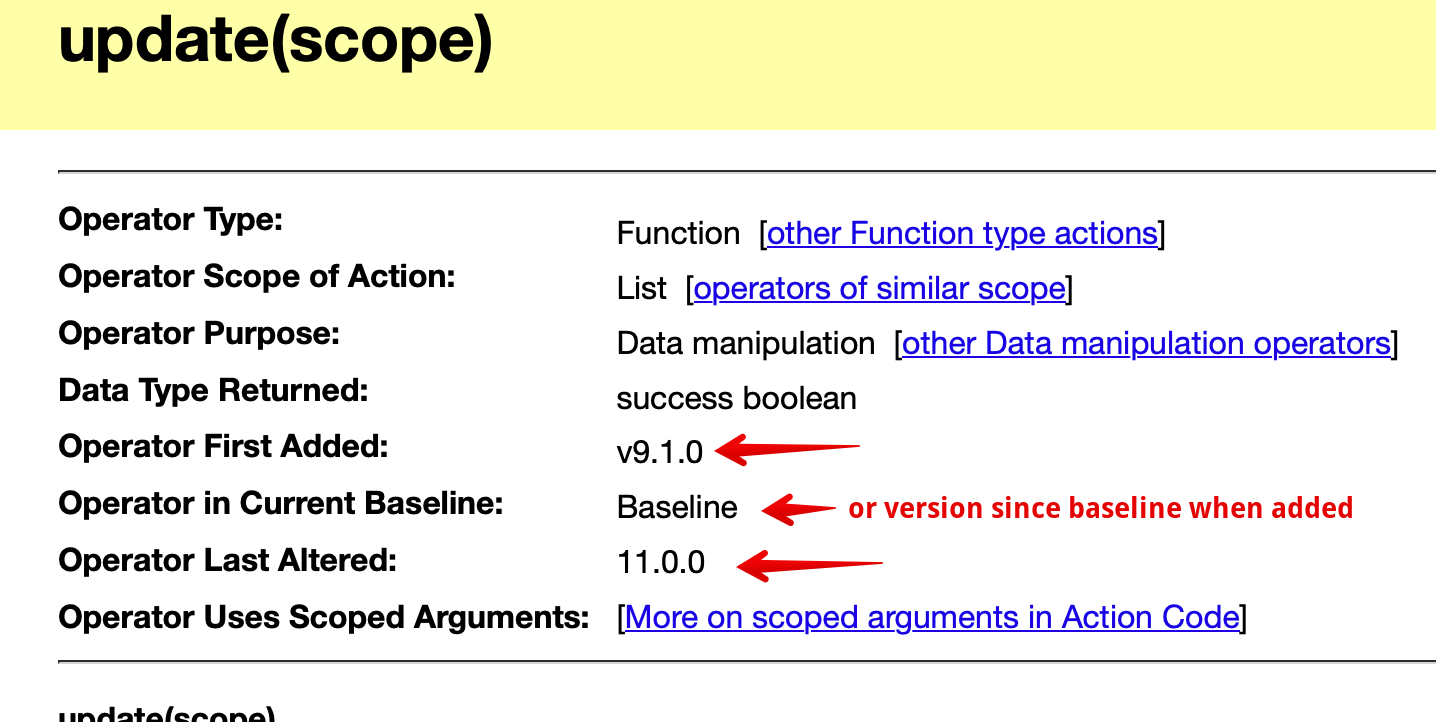
It’s fair to note that operators like changed() (v9.6.0), and update() (v9.1.0) are fairly recent in Tinderbox’s 25 year life. They also reflect the increasing complexity of code (action script, command line, AppleScript, etc) that a small section of users now employ. IIRC, update() derived from discussion of ensuring the results of actions were properly reflected before the app moved on to other tasks. Likewise show() (v9.5.2) arose because some—myself included—were running large/complex actions on big selections and needed a way to know when.
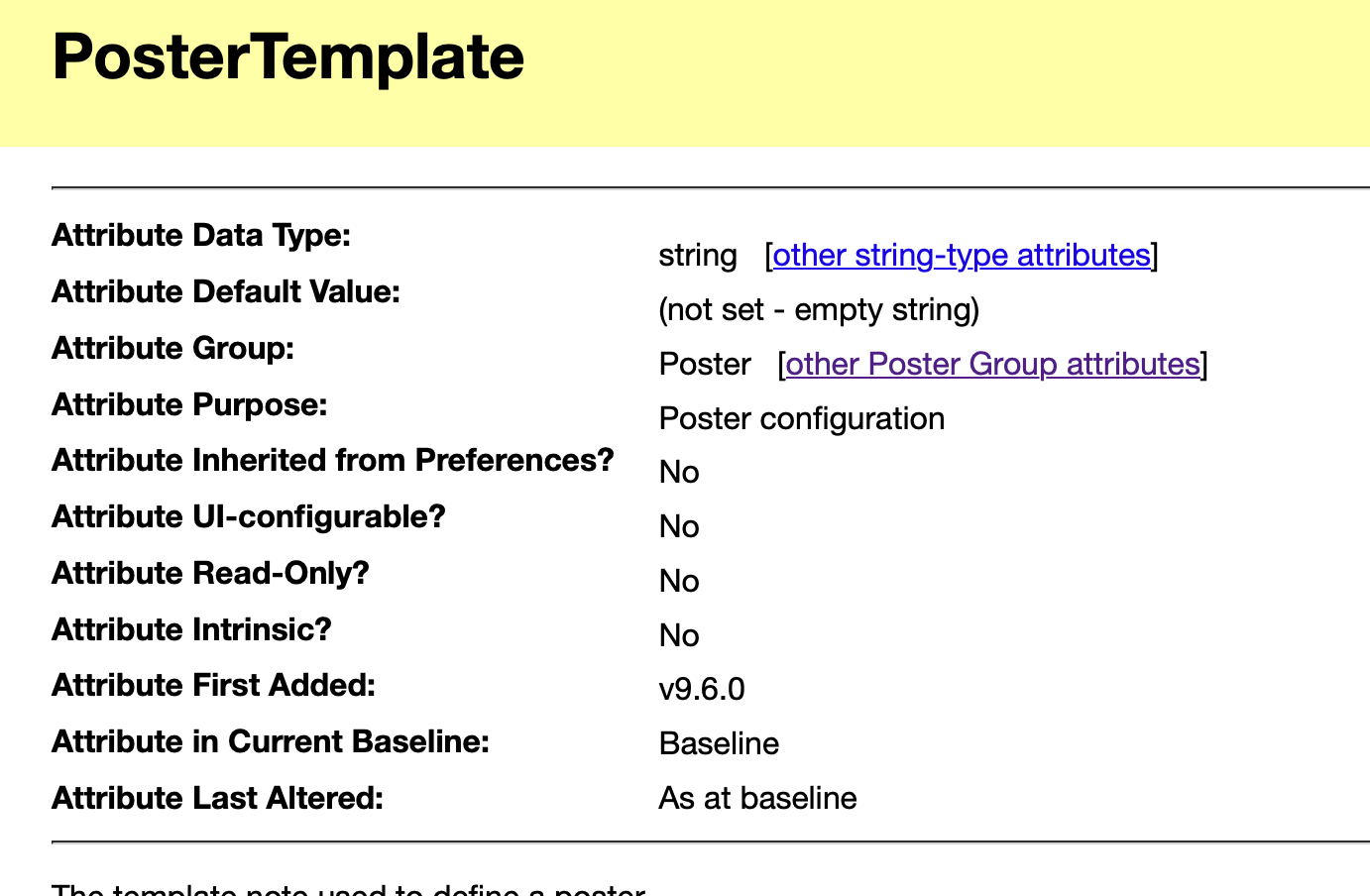
Note: most aTbRef operator and system attribute listings indicate what a feature was first added (see grab below. I recently added this info specifically to try and help longtime but occasional/light users to see if the reason they were unaware of a feature is because it was added since they last dived into the documentation. More too that manny features never get raised and discussed in the forum. so no entry there is not proof of no such feature. For aTbref today the search page (in the link bar at head/foot of every page) is a good start. The app command Bar is fie but it’s only at best updated to the website as at release.
I edit aTbRef’s content near daily. Thus, direct search of the website is I’d suggest always the best option for finding content there.
For clarity: there is no advertising, I bear the full costs of traffic to the website. It is on my (virtual) webserver.
aTbRef listings showing when a feature was added/latered: