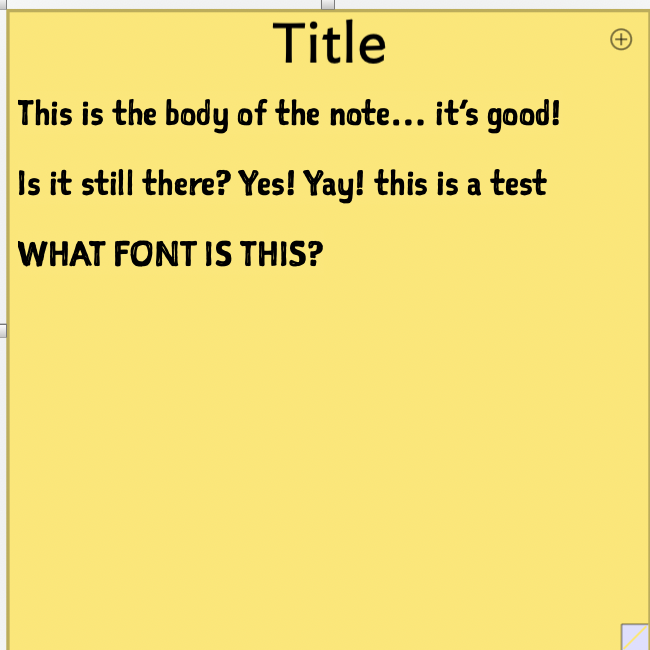
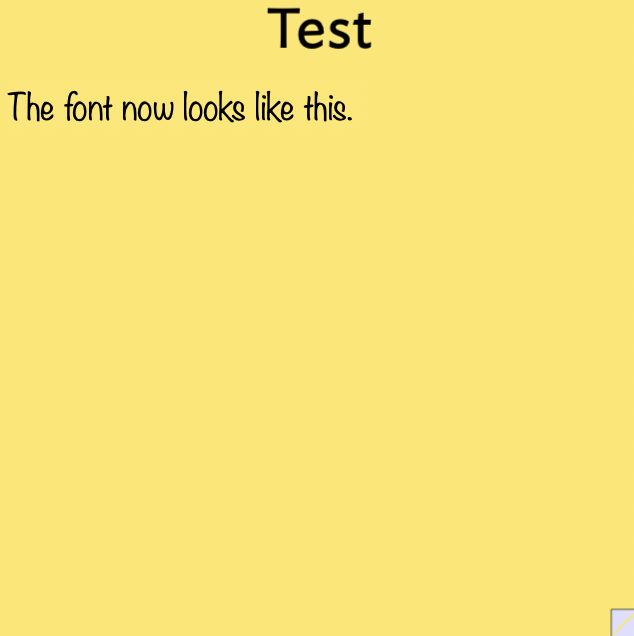
… hence the “WHAT FONT IS THIS?” on the original note.
They may in fact be the same font in just a different ‘style’.
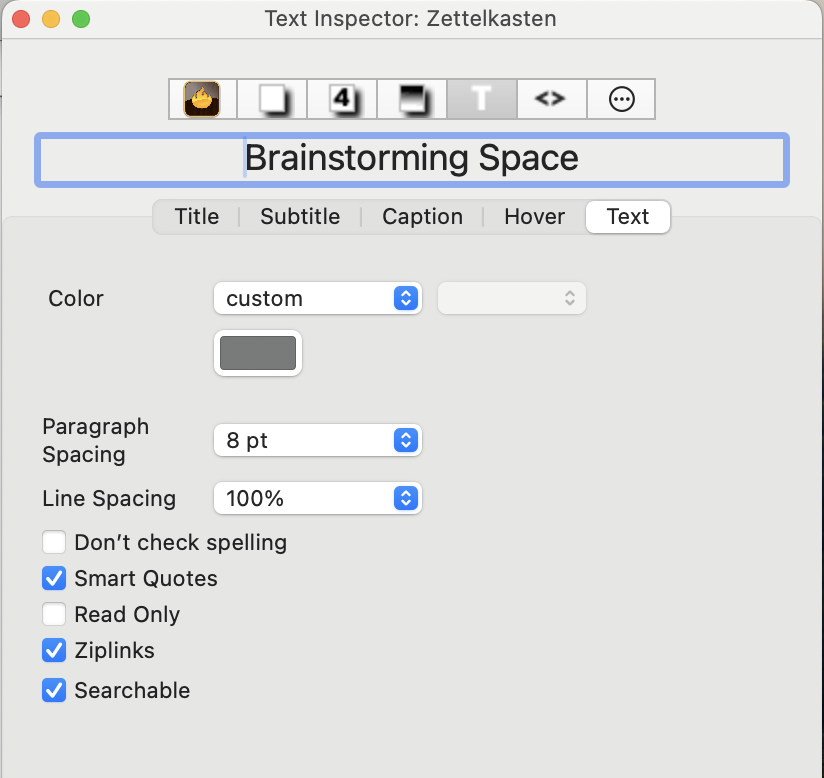
I am trying to find my way back to whatever I did to get the first style of note seen here… and I’m a bit lost. I believe I want the container inspector as I want all notes in this container to be of the same style. But when I am in the container inspector I find no way to edit the text in the ways I need to. All I find is this:
Yes. These are straight. Any easy UI tell-back is that for UI elements using action code-colouring syntax, a string in "straight double quotes is in red text. If typographic quotes had been used in error the same section of code would be in the normal black.
As such the string of the colour name ‘cooler poppy’ is best coded as:
$Color = "cooler poppy";
The unquoted method works only via legacy support. Put another way it shouldn’t work but doesn’t but only so as not to break older code. New code should quote strings. Either single or double matched straight quotes may be used and general convention is to use double straight quotes. In the same way, the $TextFont value ought to be a quoted string:
$TextFont = "Noteworthy";
Note also my replies to a separate question of yours explaining how to get the correct name string of Fonts to be used and how to do that. Indeed, likely the value you meant to apply was Noteworthy-Light.
If you select the note shown in the last screen grab above, open the Get Info/attributes pop-over and type in the search box TextFont and hit return, the attribute $TextFont will be selected for you. My guess is its value with be Noteworthy-Light (possible Noteworthy-Bold.
If so, to fix this, click the ‘A’ button next to the row label ‘TextFont’ and in the Fonts palette select font ‘Sketchnote Square’. Doing so will set the note’s $TextFont value to SketchnoteSquare. OK so far, but the note’s text isn’t changed by this. You need to select all $Text in the text area and then use menu Format ▸ Style ▸ Standard Font , or click ⌘+⌥+⌃+T. This set the text to use the $TextFont font and not the last-used font. This is because all $Text is styled so retains the font designated when it was first corrected (in this case with the incorrect user choice of font).