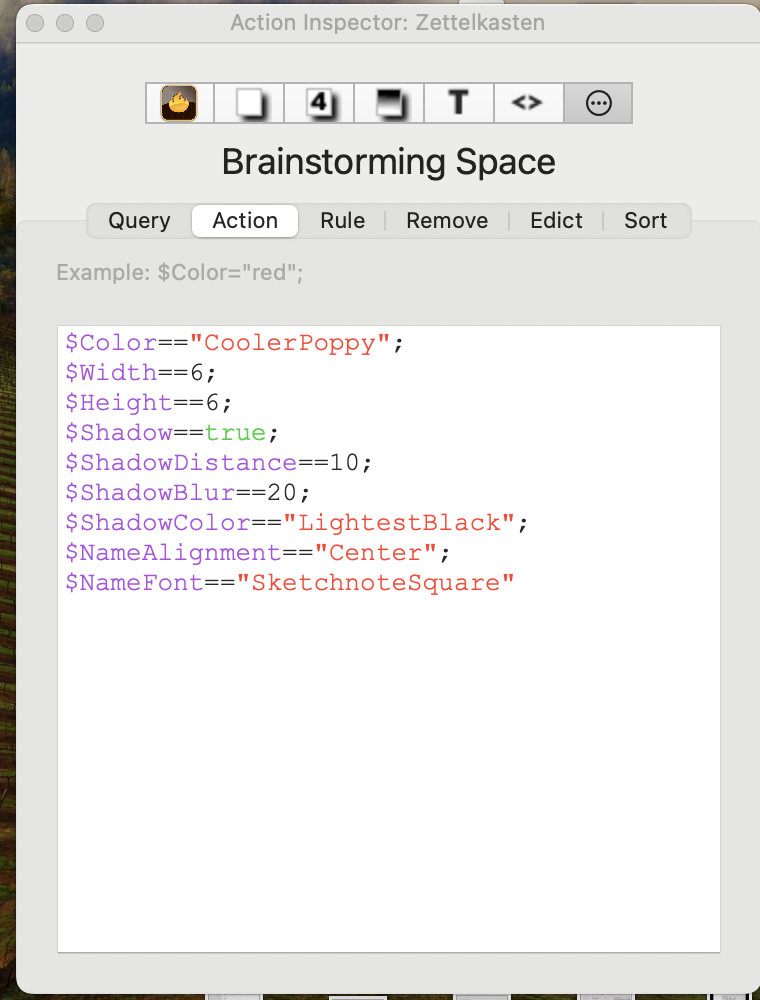
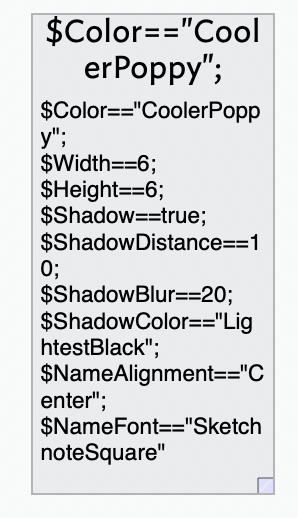
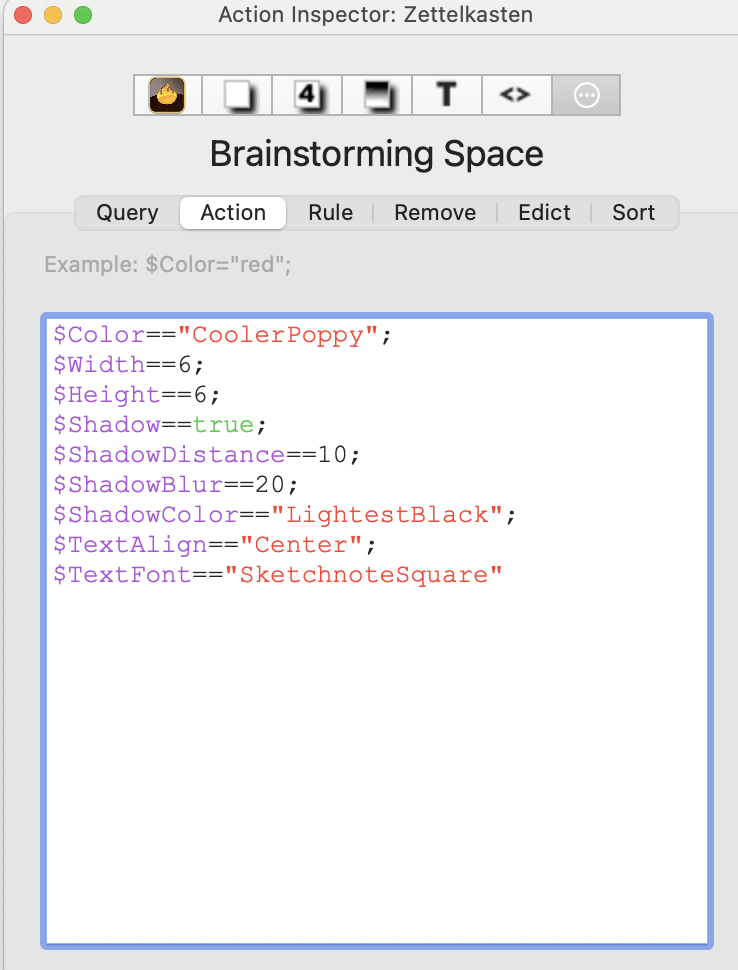
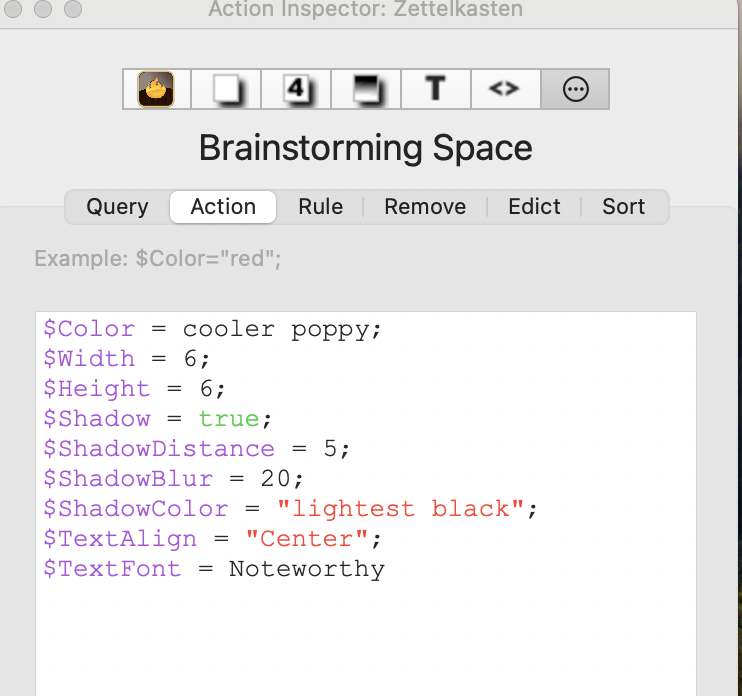
I am trying to format the appearance of all notes in a container. I followed instructions online made using Tinderbox 7 (updated formatting that was different than what I had used recently creating agents, for ex. used == instead of =). I followed the install instructions and it didn’t work.
BTW, please note that when you have the code in the Action panel, it will only act when notes are first added to a container (it’s formally the $OnAdd action, which makes it a bit clearer).
If you want to change existing notes in the container, either move the notes out of the container and then back again, or add the same code to the Rule or Edict panes.
(The only difference between a rule and an edict is that the edict happens less frequently.)
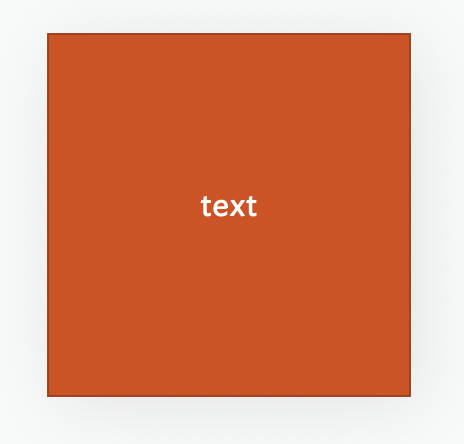
I am entering the color names as I find them on the Chart of Tinderbox’s Defined Colors (some have capitals, some not; some have spaces, some not). When I run a test, I get this:
There is probably not defined color named “TextHighlightYellow”.
You likely want $Color = $TextHighlightYellow; which sets the color of the note to whatever color is stored in that note’s yellow highlighting color. If you wanted the symbolic color named “yellow”, you’d say $Color="yellow";. You could also say you wants $Color="#FFFF00";, which sets the color to turn on all the red and green pixels, but none of the blue pixels.
If it helps, when I am entering data that needs “==” and/or “=” I mentally say to myself “is equal to” for “==”. So, if I want to test whether A is equal to B, I write “A == B” but in my head I am saying “A is equal to B”. That works for me, but YMMV.
An easy way to check if the current TBX document has a (system or user) defined colour named TextHighlightYellow us to open the Colors Inspector. On that open the Color pop-up menu. On that menu all known defined colours are listed with their name and a small colour-chip of its current colour. Numerical ‘names’ list first, then textual names (i.e. ‘0’-‘9’ then ‘black’, etc.). The system and user-defined colours are listed by sort order and their differing provence is not indicated (i.e. system vs. user).
Separately, the default value of the system attribute $TextHighlightYellow is #FFFF00.
Thank you.
May I ask about the other entries that have “quotation marks” (apologies for the incorrect term) around them. Perhaps they are not needed as well:
I earlier set up my Tinderbox to always centre text, and
I don’t believe my new note design is giving me a different font
however, the shadow does appear to be lightest black,
As the quotes (?) were not needed for $Color (I took that from the on line, version 7 I used in my attempt) perhaps they’re not needed at all?
When in doubt and setting a string (i.e. textual) value always use straight double quotes. Why the ambiguity? In simple terms, back in 2001 when Tinderbox launched action code was significantly simpler. In the years since additions for the code means it is harder for the parser to guess our intent. So the old way was:
$Color = blue
That may still work, but the following will work, and is recommended especially for those new to the app:
$Color = "blue"
The old method is supported as longtime users may have old code and it is a pain to re-write it. In the examples I give in aTbRef examples follower newer syntax as that is the recommendation for new code. If copying old code examples, i’d advise updating. Thus if you find the first example above and want to use that code, I’d suggest using it in the second example’s syntax.
From v6.x $TextAlign was deprecated and is not used by the app. It is retained for legacy use only in pre-v6 versions of Tinderbox.
To align the title of a note in the map view, use $NameAlign, or the Text Inspector’s Title tab. The alignment of $Text in the map icon (since v6) depended on the alignment set inside the text pane and this is not controlled by an attribute. Select all/some of the $Text whose alignment you wish to set and use the alignment options in menu Format ▸ Text (see).
I’m sorry if the ambiguities seem tricky to the new learner. But, they are a reflection of the developer’s laudable approach of not making new changes break old code.
I am now trying to change the note’s font. Using info and links in atbref.com I chose the Mac font Noteworthy. Opening the inspector from the container (which I did to successfully work on the color) I have tried two things, neither of which are having an effect:
If you set $TextFont in a container’s OnAdd (e.g. as you showed up thread), this will set the $TextFont for all newly-created child notes. If you promote/demote existing children the OnAdd will update the $TextFont value for those for those notes but it will not affect existing $Text in the notes. See a description of $TextFont for why there is this difference. for notes with pre-existing text.
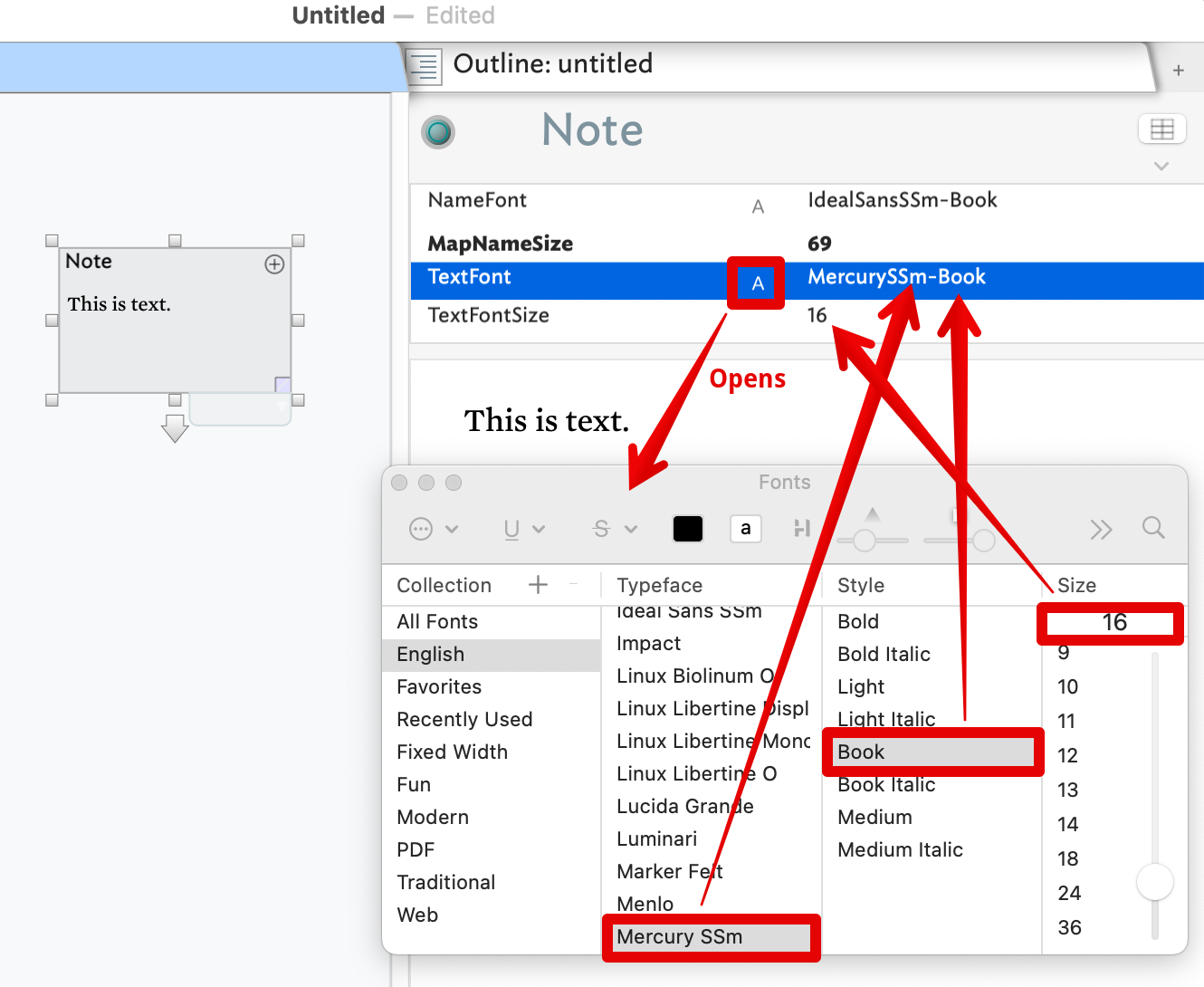
If you’ve done the above correctly and the font used in the $Text of a new child note isn’t as expected, add $TextFont as a Displayed Attribute and see if the value set is as expected. If not click the ‘A’ symbol to open the macOS Fonts palette and see is the correct font is selected. If not, you may not be using the correct names for this process. Font names are a bit odd as under the hood they often have more complex versions of their general descriptive name. For example:
Clicking the ‘A’ opens the Fonts palette. The highlighted places in the palette are what set $TextFont. The same palette may be used to set $TextFontSize but isn’t really needed as the value is just a point size number—here, 16 (point).
Notice above how the default $Text font ‘Mercury SSM’ is set in $TextFont as Mercury SSM-Book. this is the sort of minor difference I allude to above. In many cases the value you’d intuitively set is the same as that set via the palette, this is just an example of how the two can differ. Why this is so is historical baggage and not a rabbit hole to explore here. It just is how things work.
Documentation worth a skim read (and follow relevant links within):
Just to add a more general note to @mwra’s answer…
Be careful about the type of quotation marks you use in any Tinderbox field (as opposed to the actual text of the note itself).
They must be straight quotation marks (' or ") – smart quotes (“, ”, ‘, ’) will break the code.
(I say this because you have smart quotes in your post. This may simply be a result of the way the forum sometimes automatically converts dumb quotes to smart quotes, but as this is often a source of confusion for people new to Tinderbox, I thought I’d mention it in case you weren’t aware.)
As confusion cropped up earlier in this thread about correctly naming in code variants of a TBX’s named colours this listing, a Chart of Tinderbox's defined colours, might be helpful. It shows all the named—and internal/fixed—named colours with their 6-character hex codes. Thus ‘red’ is ‘#FF0000’†. It also shows the colour name and varient modifier listed in the order used in attribute values. So the name you see in the listing is the name you use in code.
App-generated colour variants can also cause confusion as the UI, e.g. in the Text Inspector’s Interior tab. If I choose the ‘darker’ mode of ‘red’, the UI layout suggests the resulting name is ‘red darker’. Wrong! It is ‘darker red’. So if looking at the Inspector and typing into code into Displayed Attributes, the modifier e.g. ‘darker’ comes first. In this regard the UI is (unintentionally!) misleading.
†. The hex values are actually case insensitive. So, both ‘#FF0000’ and ‘#ff0000’ work, and for bad typists like me ‘#fF0000’ would still work!