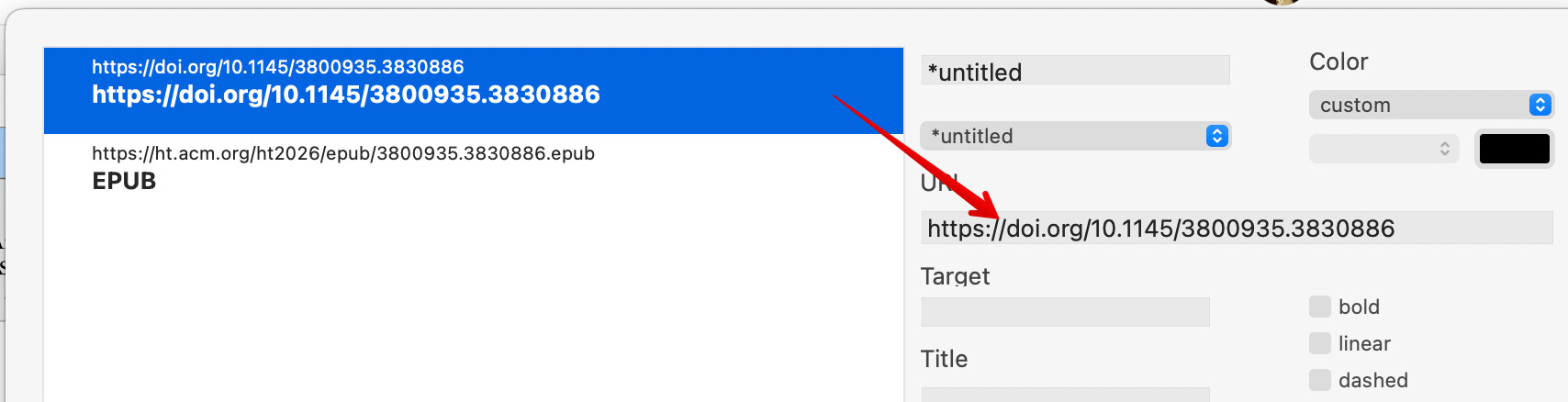
I pasted a link into text which appears as a hyperlink. How do I edit it. I do not want to create a new web link, I want to edit the web link it created.
When I highlight the weblink, it does not give me the option to edit the link. If I look at the Export tab, it does not reveal the link.
To edit the anchor text, as clicking it opens the link, click next to the link in $Text and use the arrow key to more into the text cursor into theandchor and an then edit.
With styled text with weblink on the clipboard:
Paste. This will paste as styled $Text (for supported) style and the weblink will be adopted asa weblink. For big/complex $Text content, you might want to Tab-click refresh the document window before trying to use the pasted text.
Paste and Match Style the anchor text of the source ink is pasted as unstyled text.
If the anchor text is the actual full URL, the URL is shown but is plain test. If you type a Return or space after the URL the URL in the $Text , the URL will be detected.