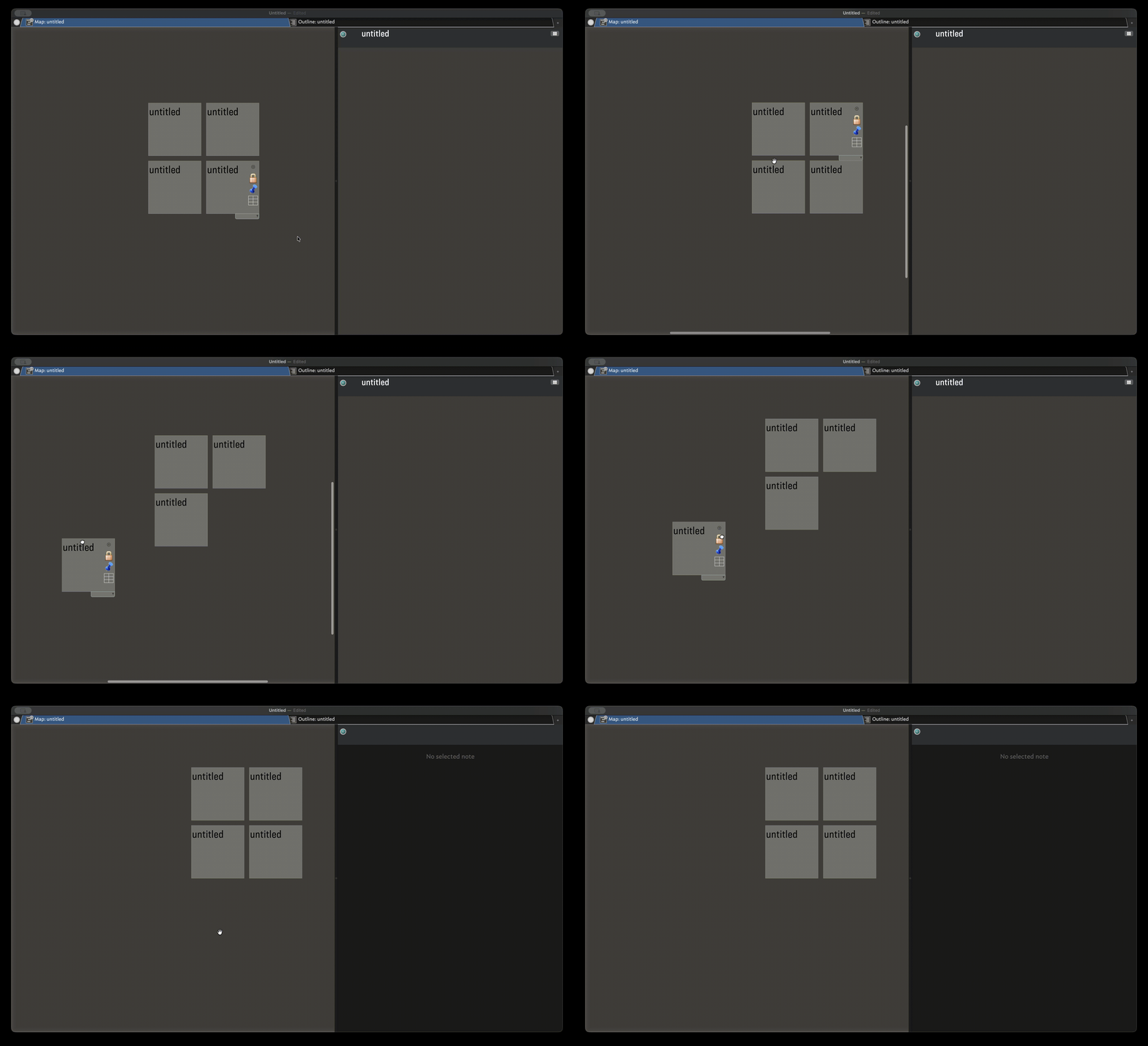
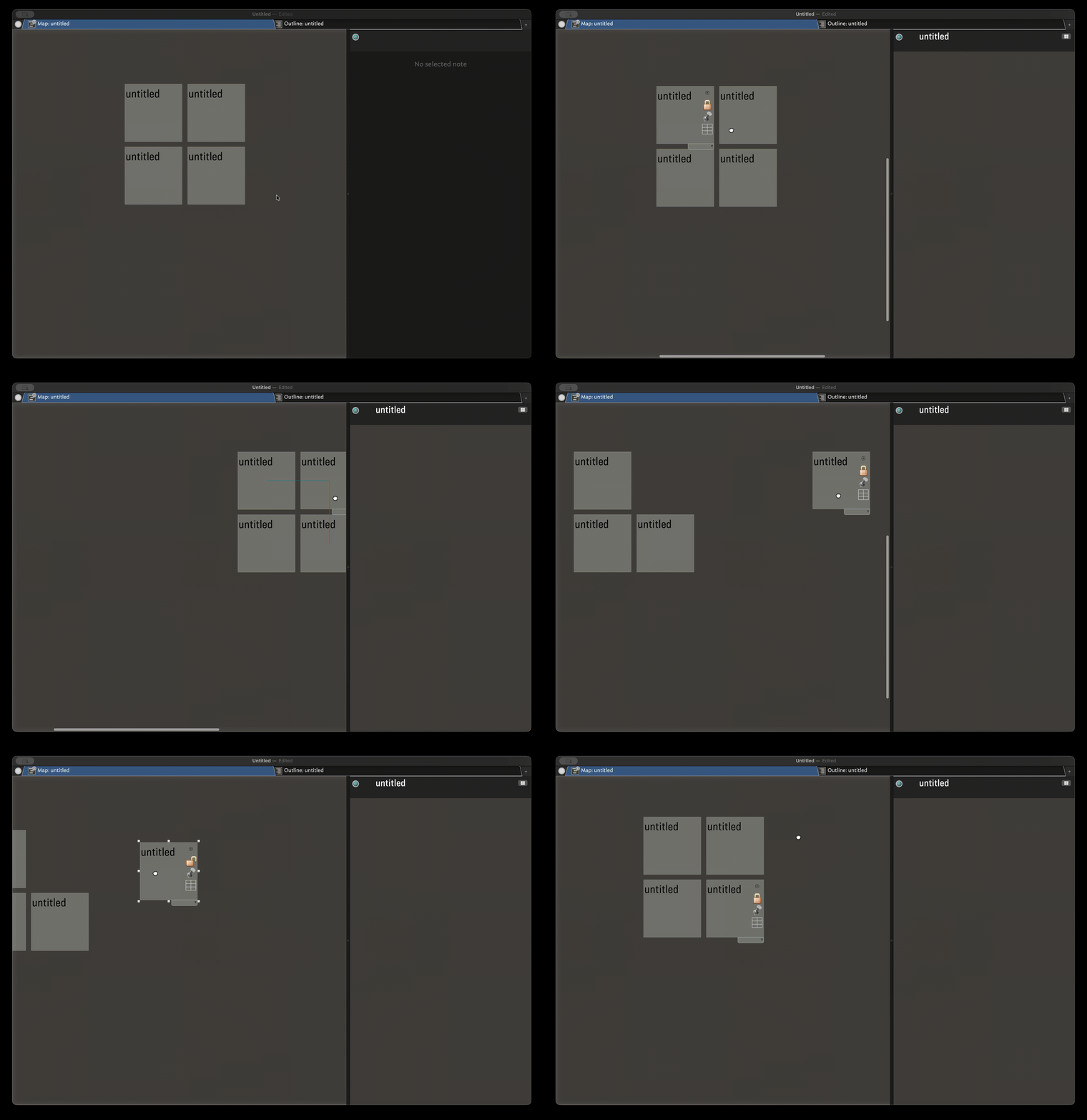
I’ve been noticing a strange behavior since updating to 11.6.0. I have some map views where there are various adornments, and I move notes around as a way to organize a kind of ad-hoc workflow. I started noticing that occasionally when I would grab the map to move it suddenly one of the locked adornments would get moved instead. This is something that hasn’t happened to me before 11.6.0.
I made a new Tinderbox file, created some locked adornments, and attempted to recreate the behavior. I’m not sure what actually triggers it, since it seems to happen randomly, but I was able capture the behavior on the recording. The bottom right adornment at one point suddenly jumps to a different location instead of staying put when the map is bing dragged about.
If it matters, I’m on Tahoe (26.3).