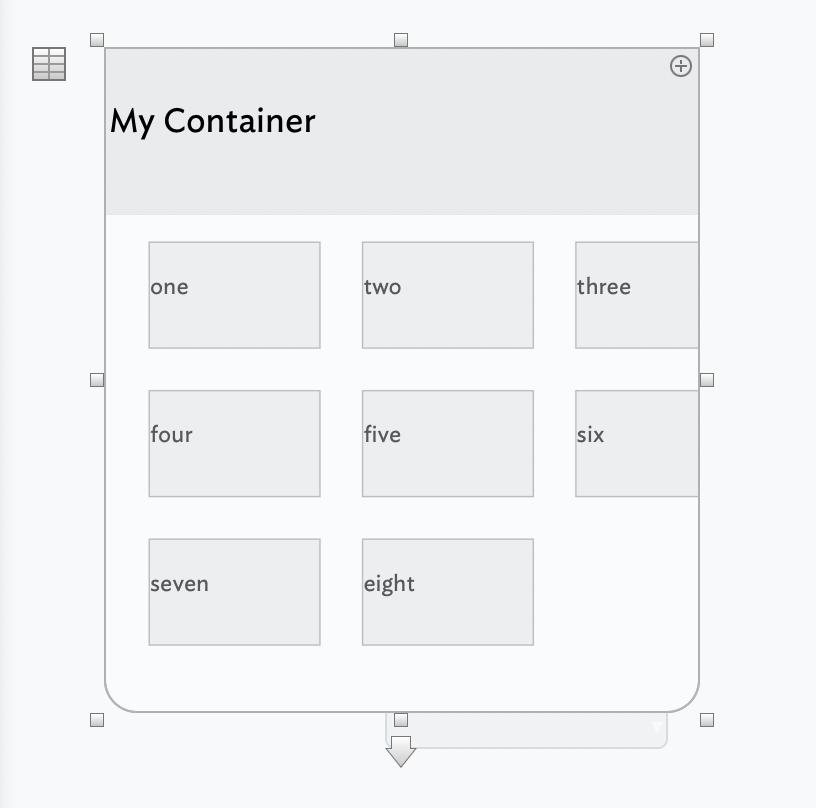
I have created a container of 8 notes. I now want to add information into those 8 notes.
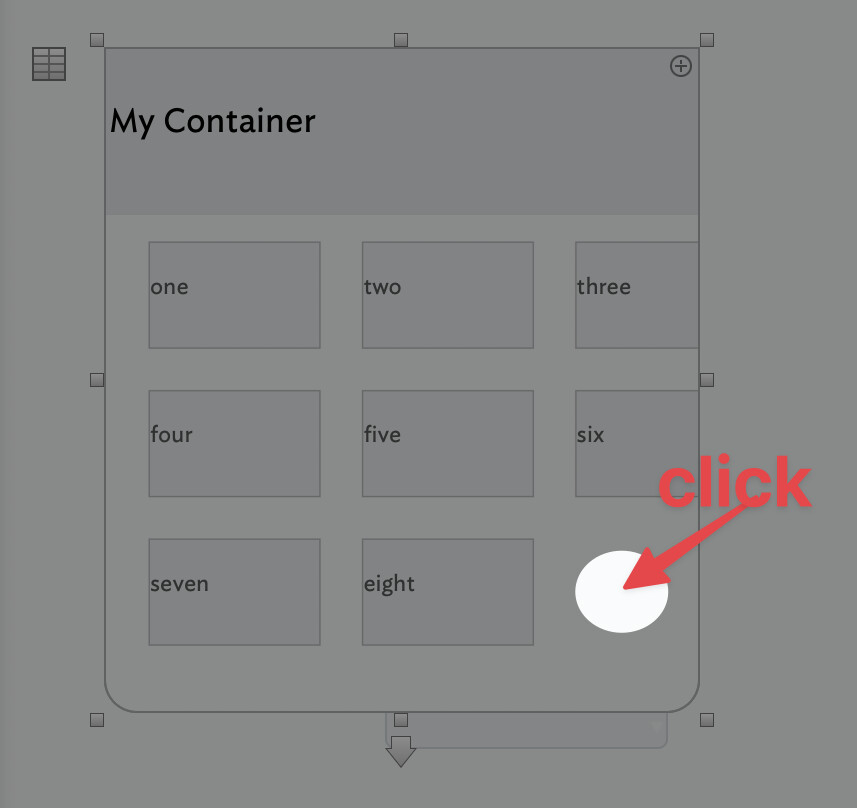
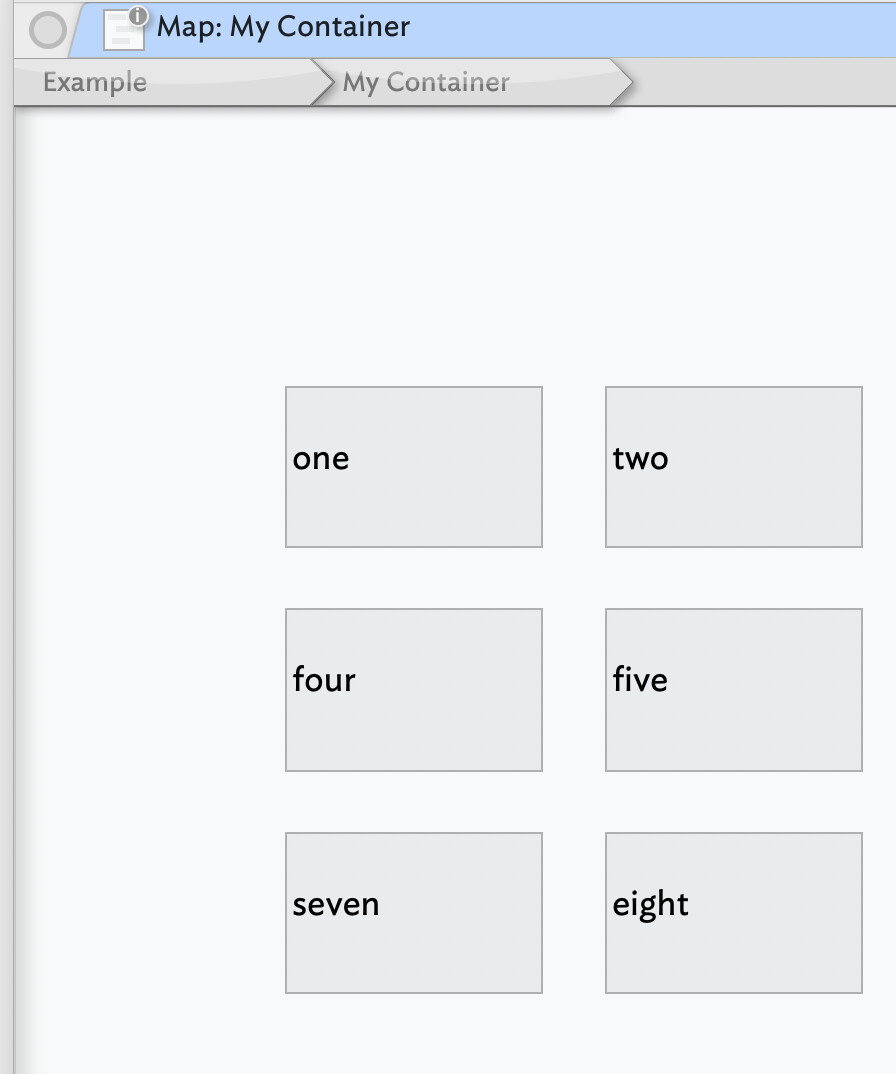
I click on one, thinking it will open the note, but it does not open it. It doesn’t do anything. I can’t seem to access that note in any way. I think I expected it to open at that 8 box inner level (one level in/deeper).
Of course, if you change the view to Outline view, you’ll be able to expand your container and look at each of the notes inside the container.
For the future – when you have an issue it’s helpful to the forum members if you explain what version of Tinderbox you have, what view(s) you are having an issue with, and maybe even some screen shots.
Perfect. Thanks, Paul. Do you mean you can’t read my mind?! Apologies on neglecting to mention the view… but I sure will work on it. Thanks again. Really appreciate the help.