Problems with Attribute Browser forgetting column widths

Hi,

[Tahoe 26.5.1 / Mac Studio M2 Max, 32GB / Tinderbox Version 11.7.0 (b797)]

Is anybody else seeing the Attribute Browser forget column widths when you move to another tab and back? This is happening for me every time now.

I don’t seem to be able to upload the screencast (.mov file), so here is a link to the file on Dropbox: Dropbox

Screenshots:

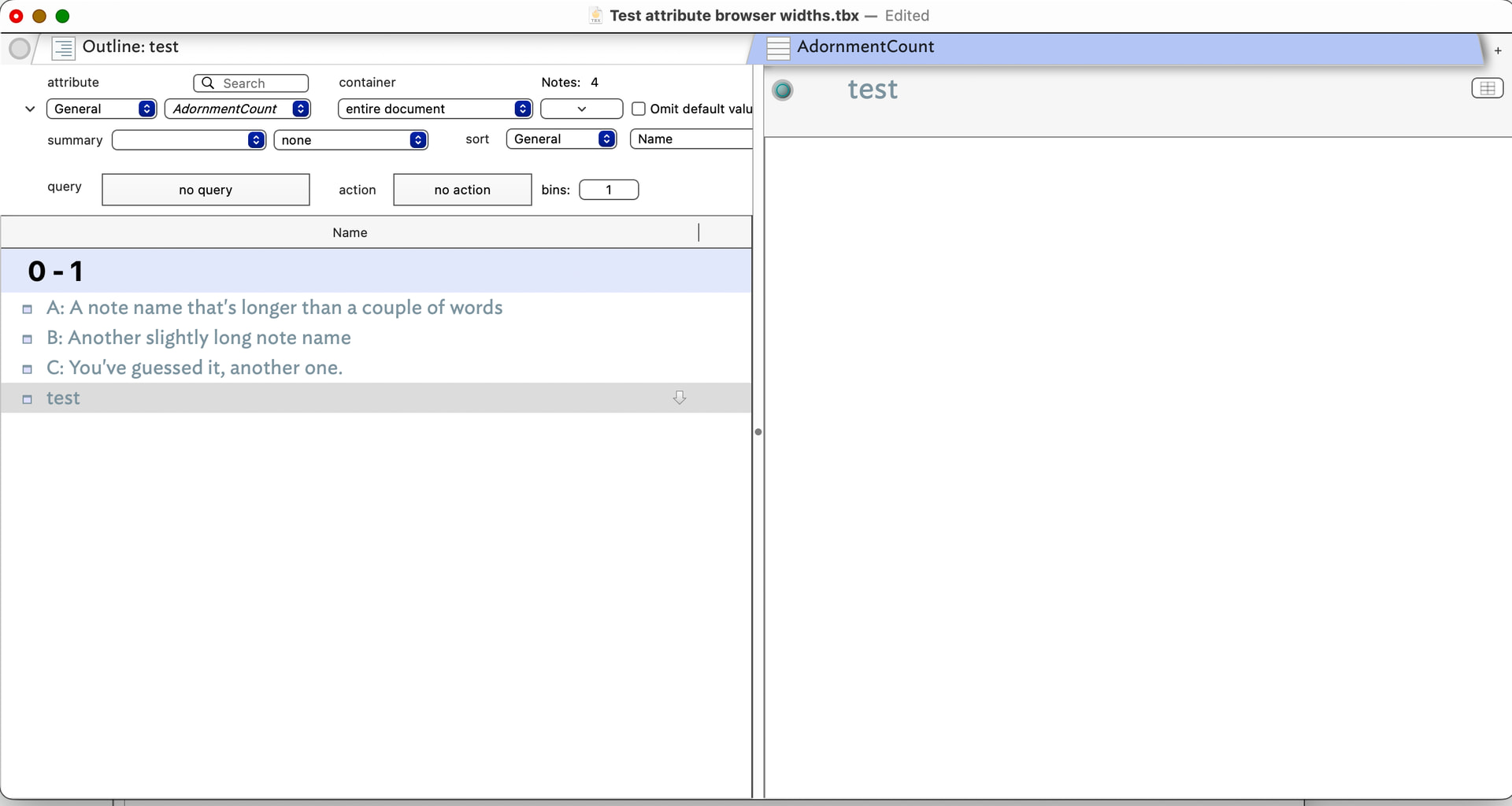
1: Set up width on Attribute Browser tab
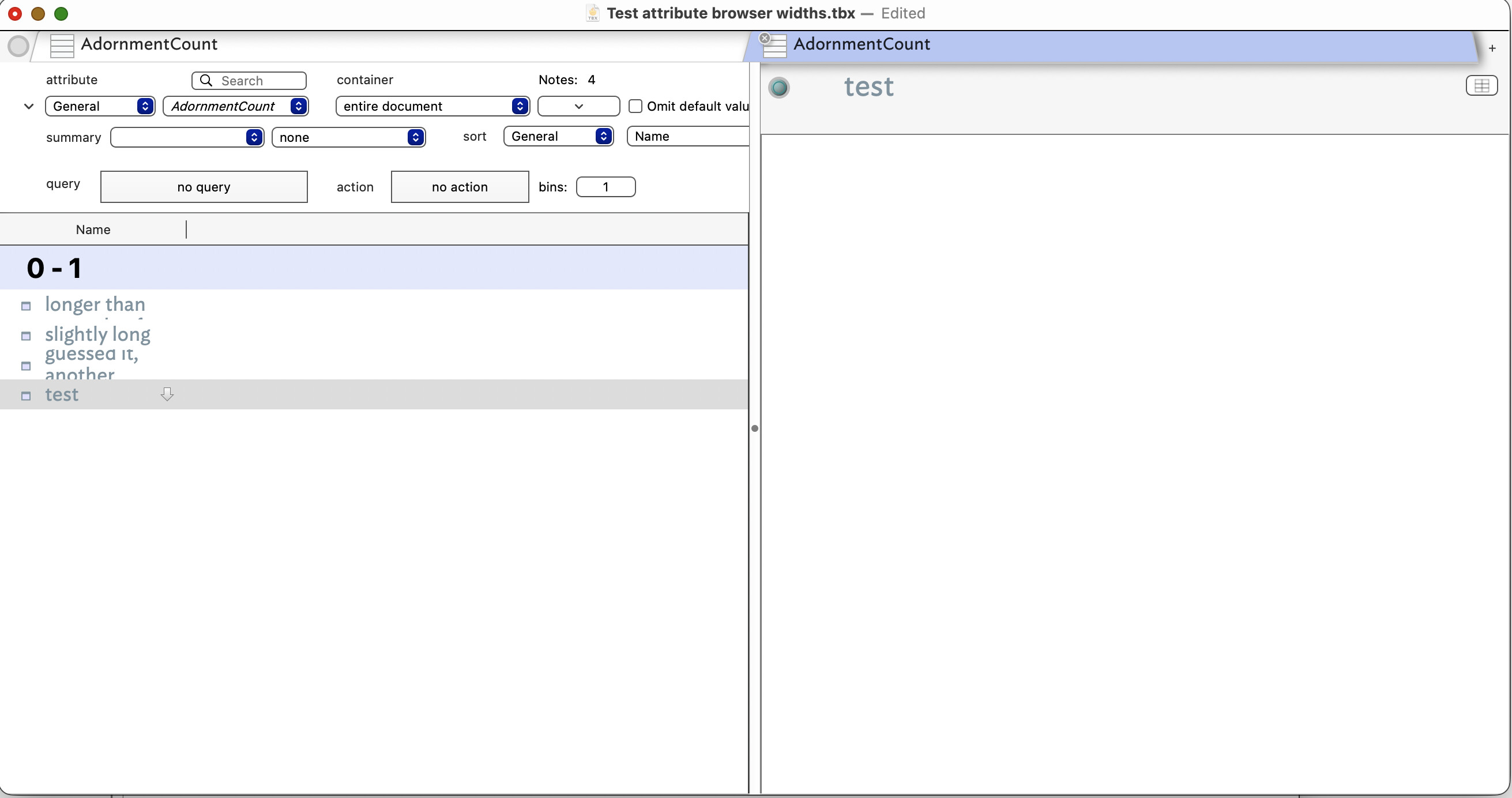
2. After moving to another tab and back again

As far as I can tell, this happens every time, no matter what the window size is, or the number of columns in the AB view.

Am I missing something obvious?

Thanks!

Is there only 1 column?

I can replicated this in v11.7.0 (b797). In testing I deliberately tested the tab focus switch trigger with a single ($Name) column and separately with multiple columns. Regardless of which column is adjusted, they return to default width after tab focus switch.

However, of note for @eastgate, I cannot replicate this in the current b805 beta.

[Post-edit] On checking Release Notes, this is noted as addressed in b800 RNs, so of course working in b805. :slight_smile:

So though I don’t know the cause, it may already be fixed, albeit only in the next public release. I don’t believe there is a workaround for v11.7.0.
2 Likes

The number of columns doesn’t seem to matter — the problem still occurs when there are more than one.

I hear you. So much has been happening lately, I hadn’t realized that this fix wasn’t already public. It should be out soon.

No problem – thanks Mark!