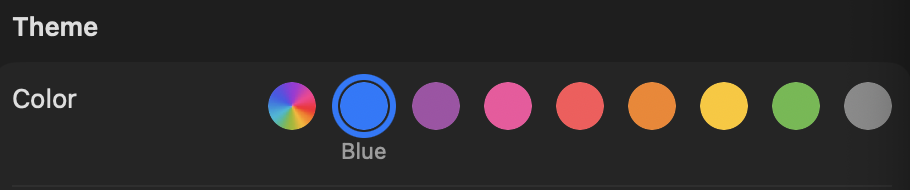
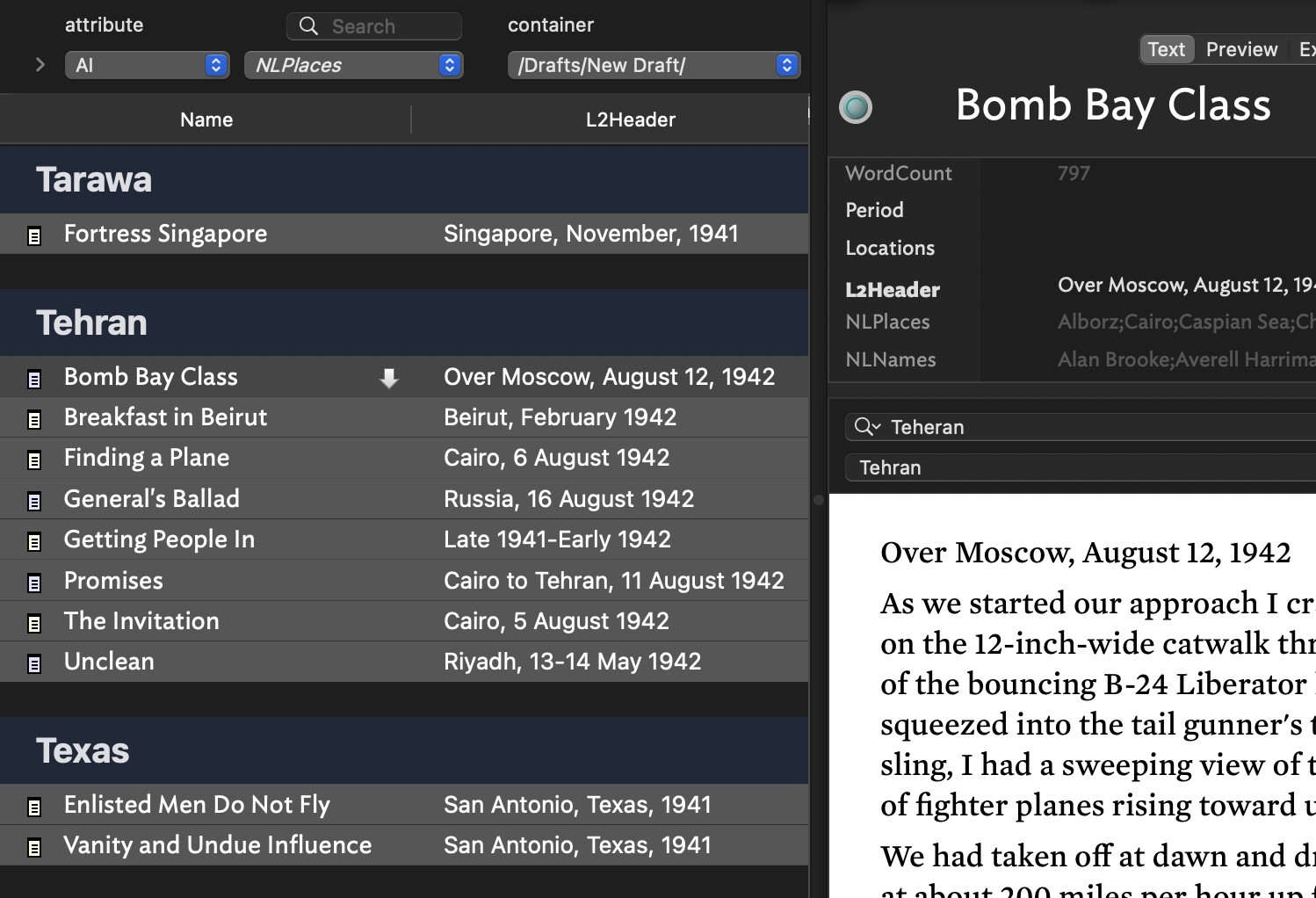
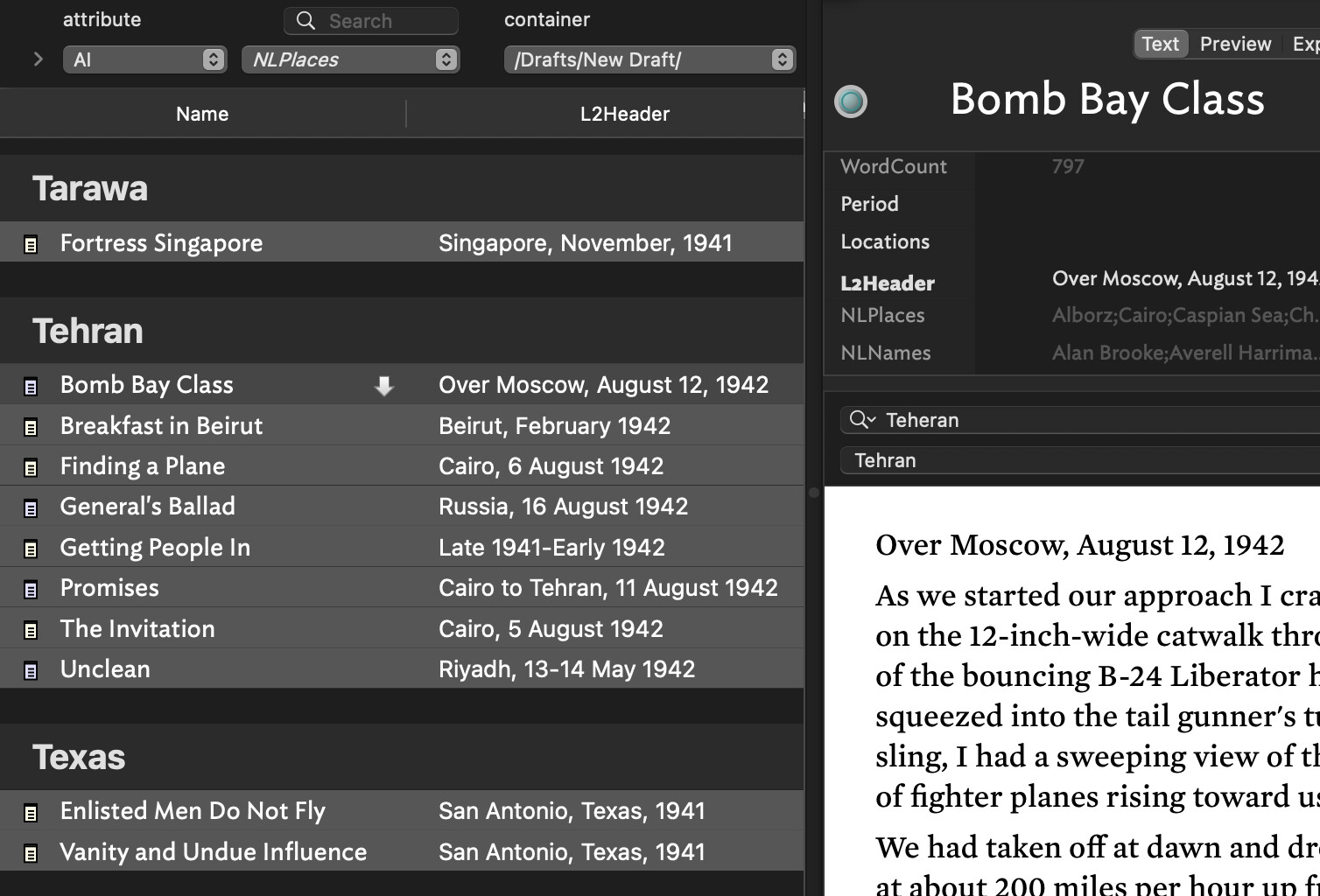
Since writing this, I found there is some control over the color in the left pane after all. After finding and reading through this thread on colors, I realized the significance of the reference above to “OS style controls” (which I didn’t fully understand). In System Settings > Appearance you can change the color under Theme. This affects the appearance of the left pane in Attribute Browser. I think the map main color is what sets those black bands. The background color behind the listing under each attribute, I’m not sure. It doesn’t seem to be an OS setting.
I eventually would like to be able to set all the bands to black to be a little more like the other views (understanding there necessarily are differences) but now that I understand better what can currently be done AB has become much more usable for me in dark mode. Thanks for the pointers!