but as queries are parsed left to right, this order is different:
inside(/Drafts/Old) & similarTo($Name(that),10)
Why? Because the gating to 10 or fewer matches occurs as part of similarTo(). So in the first instance the inside() can at most get 10 items from the first part of the query. In reverse, the second instance, the inside() can happily return >10 items that are then thinned down to 10 max by the similarTo(0 call.
In the latter case, by doing a scoping call first, the similarTo() only runs against notes meeting the inital scoring query term.
Thank you for circling back! I knew intuitively my code was telling Tinderbox to do something I didn’t intend, and that likely was not the fault of Tinderbox. The explanation and the fix is far simpler than I guessed. Think scope first, and keep it on the left.
The export to rtf for me is helpful as I need to see headers and listings beneath each header, as opposed to “flat” csv (character separated values, with the c being comma, tab, pipe, or whatever) tabular data. In rtf the attribute “headers” appear in (very) large font.
Note that when the exported data.rtf file is opened in TextEdit or whatever and copy-pasted into, say, a Numbers table, the data is arranged in columns if you have more than one column in AB. So it already seems to be csv, with the c being a tab.
The problem, though, is that in the resulting table the attribute “header” rows are indistinguishable from the listings beneath them. One way to address that might be to tab indent the listing rows (i.e., add a single tab before each row except for the “header” rows”). That gives useful results in Numbers, though the column headers any extra columns have to be shifted to the right, easily done. Not sure if that leading tab would confuse other csv parsers?
Markdown tables seem similar to csv with the c being a pipe. But unlike csv they have a | at the beginning and end of each row. Also, beneath the header row they include a row of |- - - | - - - | - - - |. Pasted into Numbers they can be made (after setting a custom delimiter of |) to appear in a tabular format spread across columns as expected. Then an empty column on the left and the right and the second row with the | - - - | - - - | etc all need to be deleted before further data work.
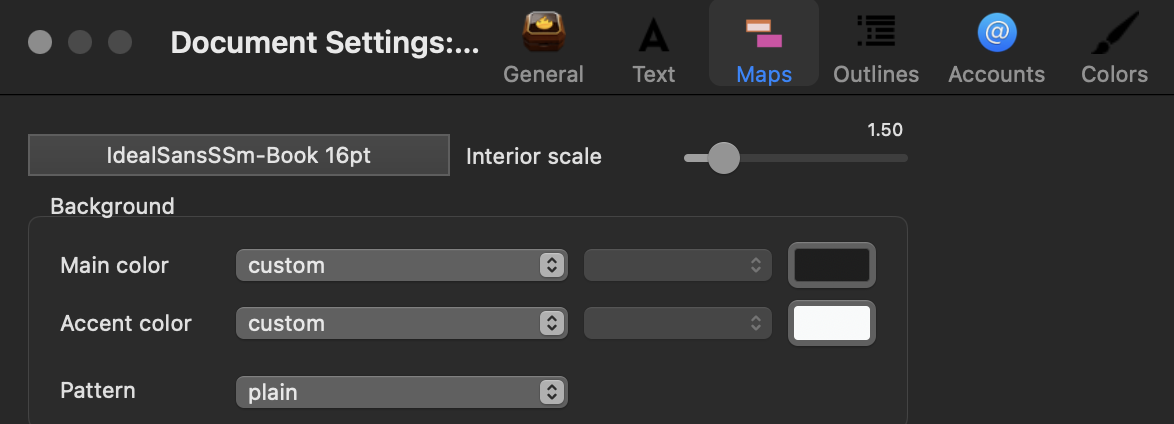
‘Accent’ colour is what used to be $Color2, $BackgroundColor2, etc. not least because in fairness that is what is (was?) daily used for.
Old → New $Color2 → $AccentColor
$BackgroundColor2 → $BackgroundAccentColor
etc…
So where you see color2 in a Color-type attribute, that colour is likely repaint by a new attribute version accent. The two are mapped as whilst $Color2, etc. as deprecated, they still work as fops generally hate updated code. For me, I update: how long do you want to push on the door before realising it is now ‘Pull’. Enlightened self interest with a free incidental buff of extra app expertise on the way.
As to the referenced release note, there I’m less clear (as I write, off to experiment…)
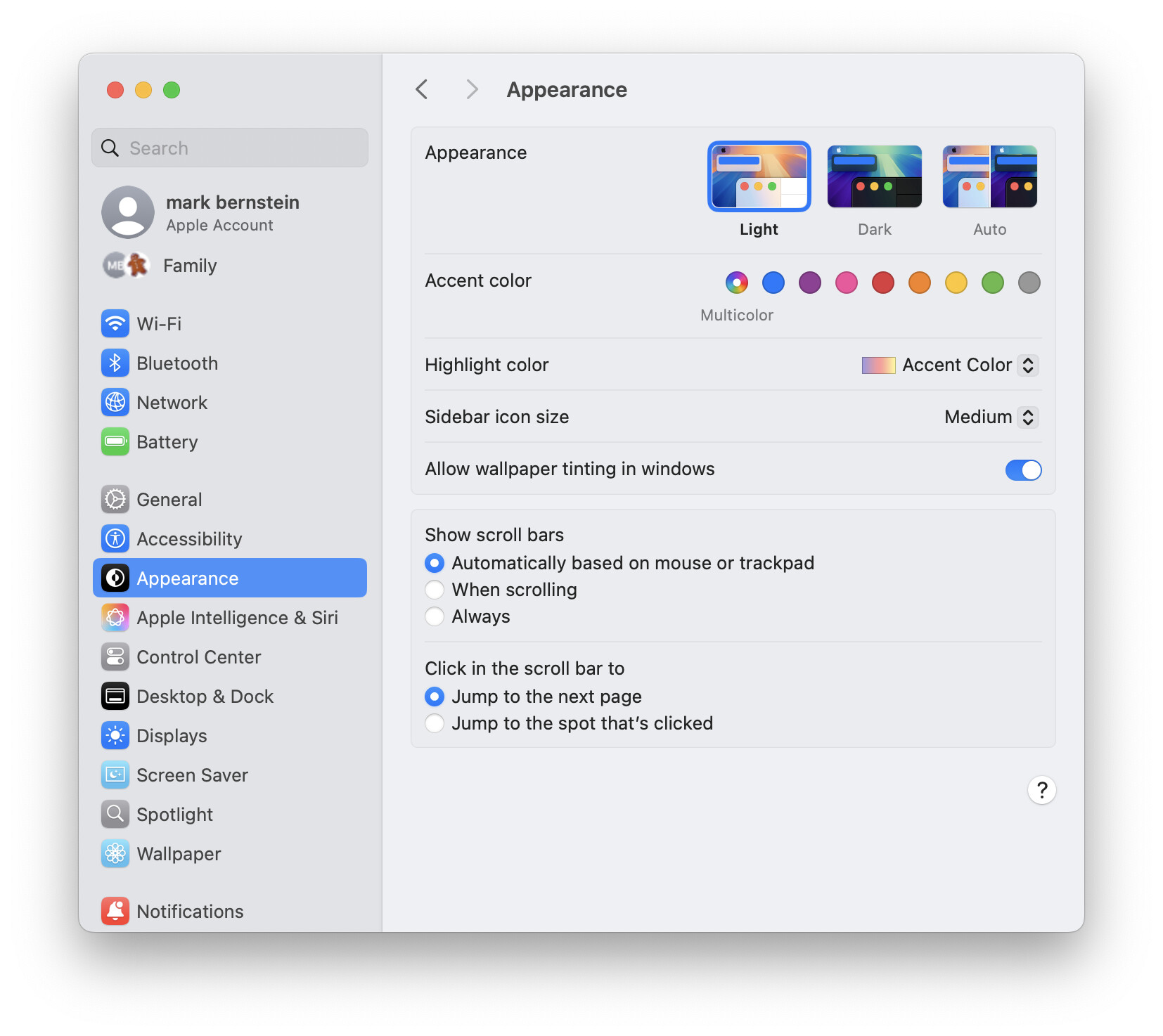
Just to add to the OS fun, the default ‘accent’ choice as seen in the grab in the last post is ‘Multicolor’ which means it varies. But, in the context’s likely to impinge on the problems here is its ‘blue’. Other colour options use the single colour shown in the circle that it, actually a random button (yay for non-standard UI elements!).
I think the accent reference didn’t make in into aTbref (i.e. implying app not OS). If it did, let me know and I’ll correct it.
To add to confusion, it seems in System Settings on Tahoe 26.4.x (with the glass and all that nonsense) that the label is now Theme Color (per my screenshot upthread) and not Accent Color.
Anyway I think I see where my black setting in System Settings shows up in AB View. It’s likely the bands above each attribute name. I’d prefer eventually to be able to set the background behind the listings darker gray or black. But the AB View is good as is for my use in Dark Mode when I set the theme color to Graphite.
The format of the export from AB may be more of an issue. CSV/TSV? JSON? TOON? An export template system so people can roll their own?