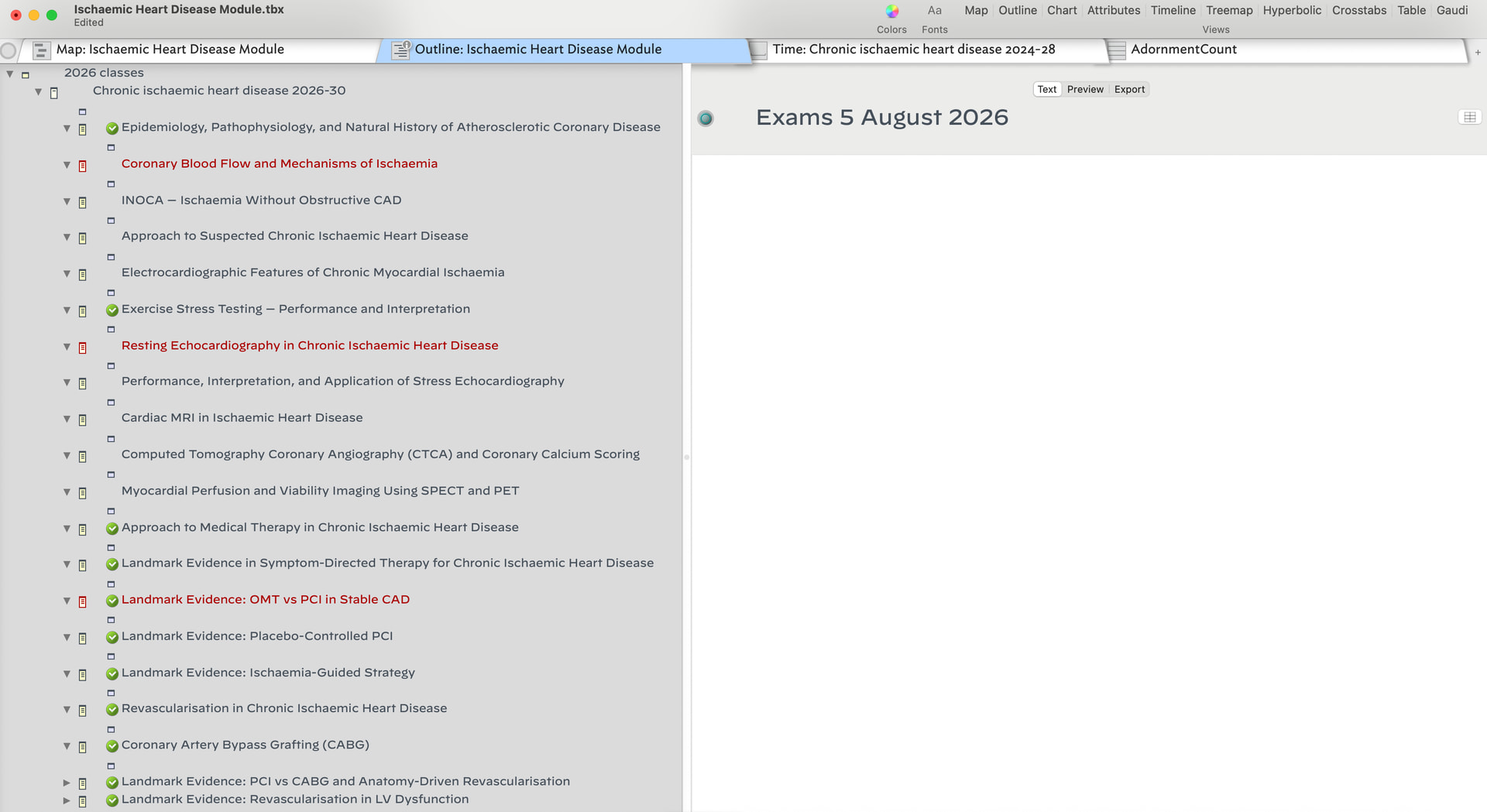
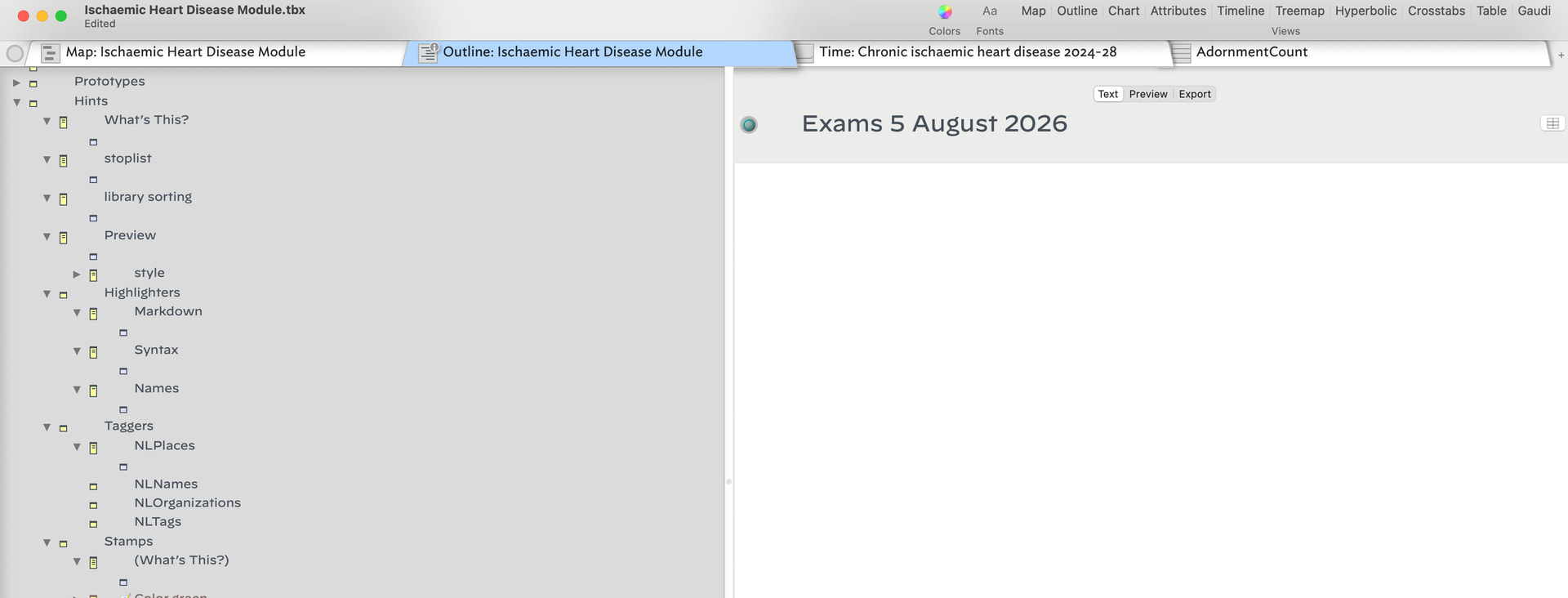
Perhaps this has been noted or perhaps it’s just happening to me. Over the past day or so I’ve noticed that if I expand all nested containers via ctrl-cmd-9 each note ends up with two empty nested notes. This happens for the container, for individuals notes they are converted to containers with two empty notes. When I click through the empty notes they disappear.
We discussed the symptom at a meetup a couple of weeks back. I’ve seen it once or twice. I cannot reproduce it with ⌘^9 on a freshly-constructed document; I suspect there is more to the story!
I would very much like additional evidence on what triggers this.
I’ve noticed over the last two weeks something similar when I work on a file that’s stored in Dropbox and accessible from both of my MacBooks.
When I work on the file on one MacBook and later open it on the other (the file is always closed on the first computer before I open it on the second, so it’s never open on both at the same time), every note ends up with an additional empty child note.
It doesn’t really bother me because, thankfully, they’re very easy to remove using the Attribute Browser—I can delete them all in one sweep
The files are stored in Dropbox under the same account, so they’re accessible from any device or browser I’m signed into. There are no special sharing or sync settings applied—the documents are simply saved in Dropbox and opened from whichever MacBook I’m using.
It has been consistently reproducible over the past couple of weeks, but let’s see whether it reproduces with a fresh file.
I’ve just created a new file and placed it in my Dropbox.
I’ll first upload it here as it appears on my M5 MacBook, where it was created and from which it was uploaded to Dropbox.
I’ll then close the file, log out of this computer, open the same file on my Intel MacBook, and upload the file again as it appears there.
Here is the same file as accessed from Dropbox on my Intel MacBook and uploaded from the Intel MacBook.
Interestingly, it hasn’t affected this file, although the issue is still present in the other file. I’ve emailed that file to you; it seems there’s something unique about it that’s triggering this behaviour.
It’s not urgent on my end, so you can take a look whenever it’s convenient.
Here is a prototype/action-code free file that shows this behavior on my end. If I open ‘Science set Free’ using ctrl-cmd-9 quite a few empty notes appear. Does this show for any of you ?
toggling between Cmd+Ctrl+[0,9] was suggested as one way that I notice this. Closing and opening the affected elements doesn’t remove the ‘ghost notes’, when I select the individual ‘ghosts’ … and as best I can tell, I have to select each one individually, will clear them up if I then close/reopen the container. … another aspect is that sometimes individual notes are converted to containers of one or more empty notes.
thanks for confirming @mwra not sure if the file will yield more insight. FWIW when I start from scratch I cannot create this situation. Those files where I encounter this are long-lived files.
perhaps a helpful fact is that this is occurring for files created prior to 11.8 and started appearing with 11.8. Files newly created with 11.8 haven’t shown this issue.
Mea culpa, unused to these shortcuts (not a touch typist) I didn’t realise that expand/collapse were two discrete/different shortcuts rather than a toggle. One mystery solved!
I’ve had this happen to me as well. I’ve noticed two things:
The “ghost notes” were all appended to certain Prototypes…I think they were active prototypes. Other prototypes that have no “child” notes did not get the “ghost notes.”
For me this started exactly when I was having fairly serious internet disruptions. I was traveling and using a Simo hotspot over a VPN. The VPN was disconnecting every five minutes or less.
I fixed all the Prototypes and do not think I’ve seen the issue since.
I work on two different Macs, both upgraded to 11.8
The ghost notes appeared when I was having trouble getting a revised file to upload to iCloud and then download to the other Mac. I had weak internet at the time.
I can confirm that those notes where I have this issue are notes with a prototype. None of these prototypes have children and none of these prototypes inherit there prototypes. Ghost notes also appear with my prototypes.
My files are either on iCloud or Dropbox … they are only accessed from a single machine.
So a useful diagnostic here is does this occur with a locally stored file? Indeed, if you take an online file, currently with the ‘bad’ behaviour, and move it locally, does the phantom child problem persist? IOW, is the cloud part an actual contributing factor (always a present for a bad file) or just coincidence (problem occurs with local files too), etc.
On your suggestion I’ve duplicated one of these files and copied it out of my dropbox ‘drive’ to an unsynchronized location. I still see the ‘ghost notes’.