Mark,
Thank you for the careful and candid engagement — and also for explicitly signalling that you suspect “a more fundamental answer” may be the right direction. I agree with that diagnosis, and I would like to restate the underlying aim as plainly as possible.
1) The point is not tab mechanics; it is continuity of thought
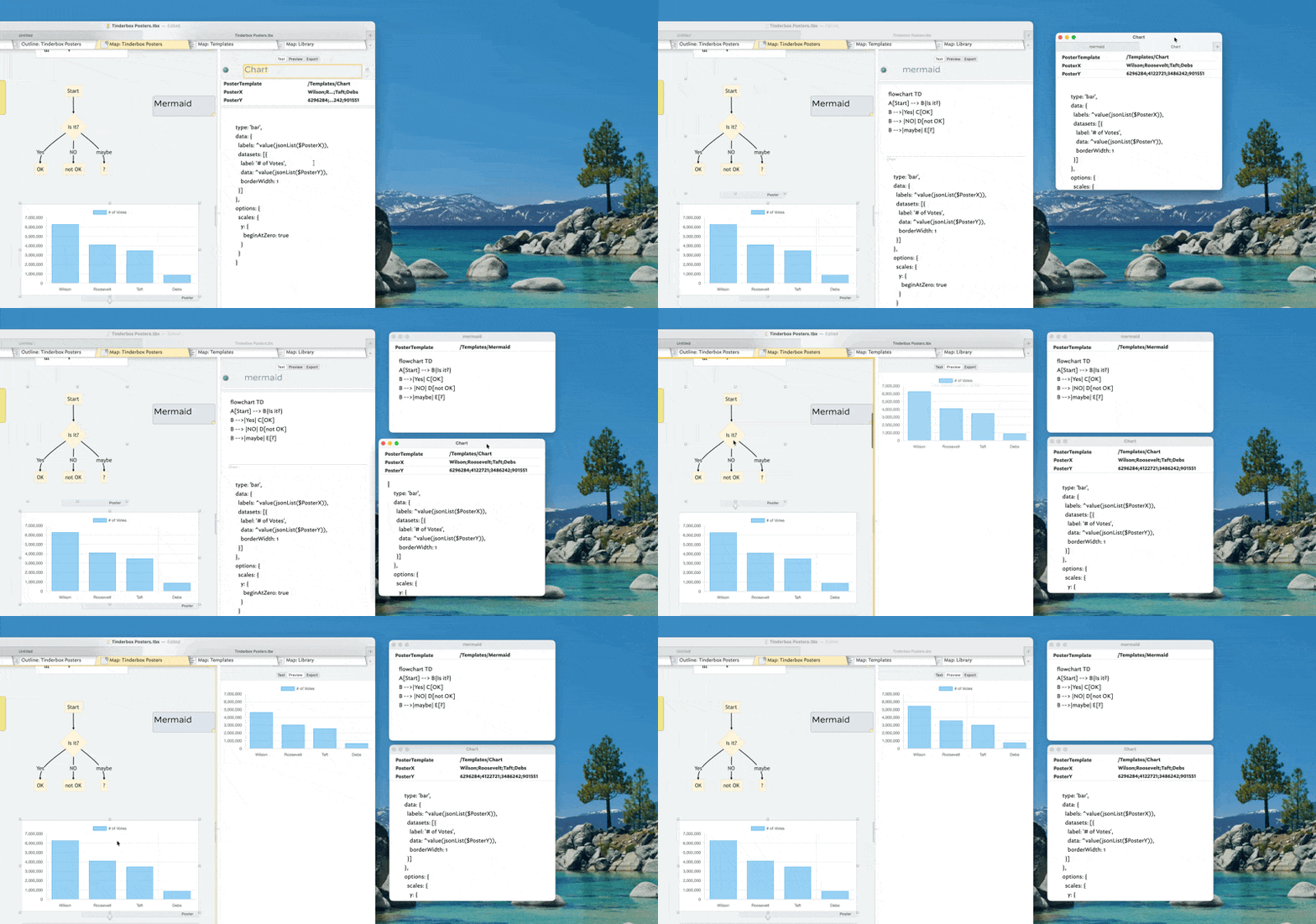
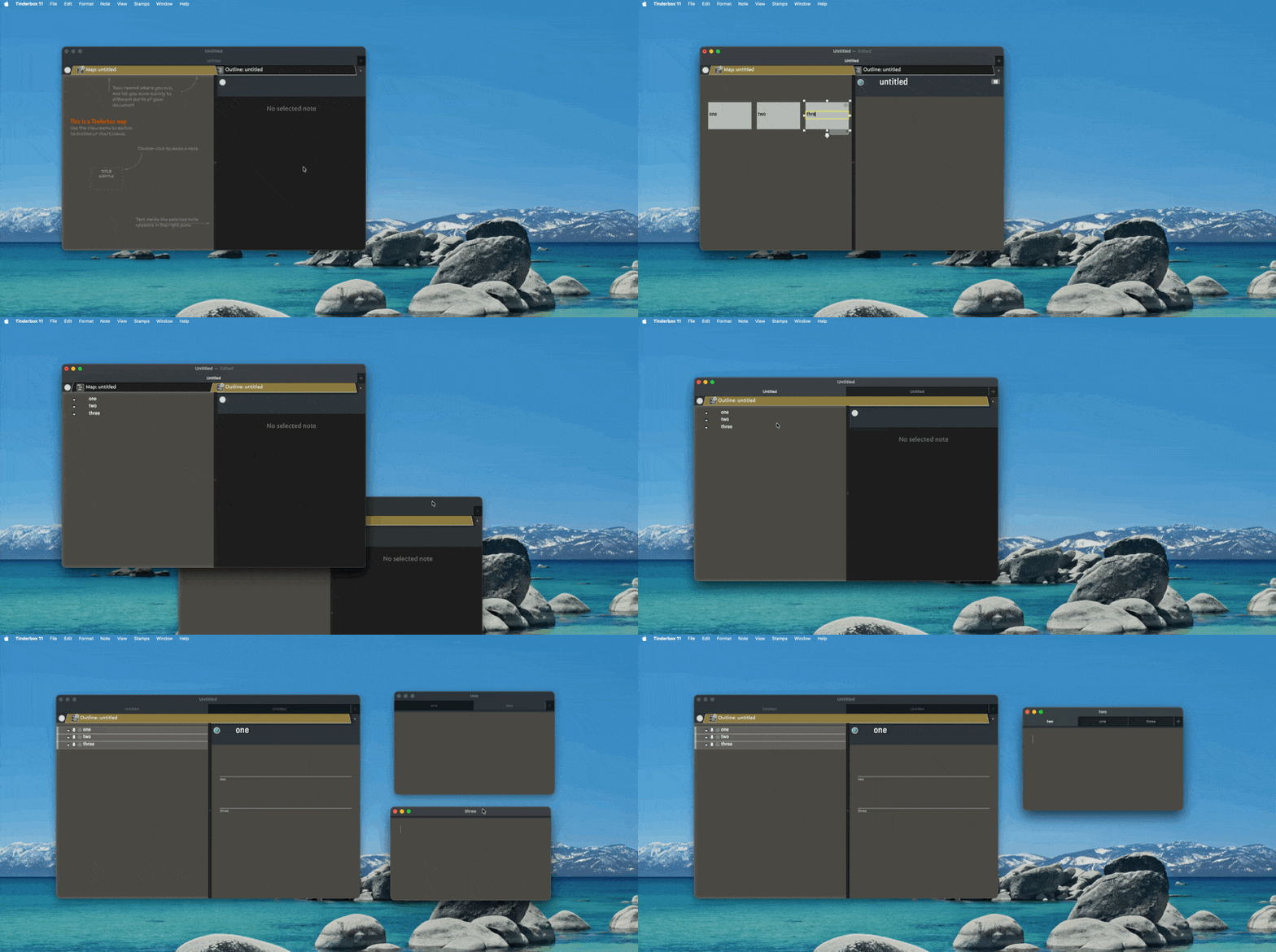
My original post was a report from the meet‑up session, illustrated by a GIF, and it intentionally stayed close to observable behaviour (split, merge, detach, and the macOS “Prefer tabs … Always” prerequisite). The motive for posting it was pragmatic: make it easy for others to reproduce the steps quickly and reliably, and reduce “window clutter anxiety” by showing a clean way back from multiple windows. That was the surface topic.
The reason I care is the deeper topic: Tinderbox as a tool for thinking with notes, and specifically the ability to keep a thinking process moving while making small edits and connections that would otherwise be lost to friction. In other words, the window/tab behaviour is only instrumental: it exists to serve the thinking flow, not to become a separate activity in its own right.
2) “Across container boundaries”: not a Map‑only assumption, but a working‑set need
You wrote that my phrase “across container boundaries” sounded like an unstated assumption of Map view and container‑scoped work. That is a reasonable inference, and I appreciate the clarification about which views are container‑scoped and which are not.
However, my use of “across container boundaries” was not meant as a statement about which view I use, or as a claim that other views cannot solve the problem. It was meant to name a very concrete cognitive situation:
- I am in the middle of a thought process.
- I realise that some other note (which is not conveniently “right here” in the current context) needs a small change, a link, a tag, an attribute update, or a quick annotation.
- The main risk is not that Tinderbox cannot do this, but that the detour required to locate and edit that note breaks the momentum and I never return to the original thought thread.
The “separate note window” pattern is one way to maintain a stable working set in front of me while I keep moving. If there are better ways — especially view‑native ways — I am genuinely interested in those. But the requirement stays the same: protect the continuity of thought.
3) The “tabbed group” aspect is a means to protect the thinking flow
What I was trying to point to with the “tabbed group” idea is not a preference for tabs as such, but the cognitive effect of having several relevant notes gathered into one stable, compact working set.
In the middle of a thought process, the problem is often not “finding a note” in principle, but keeping multiple notes simultaneously available without constant context switching. A tabbed group (if it behaves as expected) is useful precisely because it:
- keeps several notes co-located in one place, rather than scattered across the desktop,
- allows fast switching within the same window, which reduces the “navigation tax,”
- makes it more realistic to keep a small constellation of notes open long enough to actually work the thought through (capture → edit → connect → integrate), instead of interrupting the process to manage windows.
So, the substantive point is: tabbed grouping is valuable insofar as it reduces micro‑friction and helps sustain continuity of attention at exactly the moment where thinking is fragile.. Everything else (split/merge/OS settings) is only in service of that goal.
4) Where I fully agree with your “missing piece” hypothesis
Your “bottom line” resonates strongly: if Tinderbox offered a smooth method to open a different target note as a stand‑alone window via an incremental search or prompt (akin to the zip‑link path matcher), then much of the window choreography would indeed become unnecessary.
And this is precisely what I mean by Tinderbox as a tool for thinking: not “more UI,” but a shorter path from intent to action, so the thought is not lost while managing context. If there is an established technique today (even if it is slightly indirect) that approximates this — for example via Quick Find, a specific view, or a repeatable pattern you have seen work — I would very much welcome that guidance.
5) A small but important clarification of my stance
I am not arguing that there is one best workflow for everyone. Screen size, number of displays, and individual working style clearly matter — as you noted. My claim is narrower:
- There exists a “thinking‑flow” mode of work in Tinderbox where micro‑friction matters disproportionately.
- The window/tab/merge behaviour is relevant only insofar as it helps enter that mode and remain there.
- Therefore, my interest is: what practices, affordances, and UI paths best protect that mode, across different setups.

 . Done in the source TBX
 – posters could also be made prominent in this way. For the time being, however, poster cannot be displayed this way (see the GIFbelow).