I am in need of some elementary guidance on the use of tabs. I have about 1K notes for a project.
How do I set up a tab to open one specific note and only that note? (to maintain an essay outline)
How do I set up a tab to open a selection of notes? Once that tab is open with the relevant notes, can I change the view to map ONLY for those notes? (to support the writing of an individual section in the essay)
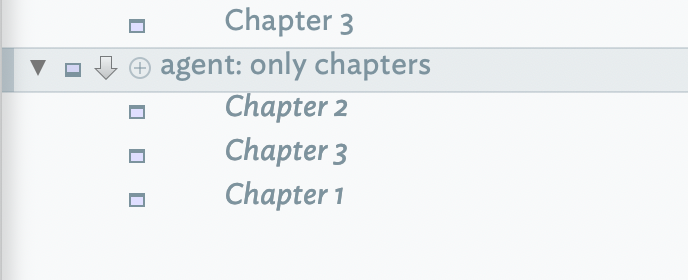
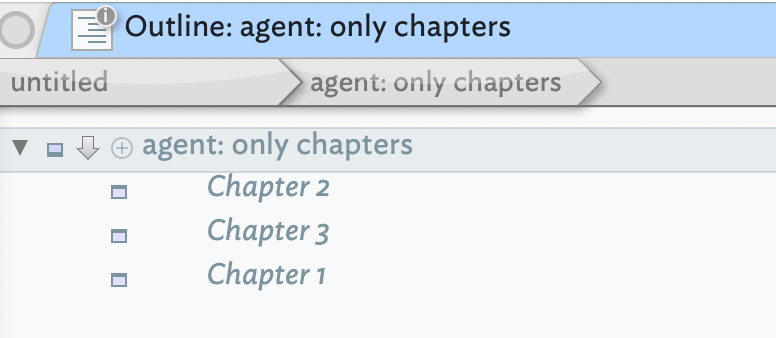
Continuing from no. 2., how to I set up a tab for the product of an agent? (similar task)
See the initial portion of this thread - I use it to have certain windows be and stay open.
Basically when you “view as text pane” - Cmd-Opt-X (and in general, if you “tear away” a pane), it stays consistent and doesn’t change even when you hop around your project. The windows will reopen on restarts too.
I would just make aliases of the Notes I need and drop them in a Container, then change the view of that Container as needed.
The result of your Agents are in the form of Alias Notes within the Agent’s Container. So you can set an Agent to look for an Attribute value like “Essay on GeoPolitics" or set a Boolean User Attribute “ActiveEssay” or…. (the idea being to collect the results in the Agent’s Container) and go from there. The same applies to your prior question, you can roll these into one.
A tab doesn’t ‘open’ notes. The view (left) pane of the window, depending on view type and scope will show some notes. Clicking on note in the view pane selects it and causes its data to be shown in the text (right) pane.
A note can be opened as a ‘stand-alone’ window (which is not a tab) by selecting note in the view pane and using Cmd+Opt+X or View menu ▸ Text window.
Before anything else: with the thoughts below I’m initially responding specifically to point 1 of the initial post, i.e.:
Reading through that discussion made me notice a small but workflow-relevant friction that seems to emerge once you really start “tinkering” with tabs as part of your working method.
Background: how I currently use “Open in New Tab”
From Outline view (or Map view) I can right-click a note and choose Open in New Tab. This is already great, because it lets me keep my navigation context (Outline/Map) while opening a second workspace for the selected note.
However, the resulting tab is initially a split context:
on the left: the originating view (Map/Outline)
on the right: the text pane showing the note’s content
If I want the tab to behave like a dedicated editor, I switch to a “Pure Note” display via CMD+4 (full Note view, without the left Map/Outline area).
The friction: the tab does not “stay” in “Pure Note”-mode
Here’s the issue that keeps breaking the flow:
Even if I switch that tab into a full Note view (via CMD+4), when I navigate away to another tab and come back, the UI can revert to the split view again. In other words, the tab does not reliably persist as “this is a (pure-)note tab”.
In practice, that makes it hard to treat tabs as separate workspaces, e.g.:
one tab = navigation/exploration (Outline/Map)
one tab = writing/editing (Note)
Because the editor tab keeps collapsing back into “navigation + text pane” mode, the mental separation of roles (“terrain” vs “workbench”) gets lost.
Feature request / proposal
What I’d love to have is something like:
Open Note as Note (i.e., in Note mode) in a new/separate tab
Not just “open this note focused in a new tab”, but explicitly open it as a Note.
Sticky Note mode per tab
If a tab is opened (or switched) into Note mode, it should be able to stick to that mode.
A simple UI affordance could do it (for example a checkmark / “pin” in the tab header or tab menu):
enabled: this tab remains a dedicated Note view (no automatic fallback to split view)
This may sound small, but it becomes important when a workflow “emerges” over time: once tabs become part of one’s method, mode persistence is what turns tabs from “temporary navigation” into “stable workspaces”.
Would that be worth considering? I’d be happy to clarify expected behavior further (e.g. whether the sticky Note tab should follow the current selection or only change when navigating inside that tab), but the core point is: A tab should reliably stay a Notes tab, if desired, and be something one can turn off when no longer needed.
I don’t think that is intentional, i.e. the designed intent of the feature, although I can’t find the latter formally documented anywhere so it is hard to know. Also I can’t replicate what you describe in v11.5.0 (the current release).
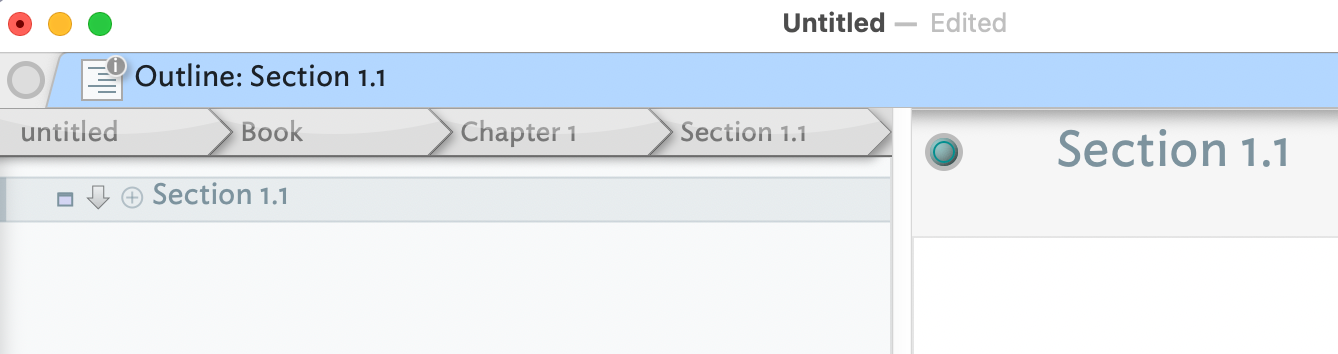
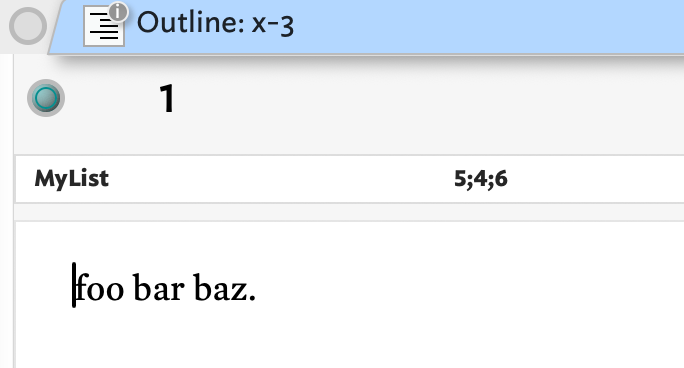
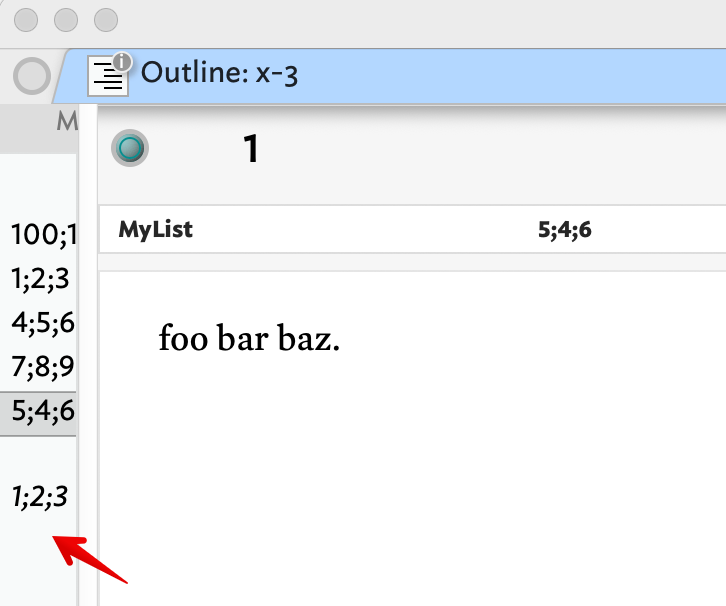
It is the case that if I use Cmd+4, tab switch out and back, start like so, the result is a small sliver of the view pane shows. Thus, set to Cmd+4: