Hello,
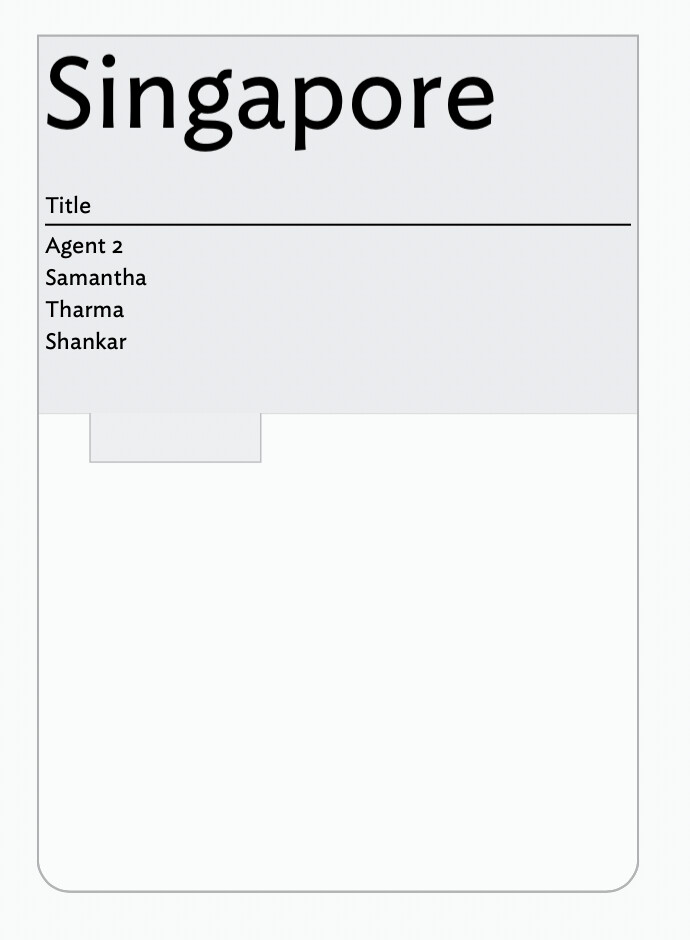
I am using tbx11. The table expressions works with Agent; however, table expressions is not working with a container note.
I am attaching the test file I am working with.
Thank you in adavnce for any guidance!
table-view.tbx (195.9 KB)
Hello,
I am using tbx11. The table expressions works with Agent; however, table expressions is not working with a container note.
I am attaching the test file I am working with.
Thank you in adavnce for any guidance!
table-view.tbx (195.9 KB)
You’re zoomed out too far; the summary tables are formatted at (I think) 12pt at standard magnification, and aren’t drawn if they’d be so small as to be illegible.
@eastgate Thank you!
Thank you!
Tables are meant for fast informal dashboards and the like. If you want more control over formatting, you might consider using a poster note.
@eastgate Thank you!
Yes, when I increased the height of the titlebar, the table expressiosn appeared. I have also changed its font size. Thank you!
I have not come acrsss on ‘poster note’. Is there a description on ‘poster note’ on the web? Thank you!
Posters are described here: Map Posters.
If you are comparable with making JavaScript-enabled webpage then posters offer you a range of display methods not possible in a table expression, or container plots (latter as seen here). If you are comfortable with using AI, people have had success with using it to configure posters. As ever, there are multiple ways to approach this.
@mwra Thank you for the link to the web page on ‘Posters’. I will explore it!