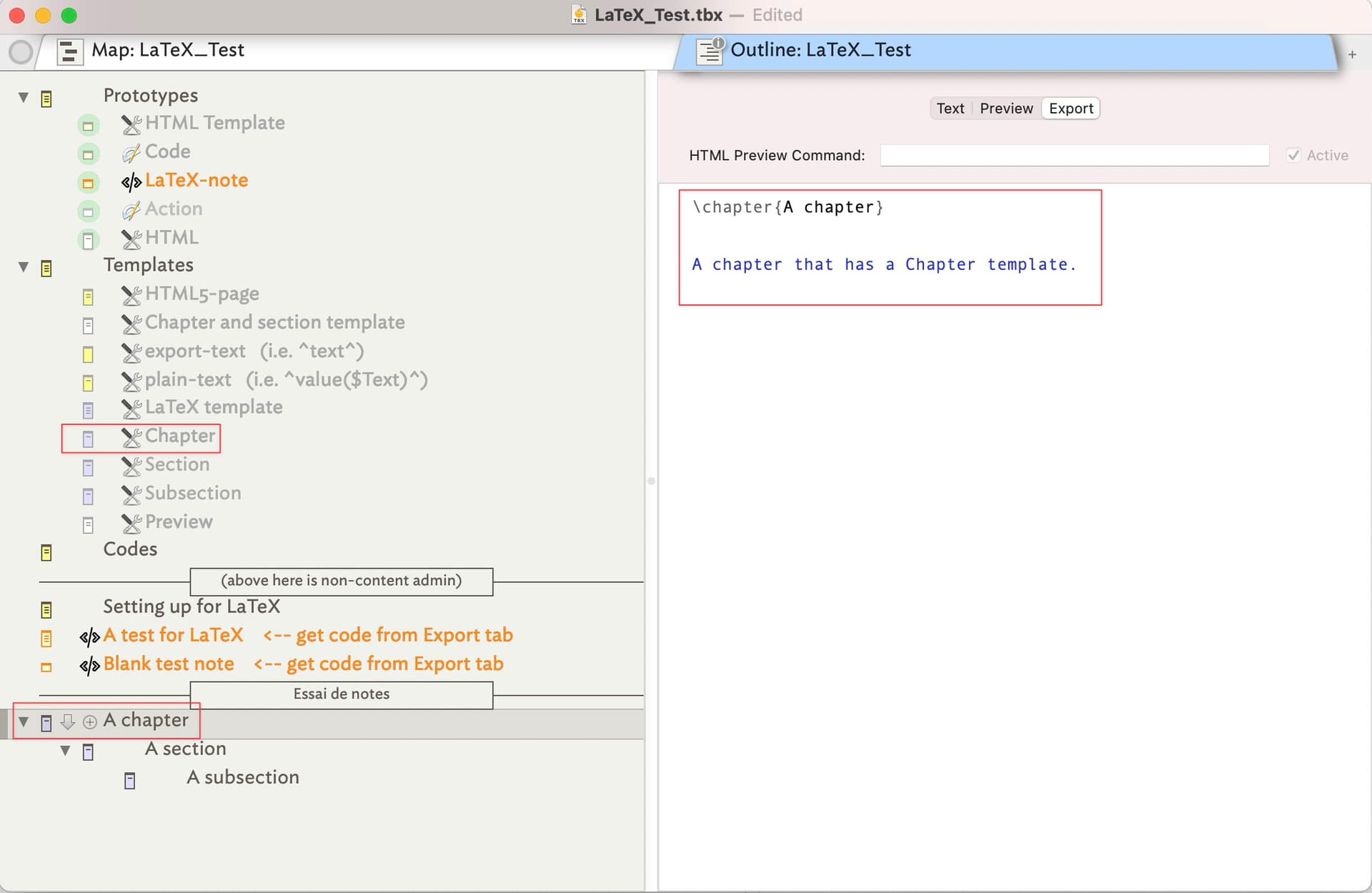
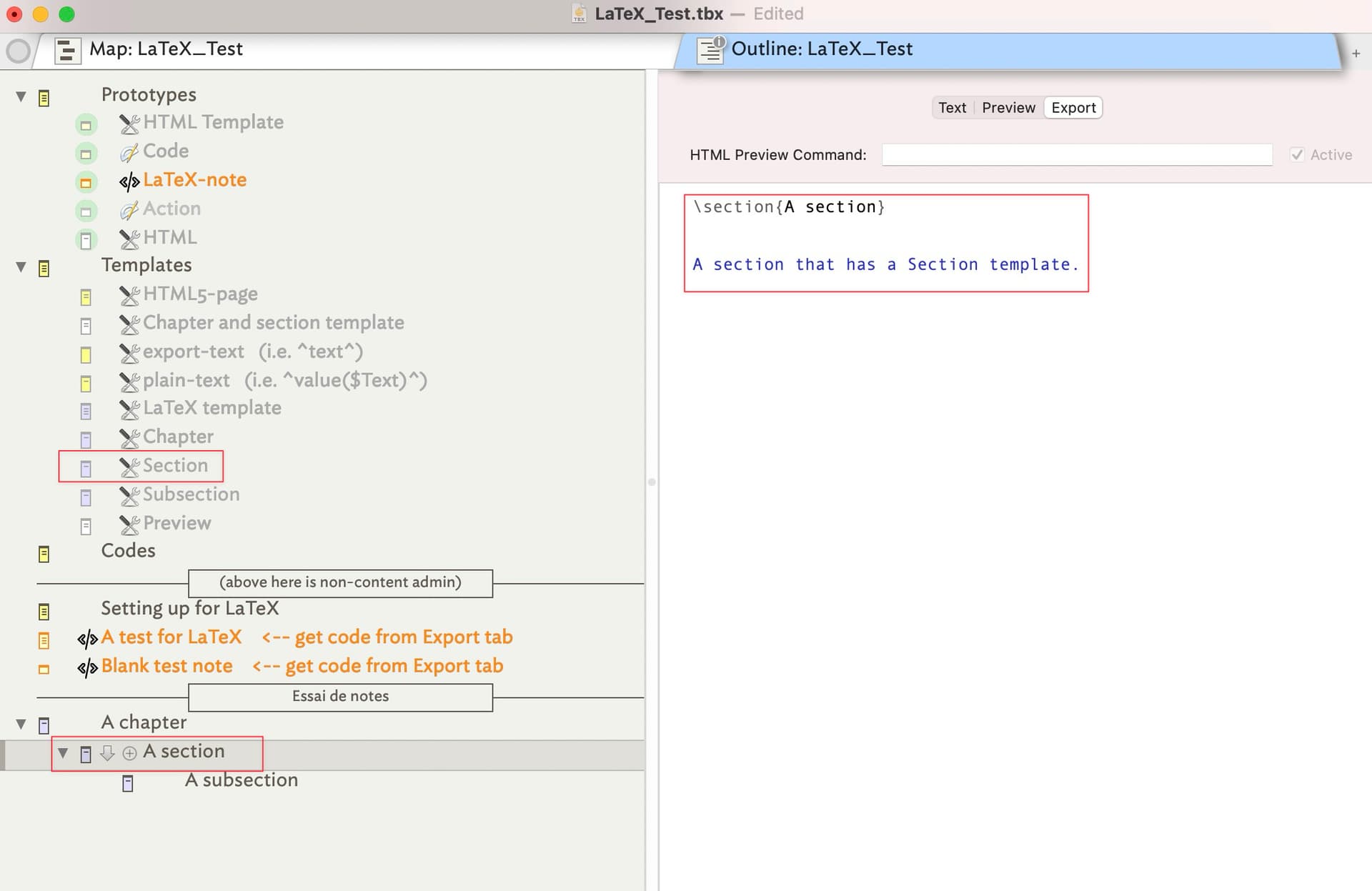
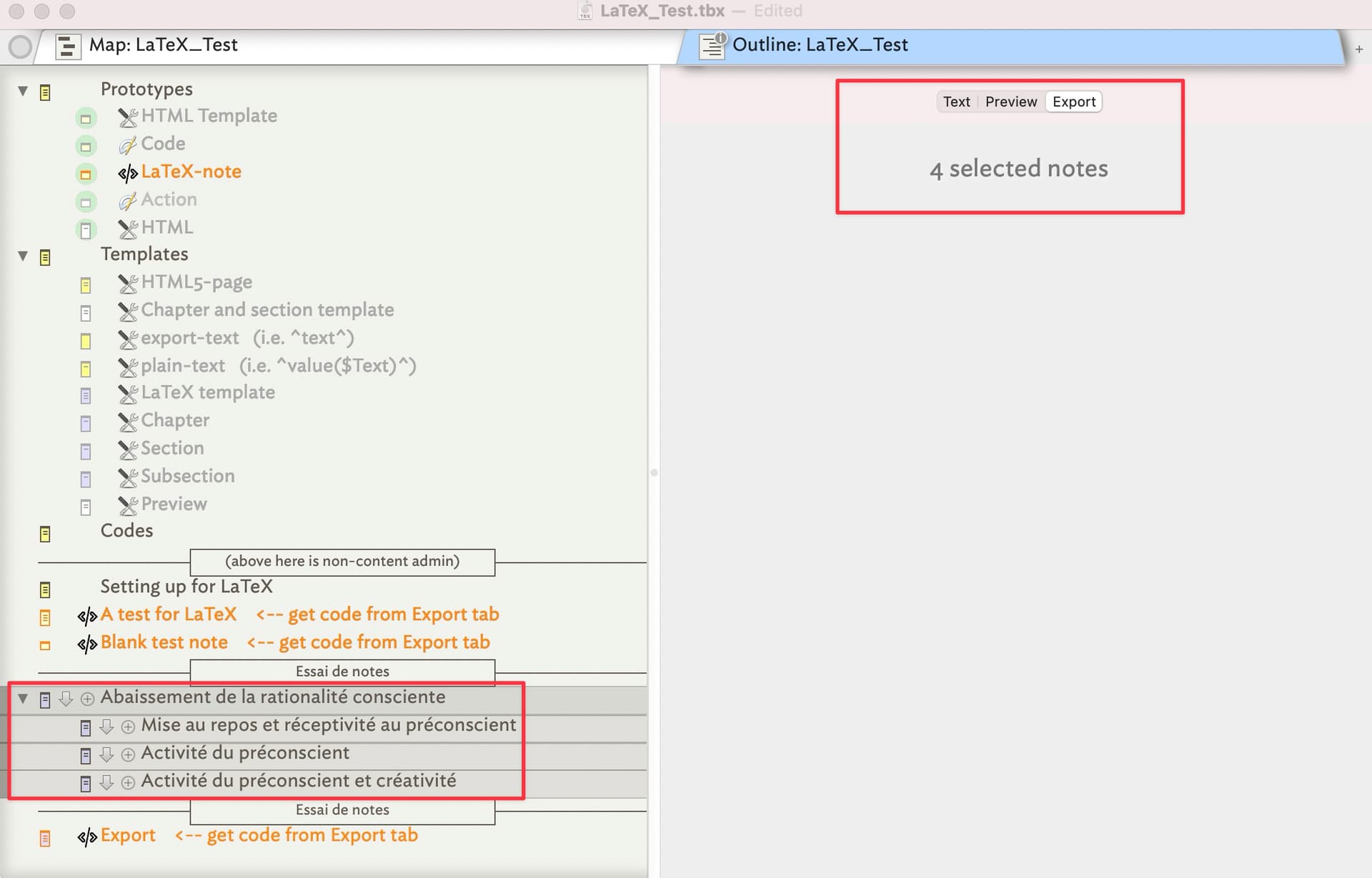
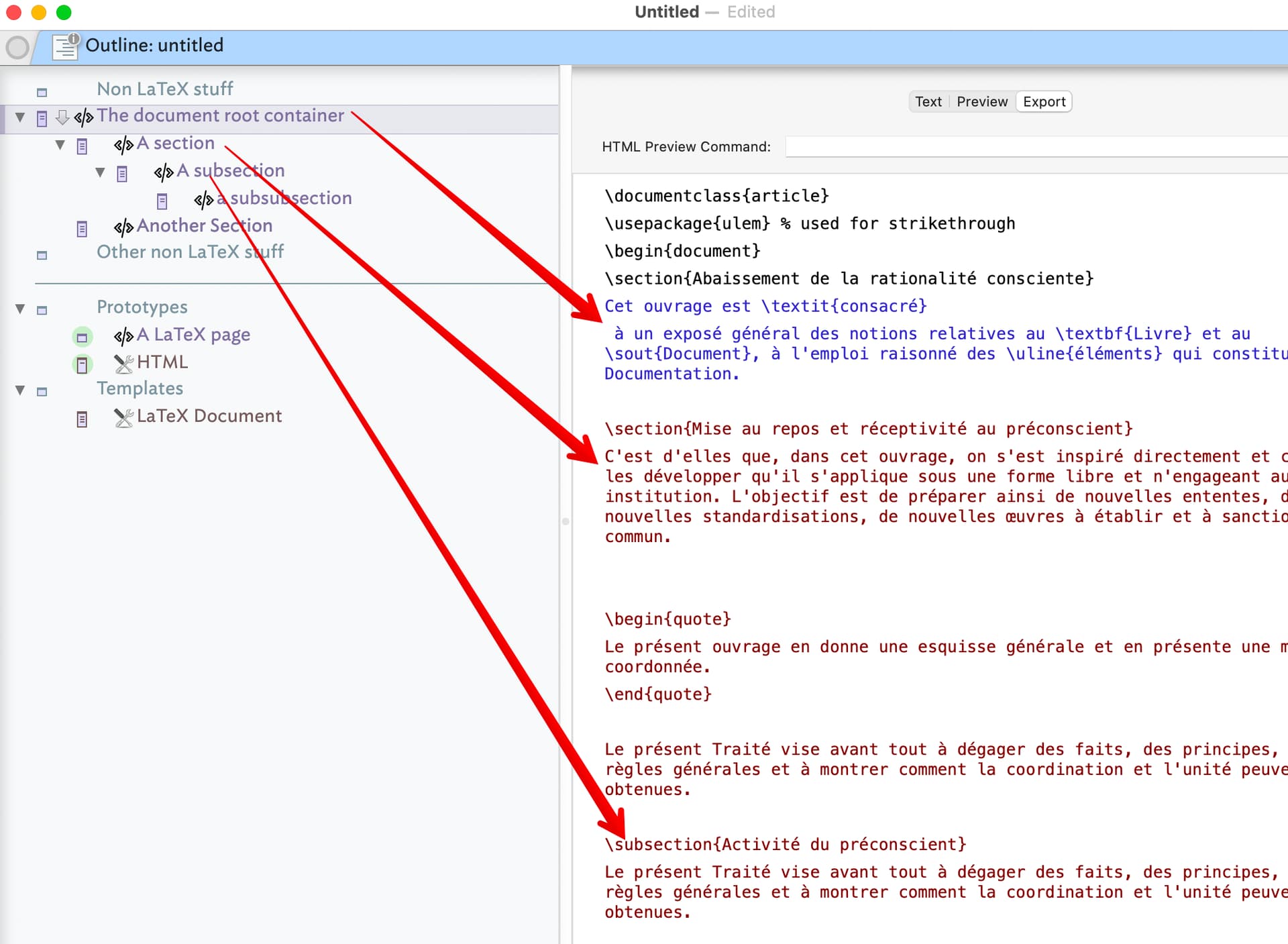
FWIW, a quasi-doc level preference can be achieved now, by adding a built-in (‘LaTeX’) prototype and two built-in templates (‘LaTeX document’ and ‘LaTeX’ text). That only requires adding the source data for those ‘notes’ into the app and adding a few menu items. Either the prototype or the template can set attributes like the export file extension and other non-HTML specific export features.
Having taken a deep dive into citation methods and formats it turns out there are not real unifying standards beyond the notion of a citation anchor and a style-text reference to which the former may have an N-to-1 links. Citation practice is mired in the Printocene era and digitally native text has to bend to practices born in a different era of text use. Those who say “there is no problem” turn out generally work in a closed/limited domain so simply never face formatting choices and thus assume standards where none exist.
What, in a post paper era, does ‘print to’ mean? If I export 10 notes in, for instance, as (La)TeX do I want 10 files that are complete TeX documents? Likely no. Indeed, better to copy paste per note TeX into the eventual TeX writing/production tool.
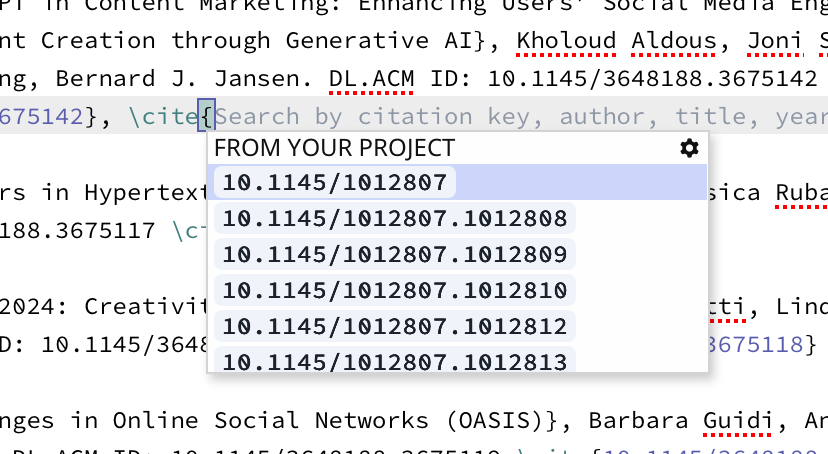
LaTeX is interesting too in a context of citation, as in-$Text citations need to be \cite{citekey} slugs not author-year or such, and the the reference list is needed ideally as a single BibTeX (TeX format) text. For number-based citation, as is common in the Sciences, the number of a given citation can only be assessed/inserted through multiple iterations of the source (find all cites, gather used references, sort into [publisher-style-assigned] order, then use reference sequence number to replace the in-$Text stub. That might be a bit much for Tinderbox to have to manage, but if LaTeX is the target output then a ‘scan’ then cite insertions need to be \cite{citekey} and not [Author Year, UI]. Of course that isn’t useful for non-LateX use.
Footnote-based citations, i.e. where all citations are made as foot-/chapter-/end-notes, are potentially problematic if the narrative uses multiple Tinderbox notes as where to the footnotes go? I each note, in a separate note and if so are thy sorted or simply appended. The latter matters as few people tend to care about the fit/finish of reference info as long as the editors or peer reviewers don’t complain. Of course as consumers of references were care rather more about clarity /correctness. The general vibe is everyone hoping ‘someone else’ is doing the heavy lift but that id rarely the case.
So my 2¢ suggestion here is the prototype+template based approach stated at opening can work for $Text to TeX but LaTeX citation support within Tinderbox might get more complex. I think that aligns with your note:
Thus, each exporting note generating a ‘bare’ .tex TeX file, and the assumption being that all citation work would be done outside Tinderbox
I truly have been reading up on all this. There are c.15 books on citation and copy-editing at my elbow and a plethora of web resources and TeX editiors … none with a clear answer. 
I’m not sure if this has helped any!