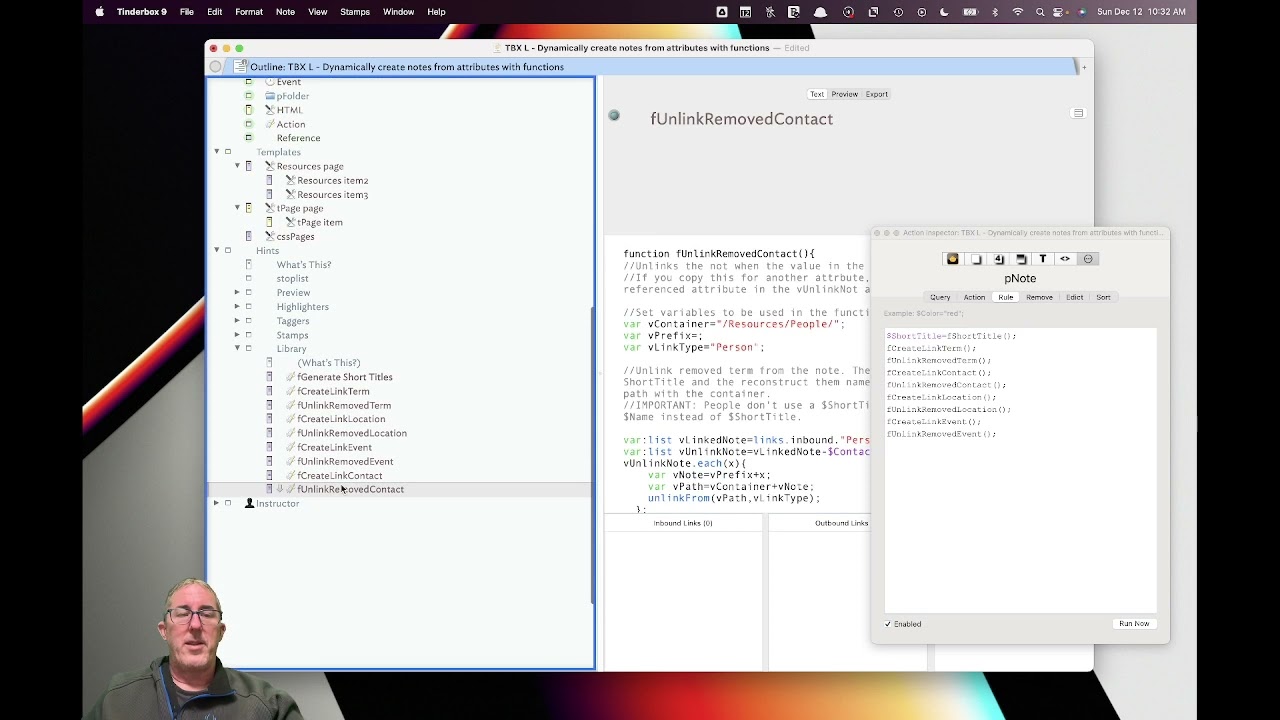
I’m trying to organise a free online course covering 50 topics (open access). I plan to invite colleagues to contribute educational material, with each person teaching one or more topics.
I’m structuring my notes using two attributes:
Topic
Lecturer
I also have two containers:
Topics
Lecturers
Each topic will have its own note in the Topics container. For example, I might create a topic note called “Hydrocephalus”.
When I assign a lecturer (e.g., “John Doe”) to the lecturer attribute of the Hydrocephalus note, I want the system to automatically:
Create a new note in the Lecturers container named “John Doe”
Link that lecturer note to the Hydrocephalus topic note
If I then add another lecturer (e.g., “Joe Bloggs”) to the same topic, I want a new “Joe Bloggs” note to be created in the Lecturers container and linked to Hydrocephalus as well.
If I later remove “John Doe” from the lecturer attribute of Hydrocephalus, I want the system to:
Remove the link between “John Doe” and Hydrocephalus
Delete the “John Doe” note from the Lecturers container only if he is not linked to any other topic
If he is still teaching another topic (e.g., Disc Prolapse), then only the link to Hydrocephalus should be removed, and his lecturer note should remain.
I vaguely recall seeing a video by Dr Michael Becker describing a similar setup. If this isn’t my imagination and you’re aware of it, I’d appreciate a link or reference.
Thank you.
(I create a project management file with Omni Plan. However, it does not allow drilling down the data)
All this can certainly be done! Indeed, I think of this as “Michael Becker style”.
But it’s possible you don’t need this. An attribute browser tab scanning for the $Lecturers in the container /Topics would have an entry for Dr. Doe if he or she is giving any lectures, and list all the lectures Dr. Doe is scheduled to deliver.
@eastgate Thank you! It does achieve what I wanted. While ‘Michael becker style’ @satikusala is elegant, the use of attribute browser can be done by anyone.