I’ve written a script that exports all selected DEVONthink records as individual notes to Tinderbox:
I’ve already mentioned this script in the DEVONthink forums but I’d also like to announce it here.
The script was originally written to transfer individual PDF annotation notes (like the ones in the below screenshot) from DEVONthink to Tinderbox. These annotation notes were created by my DEVONthink Notes from PDF Annotations script. However, the script should work with any kind of DEVONthink record.
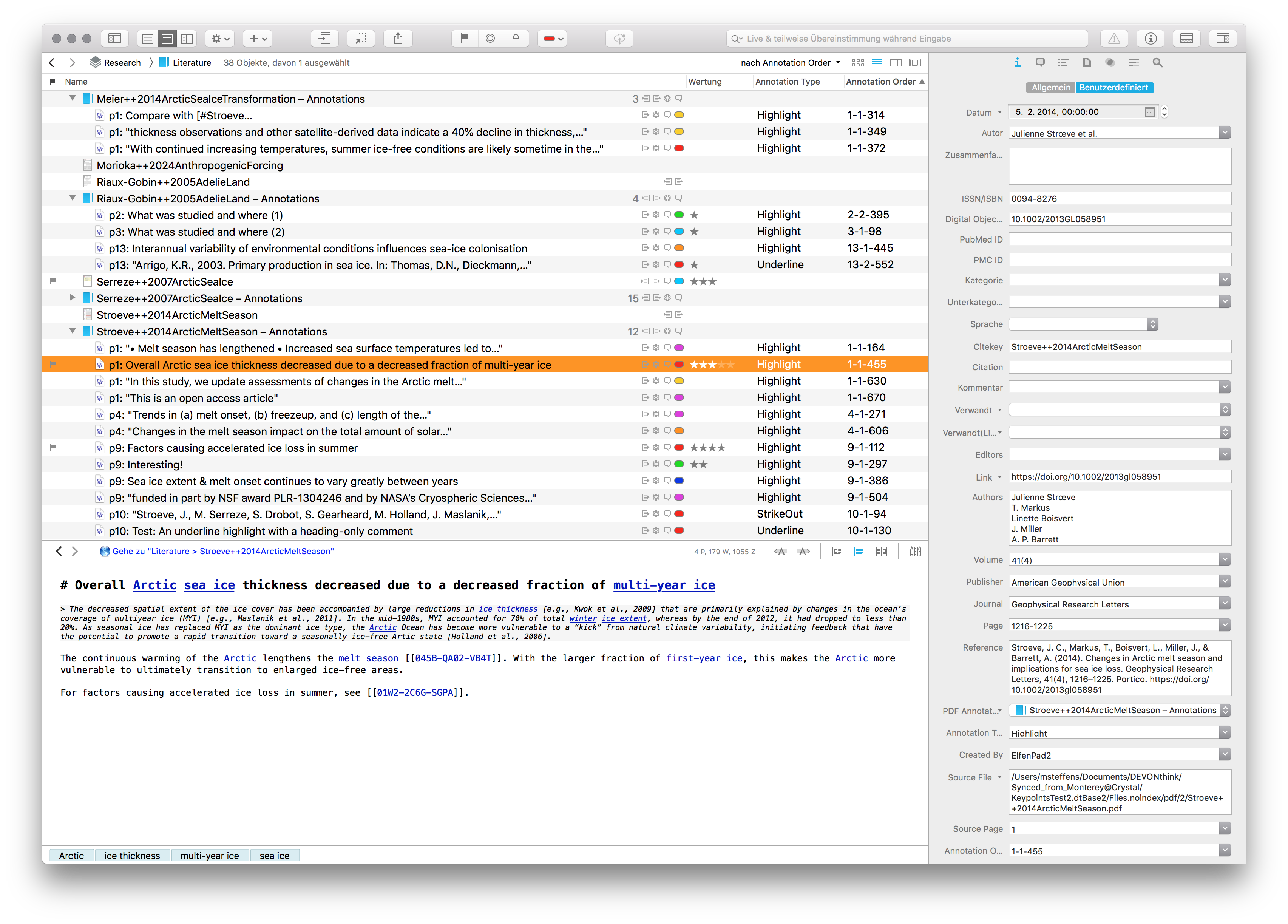
In DEVONthink, one can simply select all note records (or groups of records) to be exported and run the script, e.g. via the DEVONthink Scripts menu. This will create corresponding notes in your front Tinderbox document:
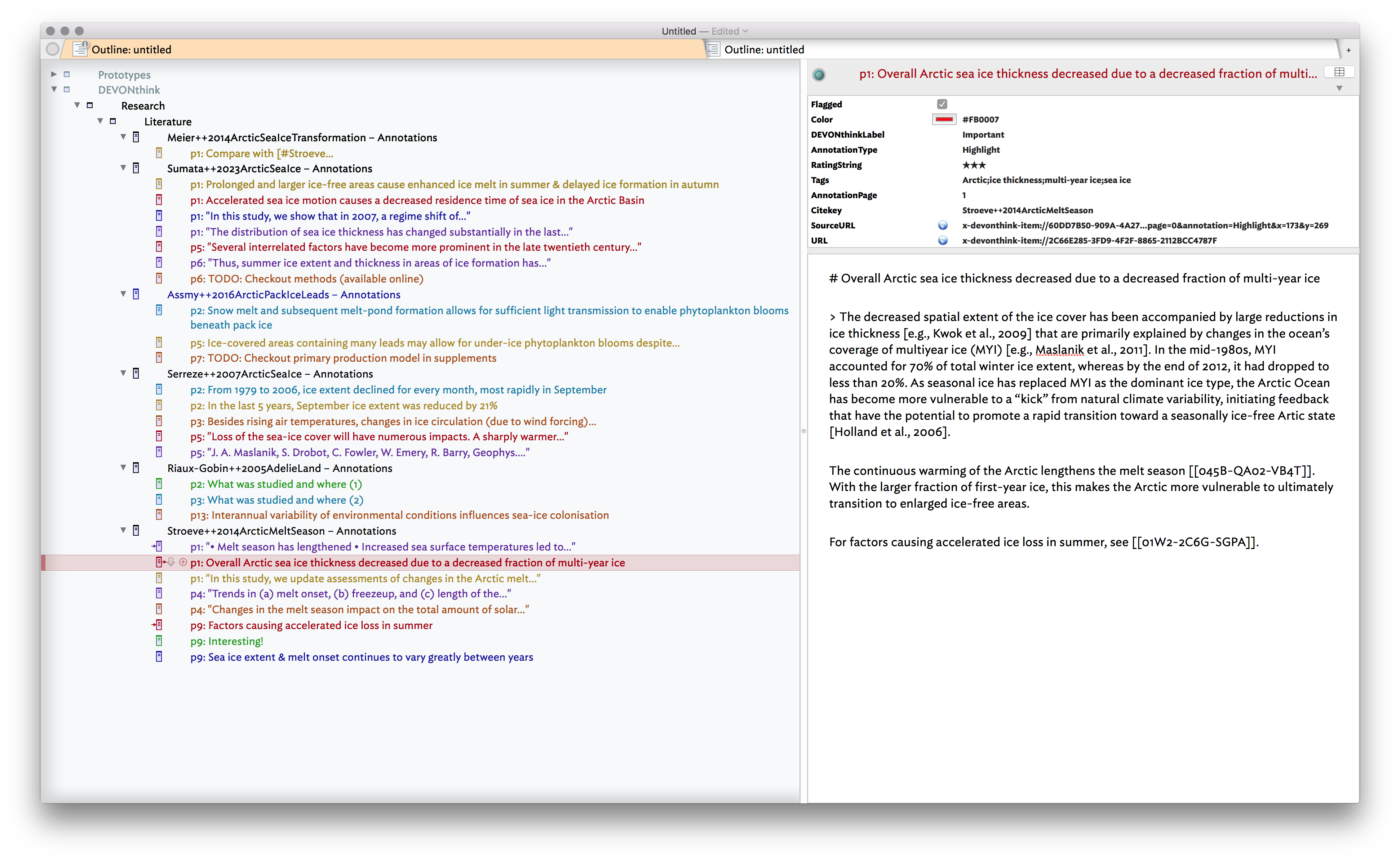
For each created note, the script transfers a rich set of metadata, like the record’s tags, flag, rating, color & label as well as annotation info. For research documents & their annotation notes, the bibliographic metadata & formatted citation (e.g. fetched by my other script mentioned above) will also be transferred to appropriate Tinderbox attributes:

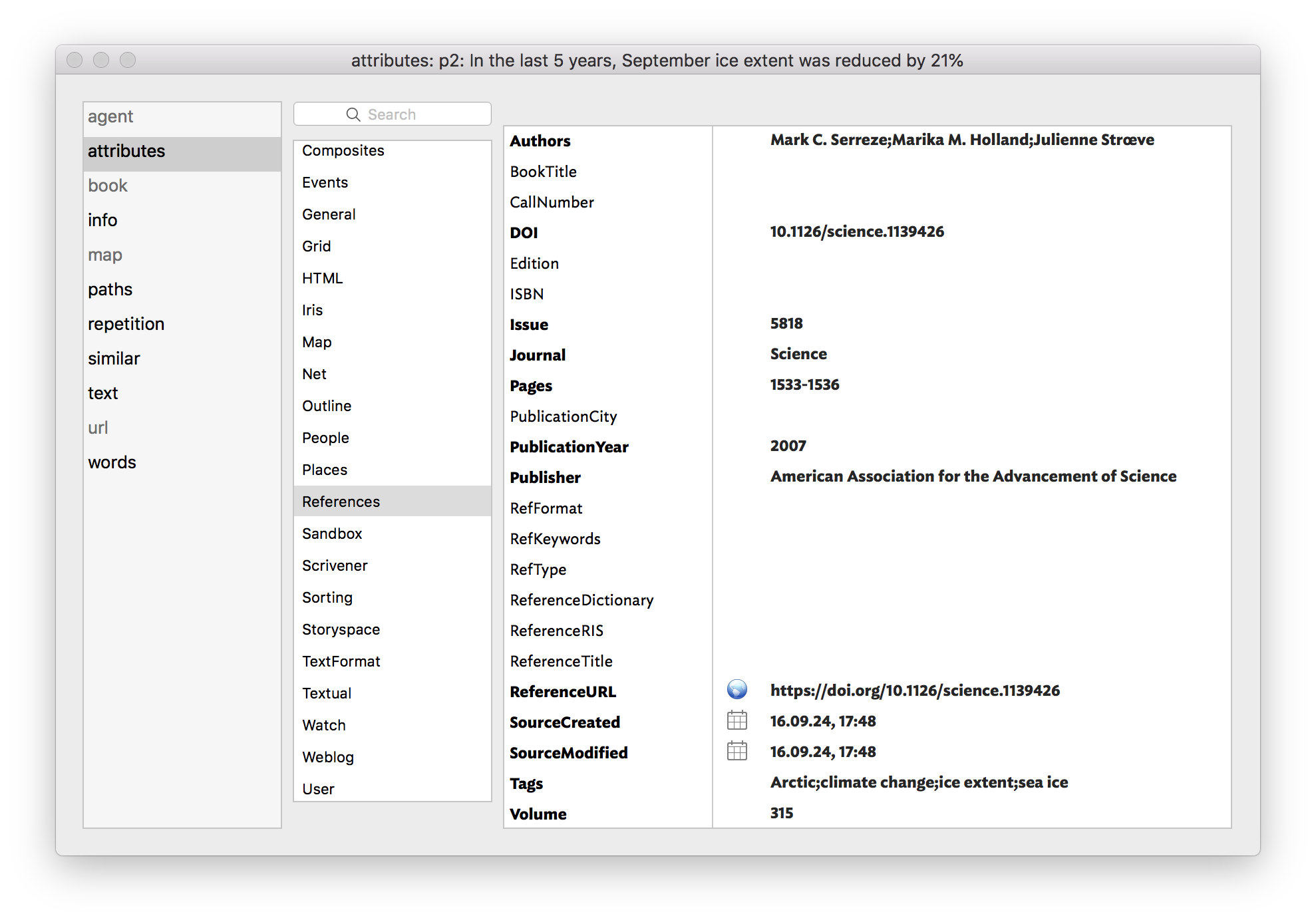
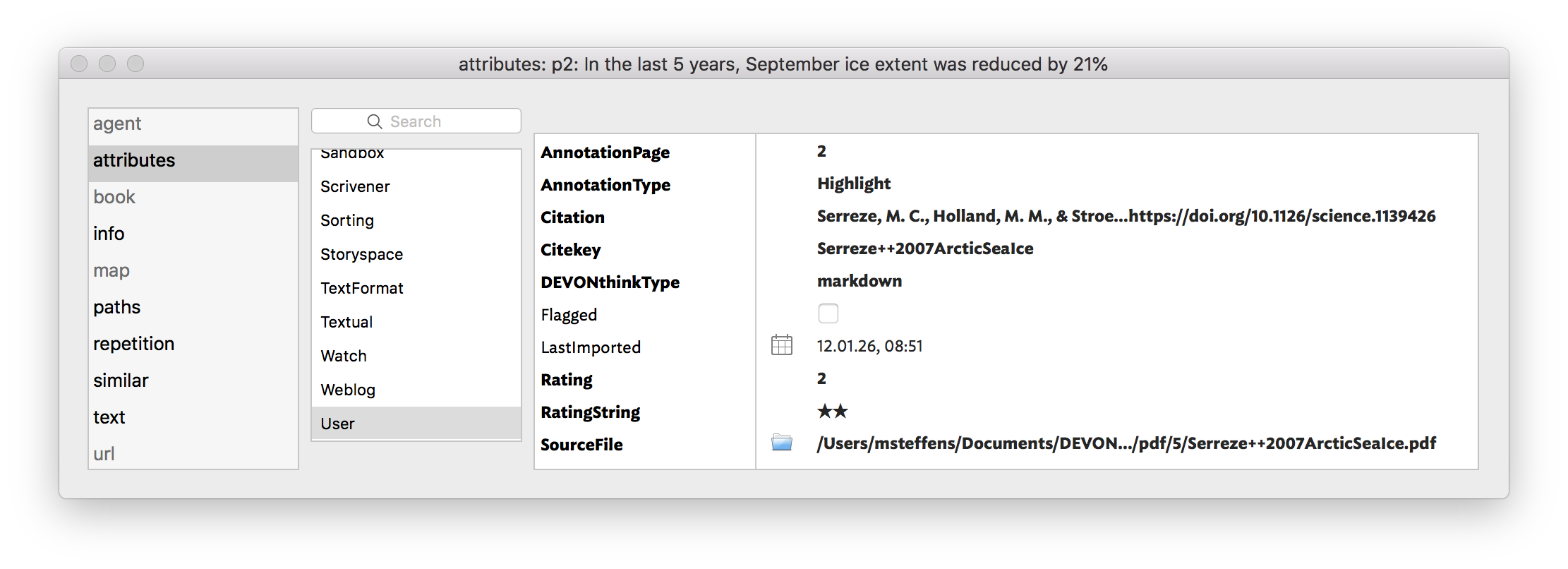
In addition, the script will add deep links to point back to the corresponding record in DEVONthink (and, for annotation notes, to the accompanying PDF annotation & file). Also, DEVONthink Wiki links will get converted to Tinderbox links.
The many exported attributes are helpful, for example, when using columns in a Tinderbox outline:

The script can be run multiple times for the same DEVONthink record(s) without creating duplicate notes in Tinderbox. This can be useful if you want to update, say, the note text, flag, rating or label color for existing notes.
There have been several other approaches to transfer note records (esp. PDF annotation notes) from DEVONthink to Tinderbox (see e.g. here, here, here or here). The above script makes this a one-step process, and allows to transfer many attributes, including the annotation’s highlight type, color, label, PDF page location, deep link and comments.